At some point it will become necessary to remove a video that you have uploaded to YouTube. Maybe you uploaded the same video twice, maybe you were asked to remove it, or maybe it turned out to be more embarrassing than you can take.
Please remember that deletions are permanent and that the deletion process can not be reversed or undone. You will only be able to remove videos that you have uploaded into your account. After you delete the video, it will become unavailable for viewing immediately. You may continue to see it in thumbnails, search results, and other lists as the removal from these areas takes longer.
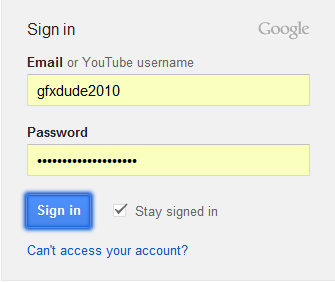
1Go to YouTube and login to your account.
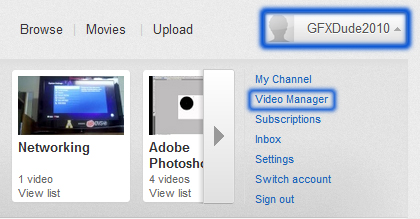
2Click your Username at the top to reveal the User Menu. Click Video Manager.
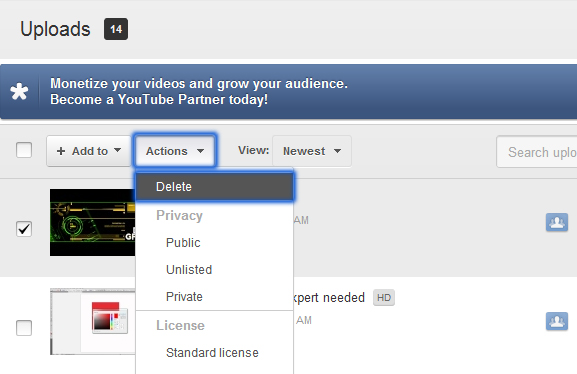
3Check the box beside the video that you want to delete from your Youtube account.

4At the top of your videos, click the Actions drop-down menu, and select Delete.
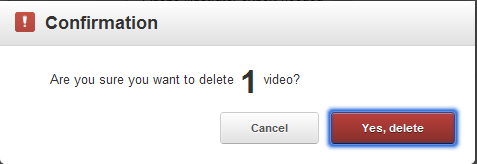
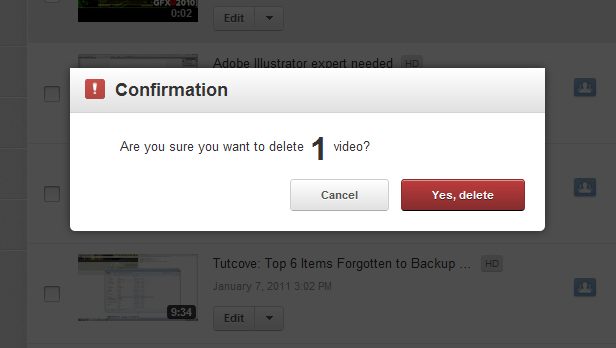
5When presented with the delete video Confirmation, click Yes, delete.