

If Windows Media Player (WMP) no longer plays your music or video files, you have lost the correct file associations. The directions in this tech-recipe should fix the issue in Windows 7 and Windows 8 installations.
Reddie asked us the following question:
“Recently I installed and tested out several applications for playing my music library. However, now my videos no longer open with Windows Media Player when I click on them. I am using WMP 12 on Windows 8.”
Programs frequently change the file associations which determine which application will open when a user clicks a file. Through the following steps, you can reset the process and force which audio and video file type you want opened though WMP.
These directions should work both in Windows 7 and Windows 8.
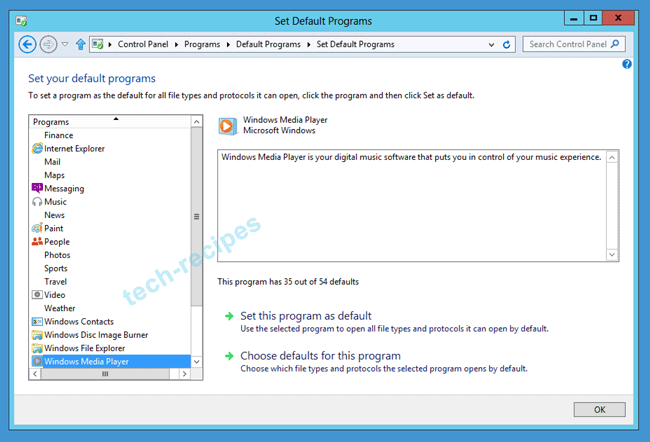
1.Open the Control Panel, navigate to Programs, and then click on Set Default Programs. If you have problems, refer to this tutorial on opening the classic control panel in Windows 8.
2.Select Windows Media Player
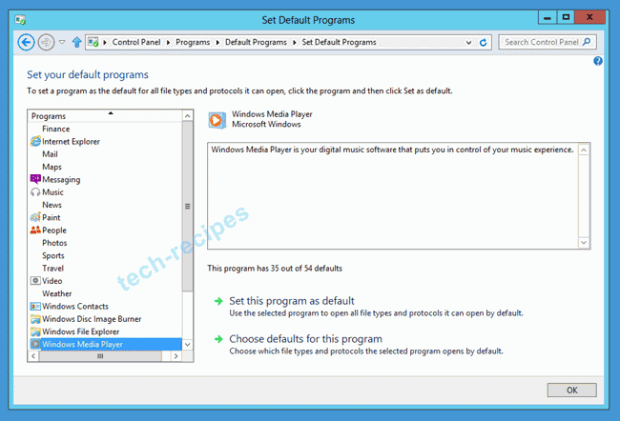
3.From here, you have two main choices. Set this program as default will reset WMP to open all the files that it can. Choose defaults for this program will allow you to specifically pick which file types to open with WMP.





