How To Disable the Splash Screen in Office Apps – Word, Powerpoint, Excel and OneNote

The splash screen can be helpful when showing you what add-ons are being loaded or displaying file locations. In other cases such as the Microsoft Office applications, the splash screen is just annoying. If you would rather not have to see the Word, Excel, PowerPoint or OneNote splash screen each time you run the application, follow this tech-recipe to remove it.
Create a File of Arbitrary Size with fsutil
The fsutil command line utility has a number of useful diagnostic and configuration tools for the Windows filesystem. Making a file of an arbitrary size, possibly very large, with this utility is very easy. Making a 1GB file with other methods (Wordpad, perhaps) can be tedious.
Run a Program as Another User with runas
Regardless of what operating system you use, logging in and performing normal (non-administrative) tasks with administrative privileges is a dangerous practice. Unwittingly executing a program concealing a Trojan horse as an administrator will provide administrative rights to that program, and the impact may be much greater.
Although increased security generally causes increased inconvenience, the runas command provides a convenient means of running a program with different credentials, typically as administrator, while working as a less privileged user.
Google Calendar: Change the Default Event Reminders and Alerts
One of the most powerful features of Google Calendar is the event notification system. Using these steps you can change if reminders are sent through email, SMS, or a pop-up message. You can also disable reminders if you wish.
Photoshop: Blend a Texture Perfectly into a Shape or Text

In this Photoshop tutorial, we will learn how to blend an existing image into an object or text element. This is an essential skill for anyone learning Photoshop.
Windows 8: Change the Custom Library Icon
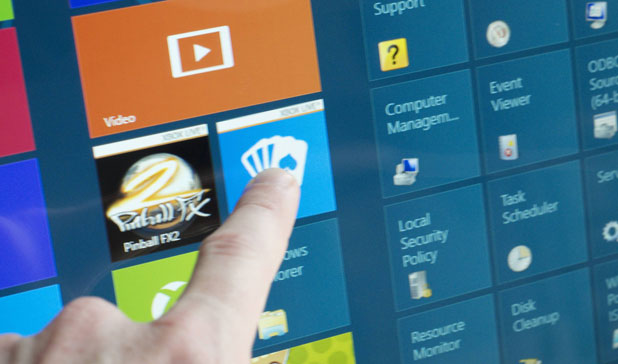
When you manage many libraries in Windows, it is a good idea to customize the icon for each to avoid confusion. In previous version of Windows, it was not possible to adjust the icon of the Library. However, Windows 8 users are allowed to change the icon easily without using the use of any additional software.
Android ICS Browser: Load Plug-ins on Demand

Loading a webpage with too many plug-ins on a smartphone can make the phone unresponsive. If you notice frequent lags on your phone while browsing a webpage, you should configure the browser to load the plug-ins only as manually directed. This tutorial will show you how to make this possible in the Android ICS browser.
Illustrator: Change the Artboard Orientation

When working with documents in Illustrator, the orientation of the artboard may need to be adjusted to fit the objects more precisely.
Google Calendar: Change the Default View
If you’re constantly selecting a different view of your calendar instead of using the default, then you should change the default view to one that better suits your needs. That way, you’ll always see what you want each time you view your calendar.
Microsoft Windows AntiSpyware: Critical Error 101
As the use of Microsoft’s new Beta antispyware increases, many users are reporting this error. Here are some hints for working around it.
Windows 8: Increase Notification Display Time