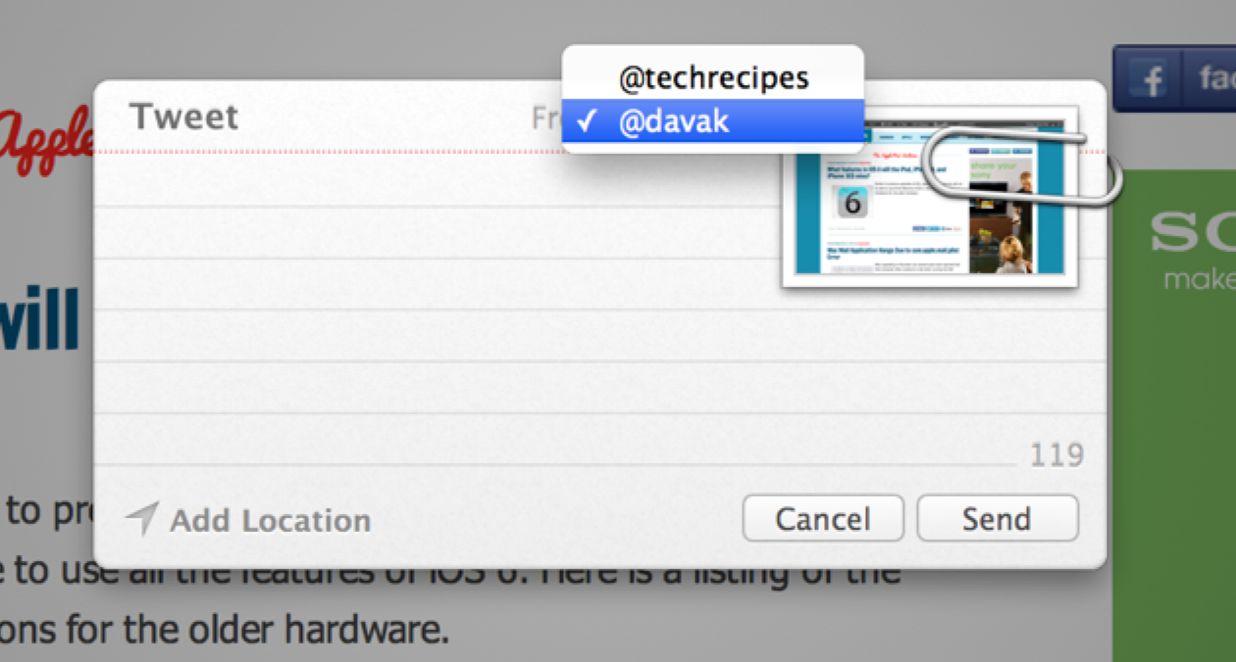
With the latest versions of OS X, Twitter and Facebook have been heavily incorporated into the operating system of Apple Computers. When you try to use one of these new features, your mac should prompt you to configure the integration correctly. However, few people know that you can actually add additional accounts as well.
With the recent release of the Windows Essentials suite, Windows Movie Maker now has the ability to use a video file as an audio source without converting any files. This tutorial will show you how to use this feature with ease.
When recording videos on hand-held devices such as smartphones, you will probably notice that the videos can be shaky or bumpy. Now, you can smooth-out rough footage that you have recorded. This tutorial will show you how to achieve this task for free, using the Windows Movie Maker which comes with the Windows Essentials suite.
A simple command will provide detailed information about the specific memory configuration of a Sun server, information such as the sizes and locations of memory banks. This can prevent cracking open the case and the associated downtime.
The prtconf command is a valuable tool for determining the devices attached to a Solaris system. The total system memory is prominently displayed and the devices and peripherals attached to the system are displayed in a tree format.
With the integration of Microsoft accounts into Windows 8, you can access your data on any Windows 8 device simply by logging in to your Microsoft account. This also means that content you have purchased from the Windows 8 Store can be installed on other Windows 8 machines.
Although Outlook.com offers an easy and simple way to access and manage emails, many of us still prefer managing the mails through a desktop email client. If this is the case for you, you will probably notice that every time you delete an email, the mail will only be sent to a POP folder. This tutorial will help you sort out the problem and let you truly delete the emails that you want from your favorite email client.
The account that you use to log in to your Windows 8 system will be used as the default account in Microsoft Office 2013 products. However, when you work on multiple projects, you may be required to log in to different accounts to access and save documents. This tutorial will show you how to add and switch between accounts in the Office 2013 suite.
With the recently released Windows Essentials suite, you can use the popular Windows Photo Gallery software to create a photo collage from existing photos in your library.
The landscape photographer is eternally looking for new locations to capture. When traveling through new areas, finding interesting areas and scenes can be challenging. Here is my favorite traditional and technical methods for finding new photography targets.
In Windows 8, when you delete an item, it will be moved to the Recycle Bin right away without any confirmation. This can be very annoying when you accidently delete the wrong files. Fortunately, restoring the delete confirmation dialog box is not difficult.
Around the middle of July, Facebook changed their Secure Browsing feature. For some users these changes prevent images from loading. Other Facebook regulars have noted that many games and applications have stopped working correctly. The first step in debugging this issue is to disable the secure browsing feature.
1...318319320...525Page 319 of 525 error: Content is protected !!