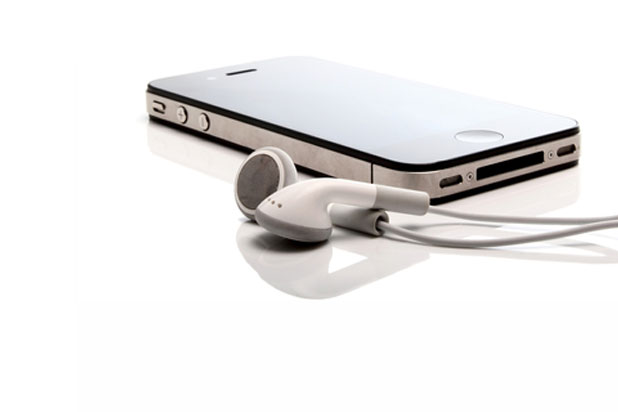
Apple’s default download option for TV Shows and Movies is set to high definition on iTunes. However, the standard definition versions are typically cheaper. By following these steps you can switch between SD and HD video versions.
With Microsoft Word 2013, not only can users view PDF files and edit them, but they can also encrypt them with a password for privacy reasons. However, the encrypting option is hidden in an inconvenient place. This tutorial will show you how to access and use this feature to set passwords on your PDF files.
In Windows 8, whenever a user wants to access the All Apps page, he is forced to go the Start screen, right-click on an empty space, and choose All Apps from the option. This is a very time-consuming process. This tutorial will help you create a shortcut that you can use on your desktop to launch the All Apps page directly.
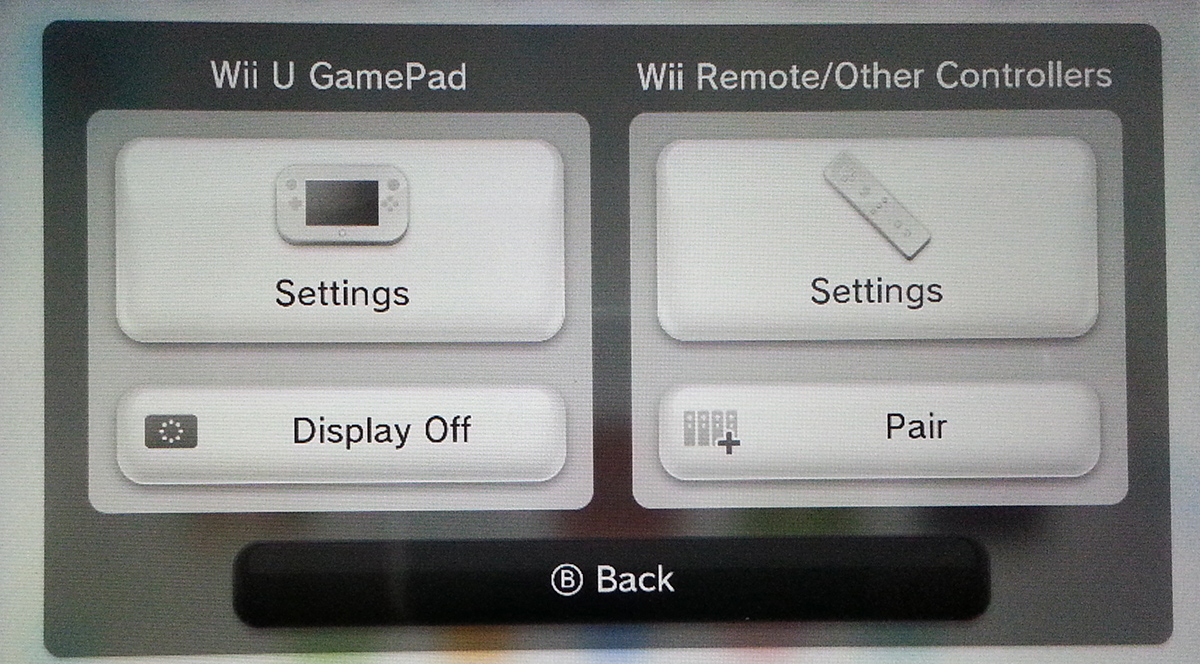
Pairing the remotes with the Wii has been greatly simplified. This same sync process can be used for the Wii Remote and Wii GamePad Pro. The Wii U also allows you to use your previous Wii Remotes with the system.
When using computers, many users often customize the system logon and logoff sounds. With operating systems like Windows 7 or XP, this task can be achieved easily through the Control Panel. However, this is not the case with Windows 8 where changing these sounds is disabled. By hacking the registry, we can re-enable this ability.
I found an ancient 2500 series router today and had to go through a password recovery. The rommon version was earlier than any I had seen before. The help functionality was very lean. Here is how to set the confreg for these older models.
When I ask someone to proofread a document for me, I want suggestions without actual changes. These are the perfect settings for blocking modifications to a Word document while still allowing comments for feedback.
With iOS 6 you can quickly reply to incoming calls with a text message without answering the call or completely unlocking your iPhone.
Apple gives you an option to hide your identity on your iPhone.
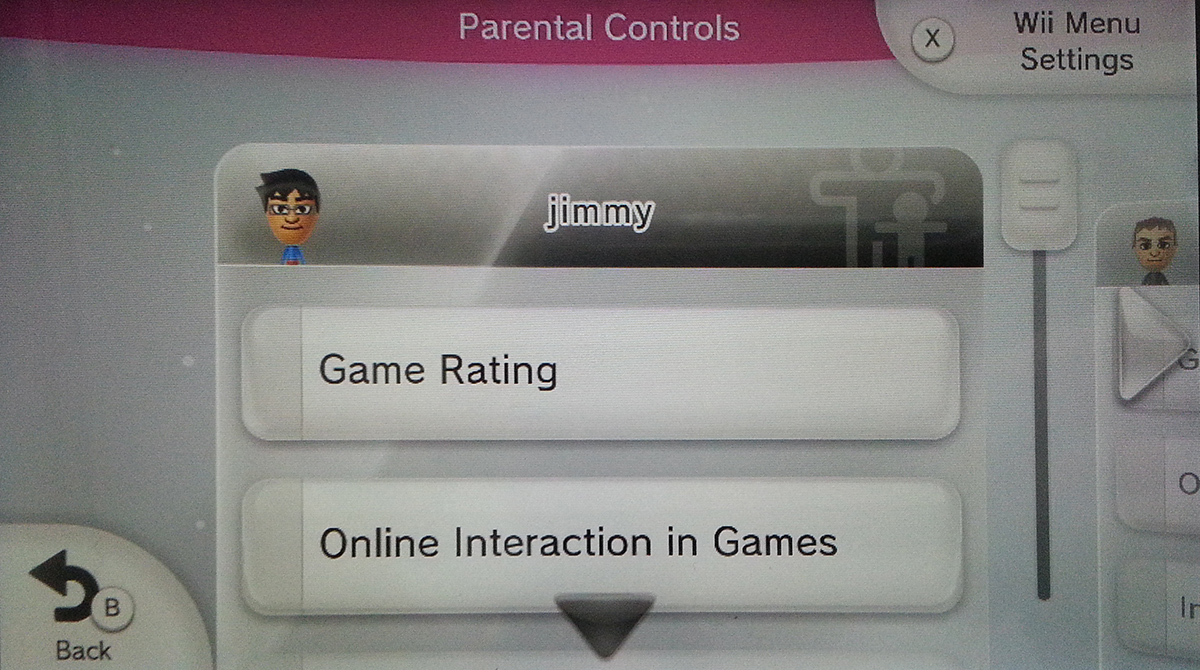
Every parent should know how to configure the Parental Controls on the Wii to block certain features from your children. This includes preventing eShop purchases, disabling the browser, or limiting which games can be played.
Through the following steps you can create a stereoscopic 3D image in Photoshop. These images will have a 3D effect when viewed through red/cyan glasses.
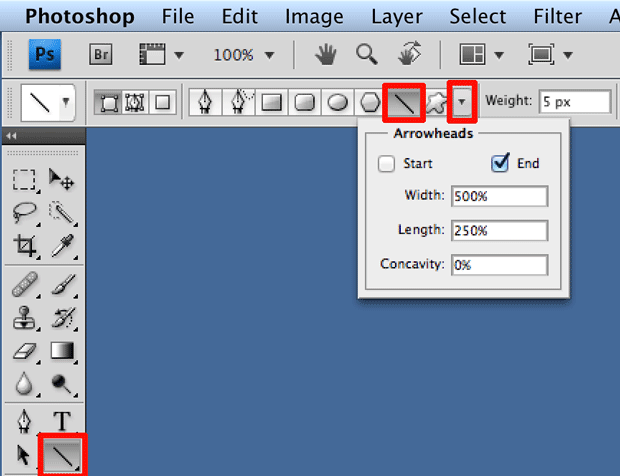
Here at tech-recipes we frequently use arrows to point out important parts of our tutorial pictures. Building these arrows within PS is simple once you can find the correct settings.
1...311312313...528Page 312 of 528
error: Content is protected !!