Excel: Create a Drop Down List
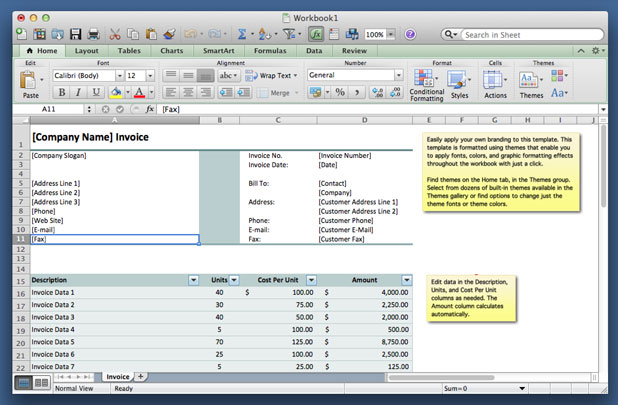
Creating a drop down list in Excel is useful if you want to keep the amount of possible entry choices limited. This is also a good way to organize data and present it in list form.
Upgrade Your iCloud Storage Plan
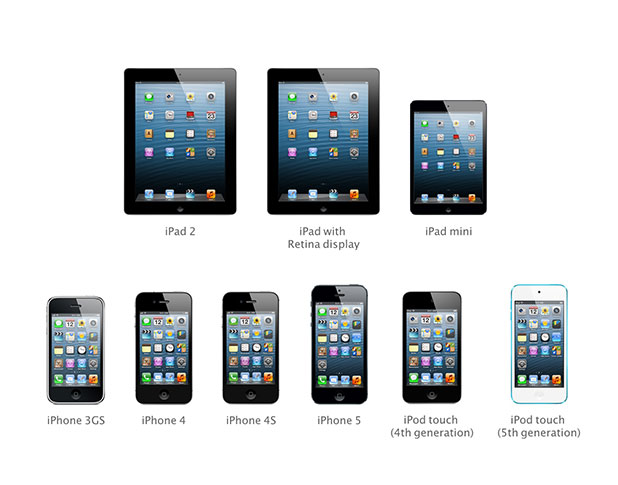
Apple provides the first 5GB of iCloud storage for free. That may be enough if you are using your Apple ID on only one device. If you have more devices linked or if you just have a lot of data, you will need to consider increasing your amount of iCloud storage.
How to Create a Gallery with WordPress 3.5 Media Manager

Since version 3.5, WordPress features an exciting new Media Manager. This tutorial will walk through the steps required to build a gallery considering the latest changes.
Windows 8: Adding Another Email Address to the Mail App
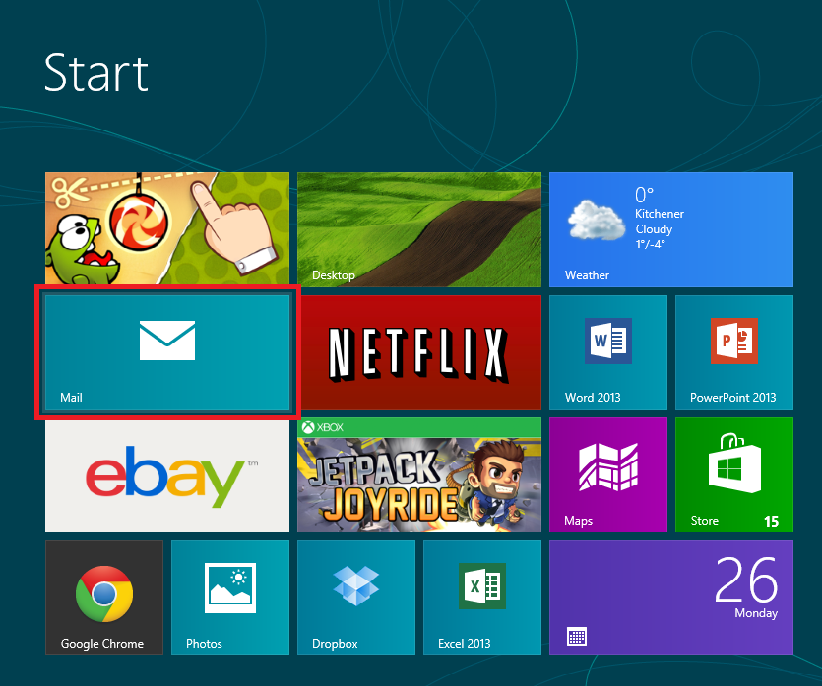
Your Windows Live email address is automatically added to the Mail app as you set up your system. Some Windows users may not want to limit their email options to Windows Live and may want to add a different email address to the app.
iBooks: Switching between Page Flipping and Scrolling Animations on Your iDevice
The default view on the iBooks animation is known as Book and is intended to simulate turning through the pages of an actual book. However, some people have problems with it freezing and making the iBooks app frustrating. By following these instructions, you can change the animation to scrolling instead. This loads the entire book and makes the transition smoother.
Windows 8: Change Which Notifications Are Displayed
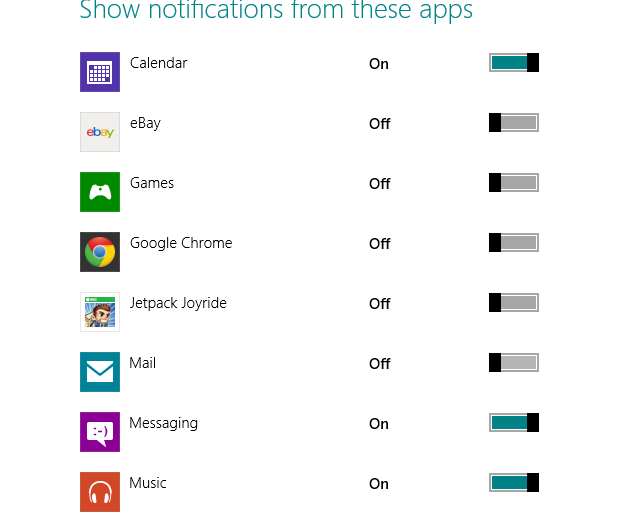
Your Start screen can get cluttered with all sorts of notifications from various apps. Some are more useful than others. In this tutorial, I will show you how you can hide those notifications that are less important to you so that the more essential ones stand out.
YouTube: Self Feature a Video or a Channel across All Videos

If you have a YouTube channel and you want your channel to reach as many viewers as possible, promoting it is an important task. While you may not be able to pay for ads, you can feature a specific channel or video across all your videos. Like an advertisement, you can drive more views and possibly convert a regular viewer into a subscriber through this free service.
Windows 8: How to Rename Tile Groups
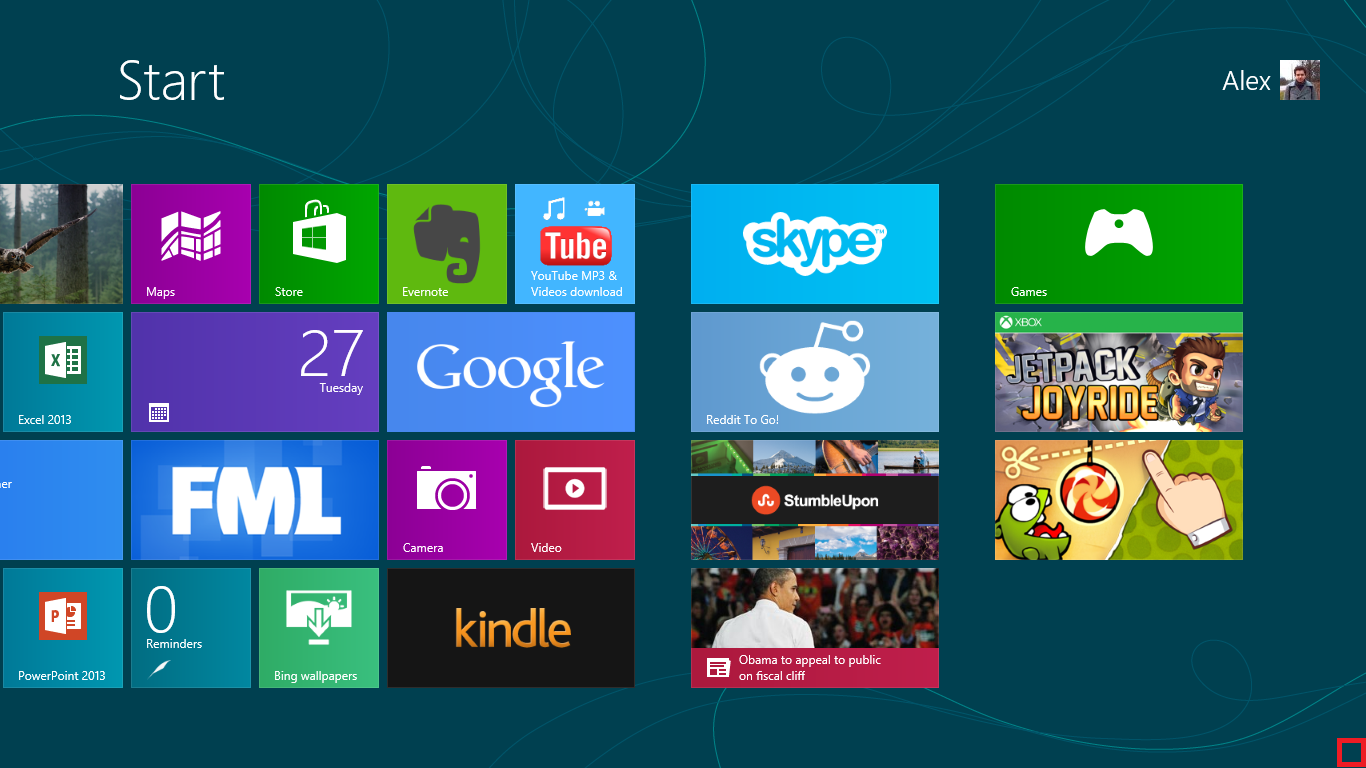
As you use Windows 8 more and more, you will notice that the number of applications on your Start screen is quickly growing. After rearranging your tiles into groups that best suit your needs, you will want to name these groups for easier navigation.
Gmail for Android: Swipe to Delete Emails

Besides the traditional method of deletion, Gmail for Android offers a quicker way to get rid of unwanted emails through a finger swipe command. However, it is not activated by default. This tutorial will guide you through all the necessary steps to enable it.
Windows 8: Customize the Number of Tile Rows on the Start Screen