Creating a virtual hard drive (VHD) is useful if you need an extra place to lock down your files.
By default, if your Android phone is connected to a Wi-Fi network, the Gmail app will automatically download attachments from recent emails so that you can later view them instantly. While this can be helpful, it may also affect other apps that require a fast connection. Fortunately, you can disable this feature.
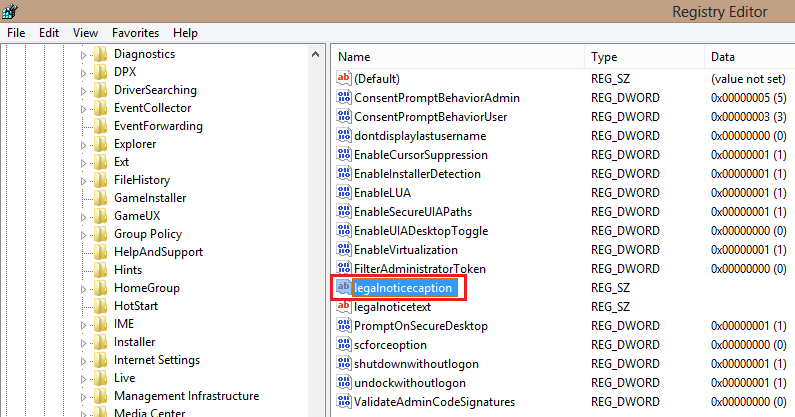
Users and administrators can insert a message on the startup screen of Windows 8 by simply editing the registry.
Notifications in Windows 8 are displayed at the top right of the screen and, by default, only last five seconds. This tutorial will show you how you can adjust the duration to a length of time that works best for you.
Many users configure their browsers to remember passwords for frequently visited sites. This helps to avoid entering login information repeatedly. While this can be convenient, the passwords are often stored as plain text in the browser. This means anyone can see your passwords with just a few clicks. To better protect your accounts, you should consider reviewing all of your saved passwords and deleting the important ones from the browser. The following tutorial will show you how to do this in Google Chrome.
The Newsstand app is annoying to some users. Although many people never use this application, Apple does not give you the option of hiding the app. By following these steps, you can hide this app even without jailbreaking your iPhone.
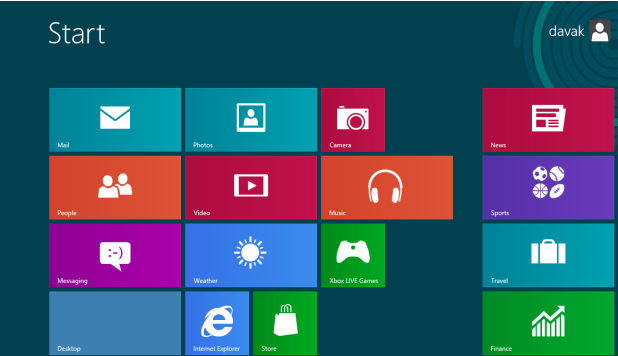
Every email account that is added to the Mail app in Windows 8 will be given the name of its email service. This can cause confusion when you add multiple accounts from one service. To effectively manage the accounts list, you should renaming the accounts more specifically.
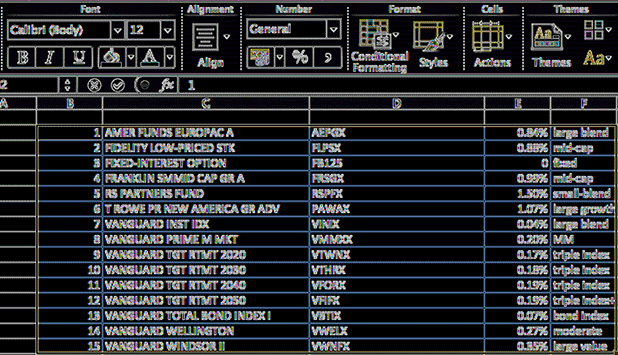
Did you create a spreadsheet and realize that you got the layout mixed up? Did you receive a table or a chart through your email, but you need to reformat it? Excel’s Transpose option will allow you to fix your charts easily.
Many users want to change the page background before using a Word document as a presentation or before printing on a color printer.
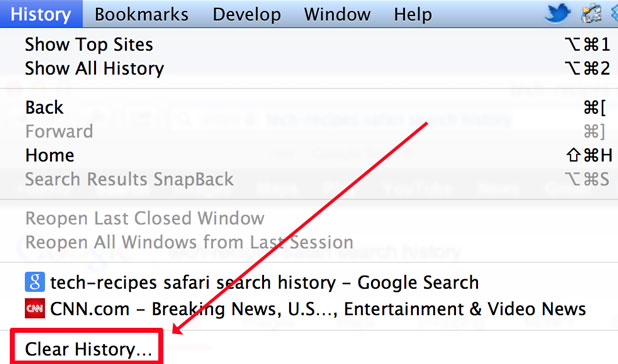
Clearing the Google search box (or address box) history in Safari to prevent people from seeing your prior searches. This tutorial has been updated to show how to erase your Google history in Safari versions 5 and 6. I have also clarified some other questions that people frequently ask regarding Google search histories.
The W3 Total Cache plugin is the gold standard caching plugin for WordPress. To do its job it is highly integrated into WordPress. Unfortunately, because of these issues, typical methods to disable and uninstall occasionally fail. When this occurs, the site often crashes hard. Often the only way to get the site up and running again is to manually uninstall the plugin.
Windows animations are beautiful but they are distracting and can significantly slow underpowered machines.
1...304305306...528Page 305 of 528
error: Content is protected !!