Modify the catalina.bat file so that the servlet engine can work with Java in Tomcat.
The following tech recipe explains reading in a file with objects instead of text.
The key differences between C# and C++ are explained in the following tech recipe.
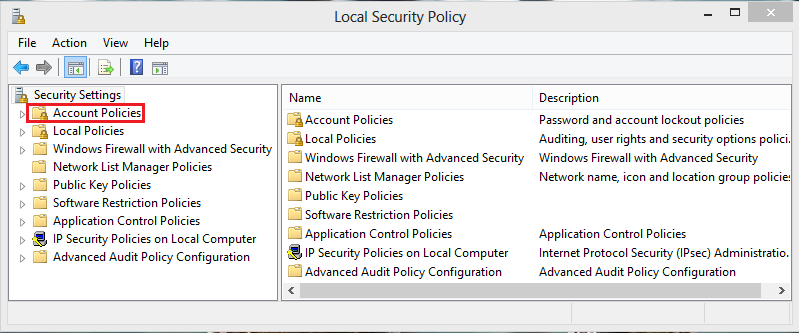
Requiring the changing passwords regularly is a good security measure. If you are an administrator of a system, you will want to have the users change their passwords after a certain amount of time. Using theses steps you can adjust the length of time before the user is required to pick a different password.
Everything does not always go smoothly in development. Tomcat consists of a fantastic set of tools for developing in JSP, but issues can arise getting it running. I have described a few of the issues I encountered when trying to get my Tomcat installation working.
Apache Tomcat is an open source web server and servlet container created by the Apache Software Foundation. It’s used to execute to Java servlets and also render web pages that include JSP (Java Server Page) code. This tech-recipes walks through the process of installing Tomcat manually on a Windows 7 OS.
If you need to perform repetitive tasks, you can save yourself a lot time by saving these actions. By recording and reusing these actions, you can reproduce previous results with one simple click.
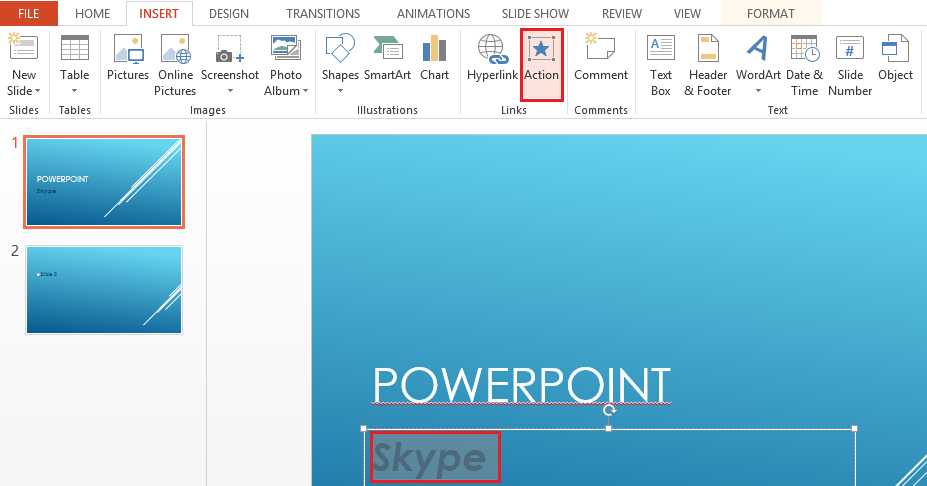
A simple mouse-hover can be used as an effective way to launch an external application from within a PowerPoint presentation.
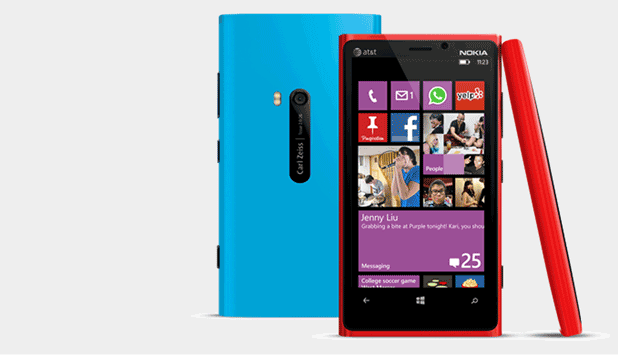
The default size of on-screen text elements of Windows Phone devices is usually acceptable. However, if you find them too small to read, follow the steps in this tutorial to increase the size.
Rough, beat-up appearing text is a frequently used style in design. Through these Photoshop steps, you will be able to create grunge appearing text without difficulty.
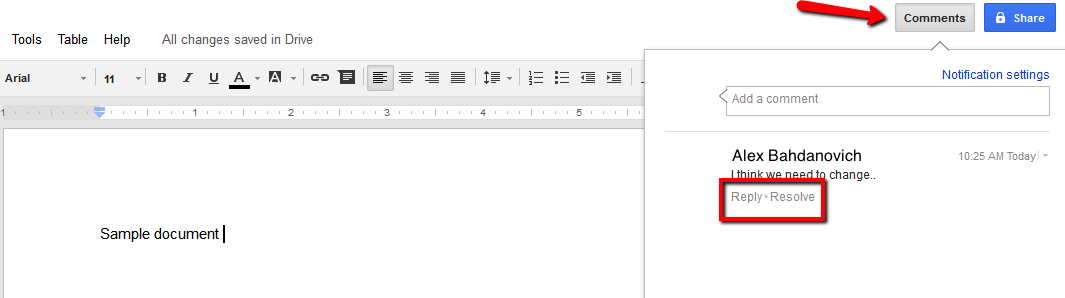
The ability to share files has become crucial to our daily activities. Google Docs service provides methods for sharing (and restricting) documents created within their service.
Hard drives are one of the most common computer components to develop errors. Microsoft Windows contains actions that will scan your drives for errors. Often these errors can fixed to prevent lost of data.
1...287288289...528Page 288 of 528
error: Content is protected !!