ODR is used to allow hub routers to accept prefix information distributed via Cisco Discovery Protocol (CDP) from spoke routers. This tutorial explains configuring ODR.
This tech-recipe provides instructions for SPAN and RSPAN configuration. SPAN mirrors a port within the same switch, while RSPAN mirrors a port in a remote switch.
To help prevent unauthorized routing updates, EIGRP can be configured to authenticate peers. The following tech-recipe explains how this is done.
This tech-recipe describes configuring OSPF authentication to prevent unauthorized routing updates.
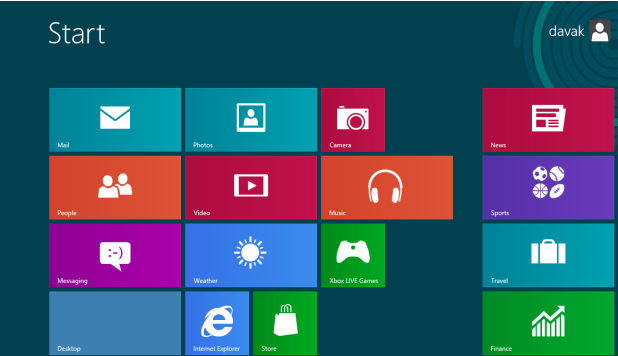
The Mail app in Windows 8 is the central place to access all of your email inboxes. While this can help you keep all email messages in one place, accessing an inbox directly may not be possible. Luckily, you can pin a shortcut to the inbox to the Start screen.
Whenever you paste a graphic file to your Word document, the picture will be placed inline with the text. Most users will find this is not the result that they want, so manually adjusting the image position is needed. Luckily, it is possible to change the default paste behavior so that the pasted image will be positioned as expected automatically.
Is your web browsing too slow on your sidekick? This tutorial contains a few tips you can use to increase the speed.
The following tech recipe explains MD5 authentication for RIPv2 routers.
If you are on an airplane and really want an LED Football fix, you need to disable the wireless part of a sidekick in order to be able to play. Read on to find out how this is done.
Are you having trouble with the wheel in Sidekick LED Football? This tech recipes tutorial describes an alternative.
To update a large number of route patterns, some database digging is required. This works with Cisco CallManager CCM 4.0(1) sr2a.
The following tech recipe describes a simpler method for least-cost routing configuration for Cisco CallManager.
1...254255256...528Page 255 of 528
error: Content is protected !!