If your computer contains important personal information, it is a good habit to change your account password often to prevent unauthorized access to the computer. The steps in this tutorial will show you how.
Much like animation, sound effects play an important role in creating a successful PowerPoint presentation. The steps in this tutorial will help you add add sound effects to your existing slides.
By default, Ubuntu displays the time in a 12-hour format, without any additional information. If you prefer the 24-hour format or want to include the date or month on the clock to make it more useful, the steps in this tutorial will help you.
By default on Samsung Android devices, the status bar only shows a battery icon that reflects the current battery status on your phone. While it is a good way to keep track of how much juice is left until your phone shuts down, the indicator is only updated when the battery percentage reaches a specific threshold, so it is hard for users to know exactly how much charge is remaining. Luckily, there is a way to show the battery percentage on the status bar without using any third-party applications.
If you leave Outlook running in the background while doing other tasks, it will display an email notification whenever a new email message arrives. While they are great for keeping track of important incoming messages, the notifications may distract you from your current work and reduce your productivity. Luckily, it is possible to disable these notifications.
If you do not like how colors are presented on your Lumia’s display, you can use the Lumia color profile to tweak it to suit your taste.
When using an Office program, a user may need to switch between many tabs to access their favorite commands. To be more productive and stop wasting time looking for the location of the commands, you can create your own custom tabs, and place all your desired commands there for quicker access.
If you frequently let your kids use your device to browse the web, make sure adult websites or other sites that are inappropriate for children are blocked. This tutorial will walk you through the steps to block websites on your devices running iOS 7.
If your Chrome browser has been acting up lately and you cannot figure out why, it may be a good idea to reset the browser to its default state.
If you sync contacts from multiple sources to your Android device, chances are your contacts list is filled with duplicate entries. Twitter and Facebook are two of the most common culprits. Joining and merging these contacts together will keep the list more organized and manageable. This tutorial will show you how to do it, without the need for third-party software.
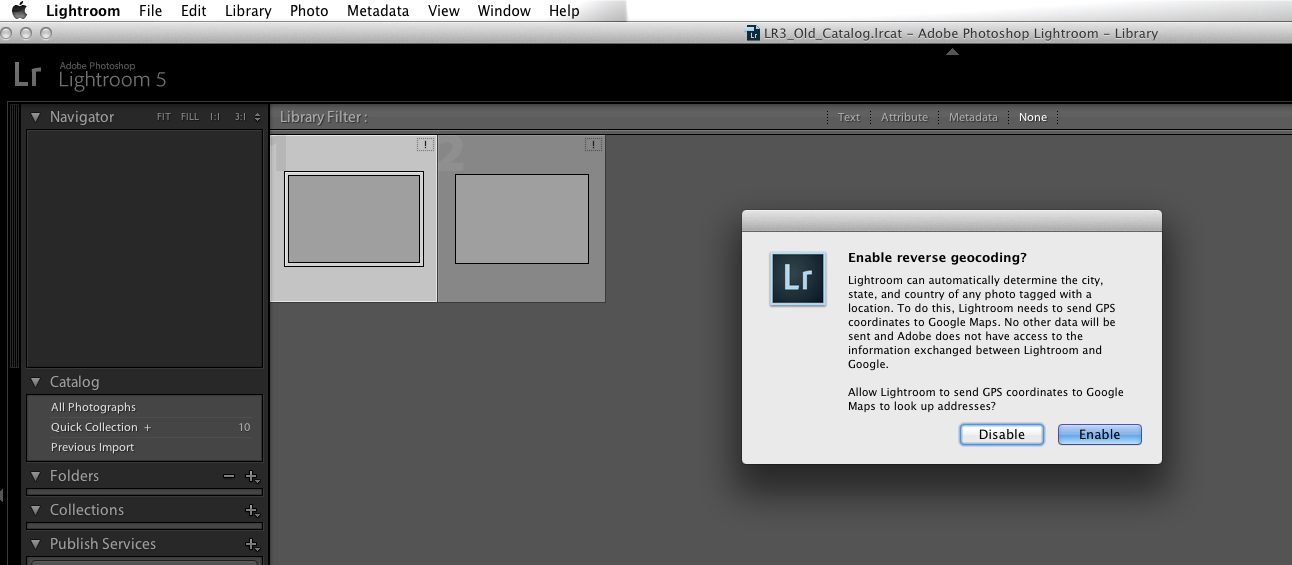
Many of us having been using Lightroom through multiple versions now. Merging version 2, 3, or 4 Lightroom catalogs into the latest version of Lightroom can be accomplished through the following steps. Instructions provided will work for both Windows and Mac systems.
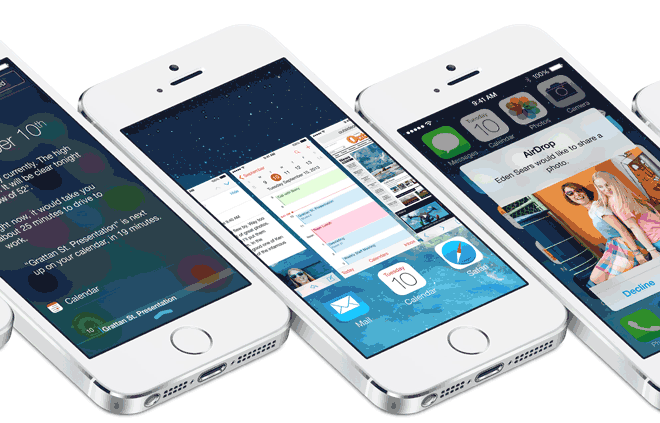
If you allow it, iOS 7 will consistently monitor your location and record the places that you most frequently visit. Frequent locations, for example, can show up in the Notification Center to suggest estimated travel times. The information collected is quite detailed. If you have privacy concerns about this data being tracked, you can easily disable this new feature.
1...247248249...524Page 248 of 524 error: Content is protected !!