
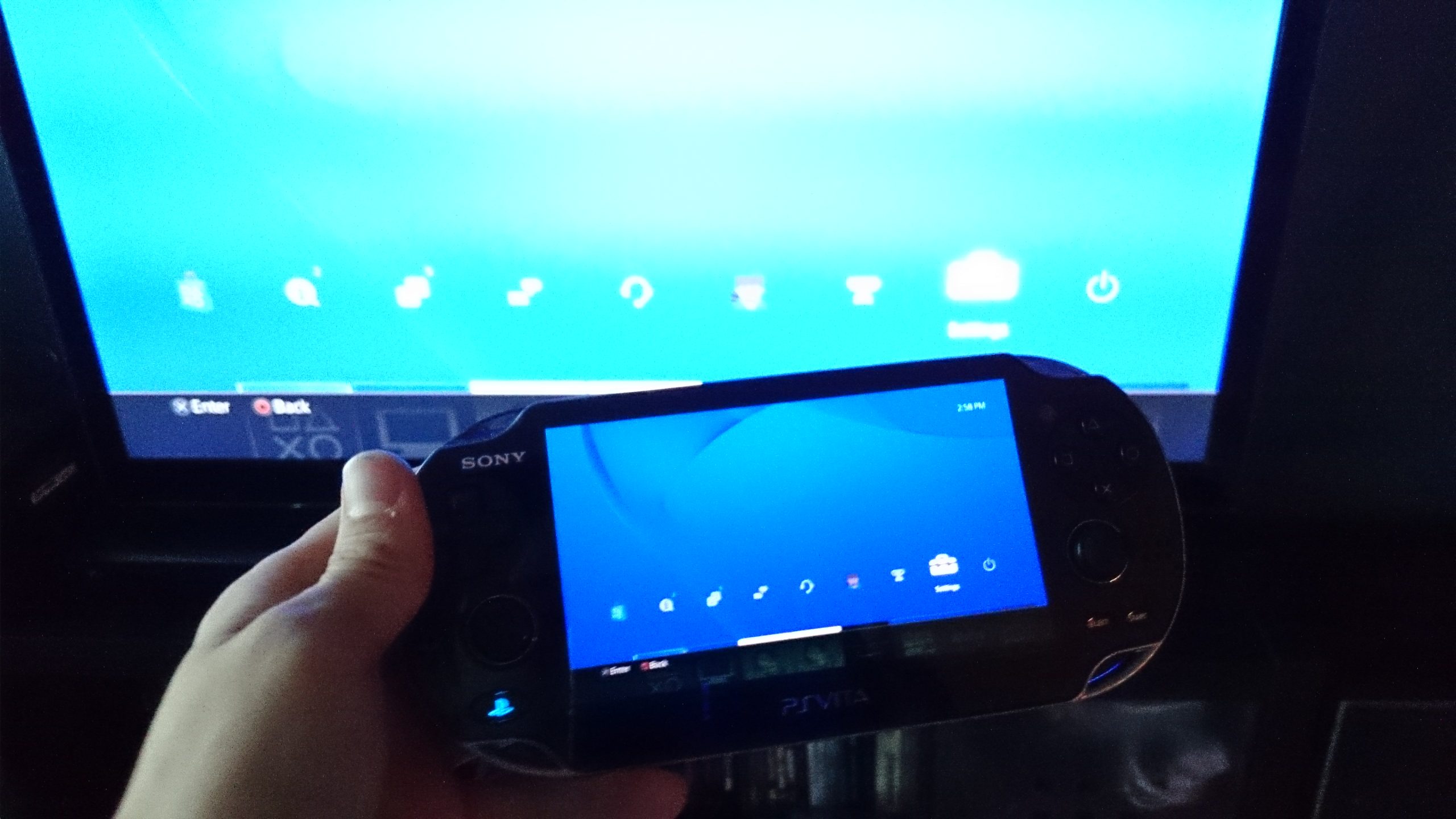
The PS4 allows several second screen and remote play abilities. One of the most popular is the ability to connect your PS Vita to the PS4. This allows the user to “share” games between the PS4 and the Vita.
PS4: How to Output All Audio to Headphones Plugged into DualShock 4 Controller

The PS4’s new DualShock 4 controller has quite a few improvements over the previous generation. The system includes a mono headphone with microphone; however, higher quality stereo headsets are supported as well. Perfect for private playing, you can set all audio to output to the headphones instead of your TV.
How To Connect Your Mobile Phone to Your PS4

The Sony Playstation 4 allows gamers to connect their mobile phones and portable devices to the console. The companion app is available for both Android and iOS devices.
PS4: How to Upgrade the Playstation 4 Hard Drive
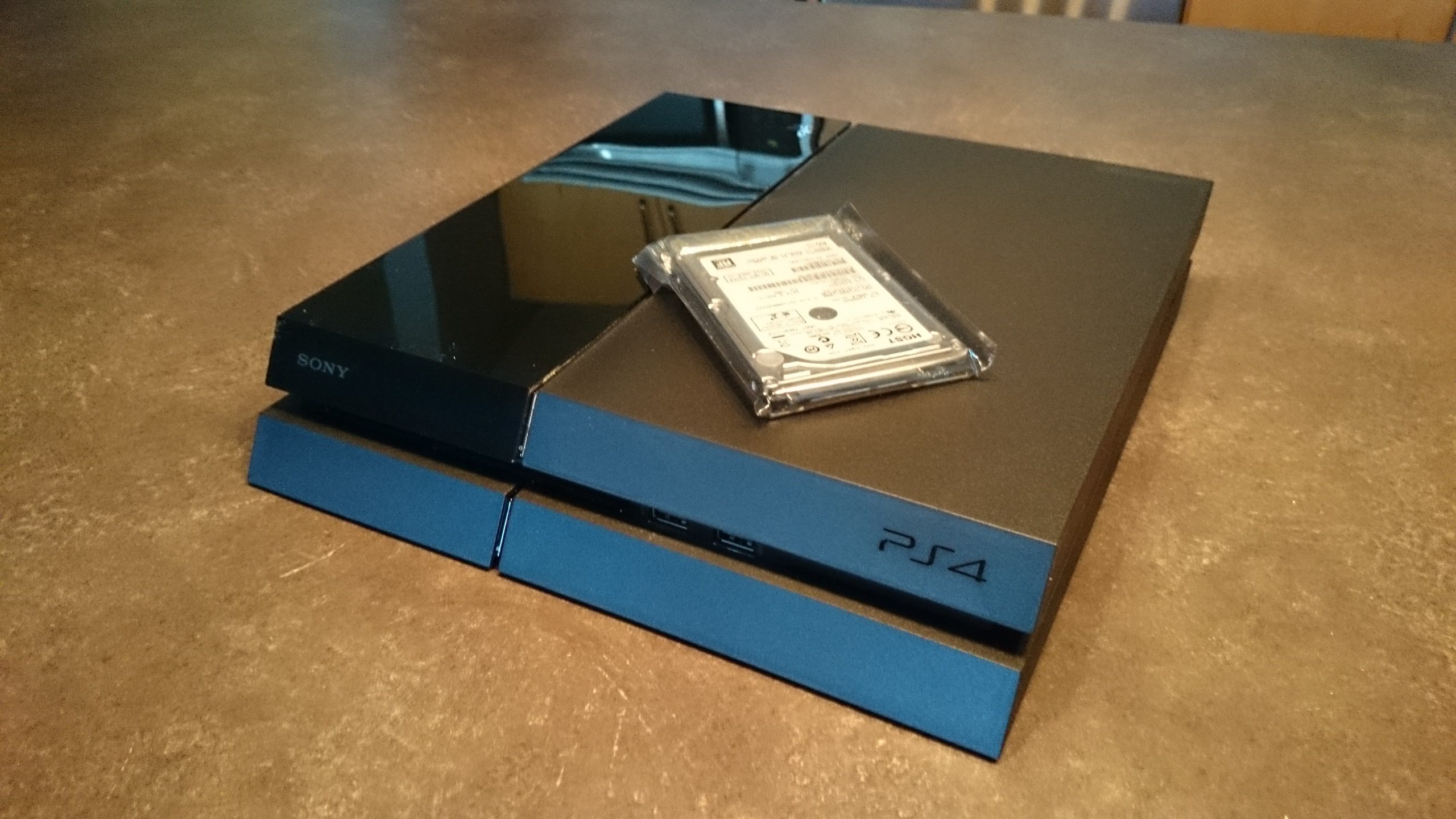
The Playstation 4 unofficially ushers in the next generation of gaming. With this, the shift from physical media to digital downloads will be forced upon us all. Considering these digital storage requirements, the 500GB PS4 hard drives just do not seem big enough. Luckily, Sony allow us to upgrade our PS4 hard drives with any normal 2.5″ SATA2 or SATA3 laptop drive.
PS4: How to find MAC Address of WiFi or Ethernet

The Sony PS4 offers both a WiFi option and a wired ethernet port. Some gamers like to have a very secure network and in turn may use MAC address filtering as an extra layer of security. In order to add the MAC address of the PS4’s WiFi or ethernet ports to our router, we will need find out how to access where that information is stored on our PS4.
PS4: How to get into Safe Mode / Factory Reset
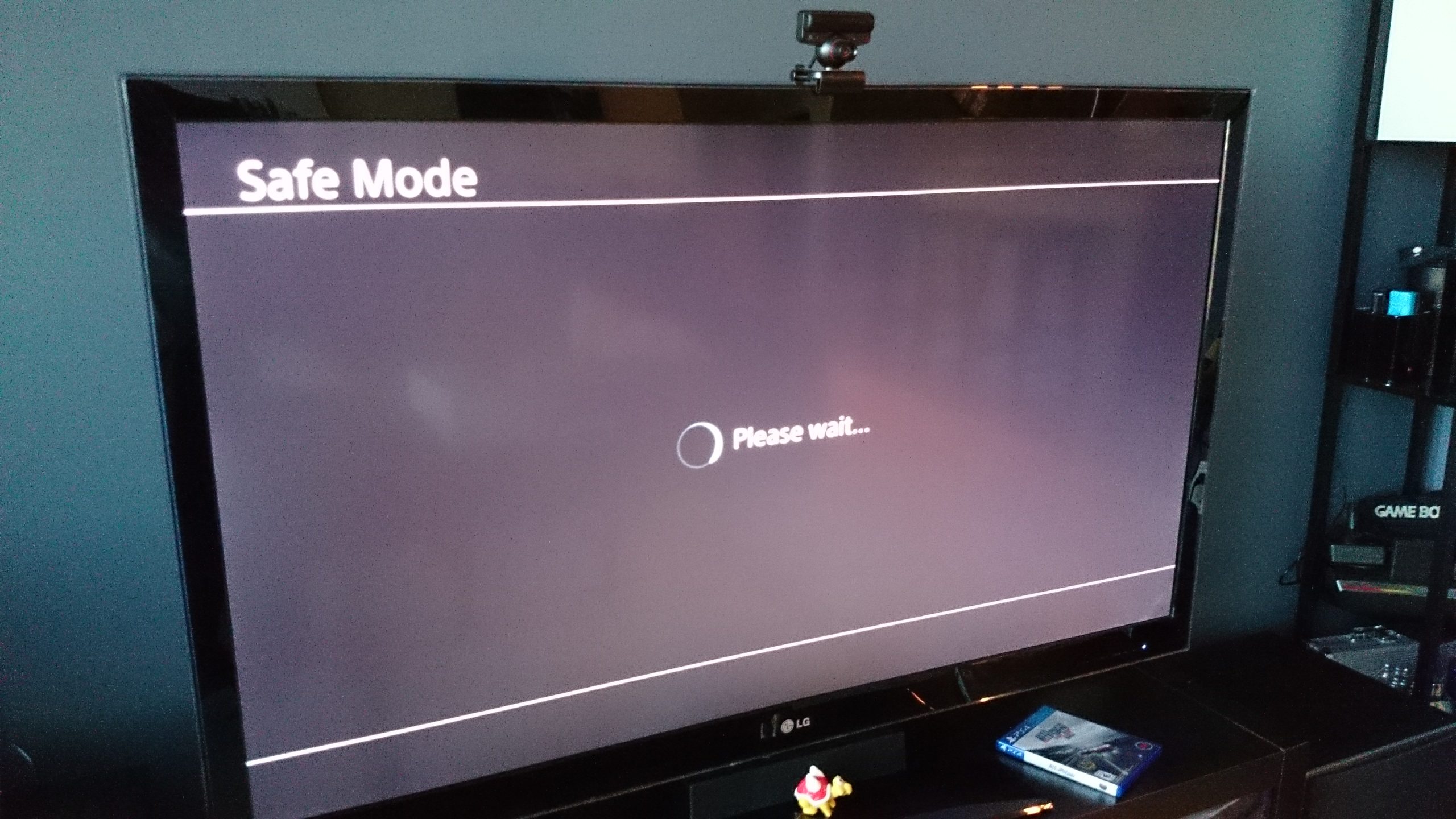
The Sony PS4 has a safe mode that starts the system with only essential services. This safe mode feature is typically used when you are having problems with your device. Additionally, these directions can be used if you want to factory reset the device and delete all user data and settings.
PS4: Manually Update System Software using USB Thumb Drive
The Sony PS4 requires a patch to the system during setup to enable several features such as Blu-ray movie playback and other online/social features. The PS4 can be updated via the XMB and System Update options. Additionally, it can be updated manually by downloading the update file onto a computer and USB drive for those users whose PS4 is not yet on the internet.
Word: Modify and Create Custom Table Style

Even though Microsoft Word comes with many table styles that give your documents a professional look, you may not always be able to find what you need from these pre-loaded styles. You can always tweak them to suit your needs or even create a new table from scratch.
Excel: Use Synchronous Scrolling and Split Multiple Column/Rows in Vertical/Horizontal View
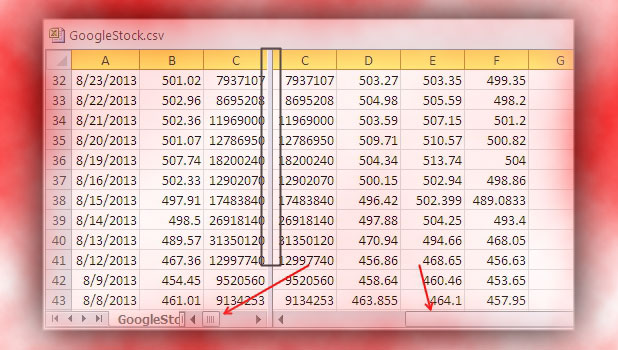
When you have a large collection of data in an Excel spreadsheet, you may find you need a simple method for manipulating the data or for comparing the data to that of another spreadsheet. Fortunately, Excel includes some powerful features that, when used in combination, will save time and make your job easier.
Ubuntu: Fixing Hash Sum Mismatch While Downloading Updates or Ubuntu SDK

One of the most common errors that occurs when a user tries to download updates or software in Ubuntu is the Hash Sum Mismatch. This tutorial will show you how to fix this problem.
PowerPoint: Copy and Paste the Style of an Object
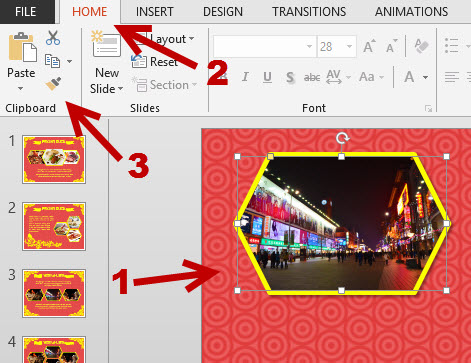
If you have many objects in your PowerPoint presentation that you want to have the same format, manually editing each one of them can take a lot of time. Alternatively, you can edit one object and copy the style to others in just a few clicks.
iOS: Add Website Shortcut to Home Screen




