Citations, footnotes, and endnotes are important for academic writing. Microsoft Word 2013 generates these items for the writer automatically. It can also make a table of figures and an index. It would take much effort to do this manually, which is what publishers did for many years. Here is how to make a citation, footnote, and an endnote.
If you have several contact entries in your iPhone’s address book that point to the same person, follow this tutorial to merge them into one entry to keep your contact list organized.
You can use some basic date functions in Google Sheets to work with dates and use date math. Dates in spreadsheets are numbers, which means you can add and subtract them. Do not think of them as strings of text such as “10 January 2015.” If you treat dates as strings of text, then using date math would be very complicated as you would have to isolate different parts of the date, convert that to a number, add or subtract from the number, and then convert it back to text. It is much easier to work just with dates as numbers and then use the formatting feature in Google Sheets to display the dates as you want them.
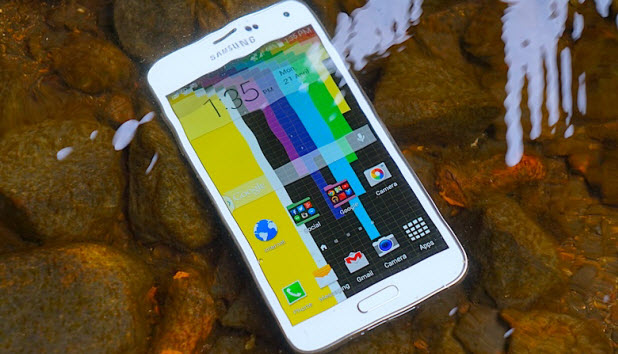
The flash on your Samsung phone’s camera can be used as a notification indicator. When you have a call or an incoming message, the phone’s camera light blinks a few times. This feature can be helpful, especially when your phone is in silent mode. However, it is turned off by default. Here is how to turn it on.
With Ubuntu, you can use (-print-screen-) to take a screen shot and then use Gimp to crop it. The problem is that Gimp is not always easy to use. Part of the reason for this is working with a graphics editor is difficult if you have no knowledge of graphic design. Most of us do not, so how do you take a screen shot on Ubuntu and then crop the section you want? Here’s how it is done.
You have probably had moments when you are on your phone and need to jot down important information for later use. While you can write it on a piece of paper (if you have one nearby), using the default memo app that comes with your Samsung phone’s software is a better option. By using the app, the note is attached to the contact, so you will see it on-screen every time you call him or her. Furthermore, you no longer need to carry notes on paper with you or worry about losing them. Learn how to use the note feature during phone calls in this tutorial.
A page-based interface in an app is useful for displaying non-hierarchical content. If your iOS app includes a page-based interface, it makes sense to use the same interface in your Apple Watch app. Read on to find out how to do it in Xcode.
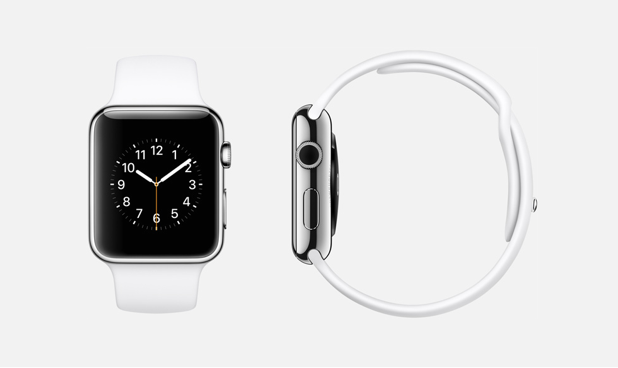
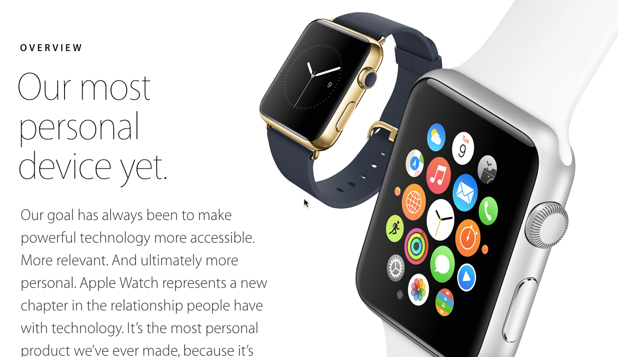
The Apple Watch comes in two different sizes: 42 mm and 38 mm. With very limited screen space, apps must be designed carefully so that users can use them easily even on such a small screen. Developers who make apps for the watch can make adjustments according to the size and provide users with the best app version. Here is how to do it.
An Apple Watch app is different from its iPhone counterpart in the way that data is sent between screens. Find out how to do it in this tutorial.
Let’s face it. Many of the people who are your contacts on LinkedIn are people you do not even know, whom you added for reasons you cannot remember. Let’s see how to delete them.
If you send a tweet to someone in Twitter using @someone, that tweet will be sent to them and their followers. If you want to get their attention, it is better to send a message to them directly. This is called a direct message (commonly known as DM).
An Apple Watch is very similar to its iPhone counterpart regarding how you navigate between screens. You can do it from the storyboard or the code. Learn how to do both in this tutorial.
1...225226227...528Page 226 of 528
error: Content is protected !!