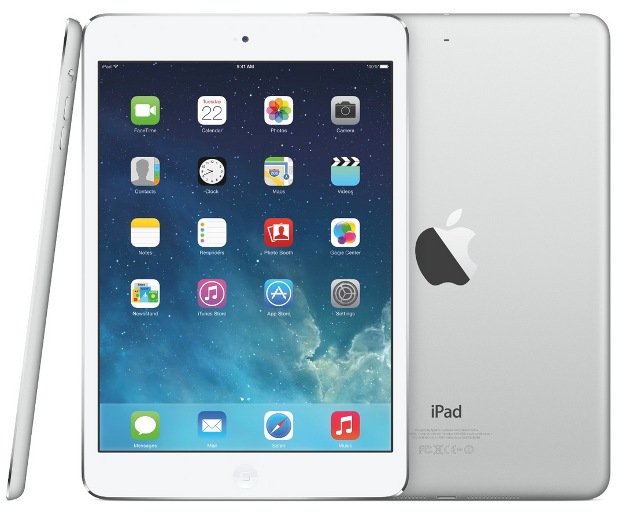
Some things just do not look right on their sides, like newspapers. Below we explain the issue with iPad’s automatic screen rotation and how to turn it off when you feel it is necessary. Before we get started, know that on the iPad with iOS 8, there are two ways you can stop the screen from rotating: (1) use the control center or (2) flip the switch on the top right-hand corner of the iPad. With that switch, you can either (1) control screen rotation or (2) mute the volume, depending on which configuration you have selected.
If the stock vibration patterns that come with iOS are often the cause of missed calls and messages on your phone, you can follow this tutorial to create your own distinct, aggressive vibration patterns so that you will detect the notifications as soon as they reach your phone.
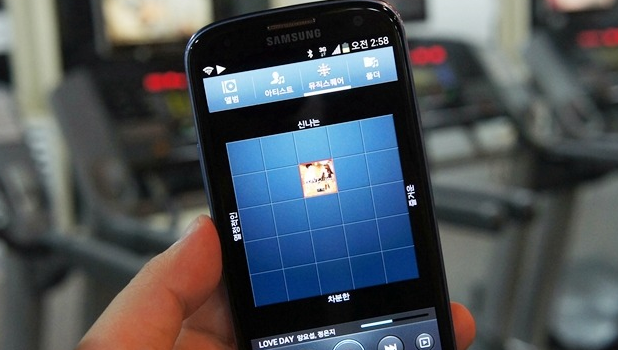
Somewhat buried on the tabs of Samsung Galaxy’s default music player app is a feature called Music Square. Music Square scans for the characteristics of the music files stored on your phone. The feature then automatically categorizes and groups each music file into four different “moods” based on a music’s tempo, beat, and other attributes. You can use Music Square as a fresh alternative for your mundane playlists.
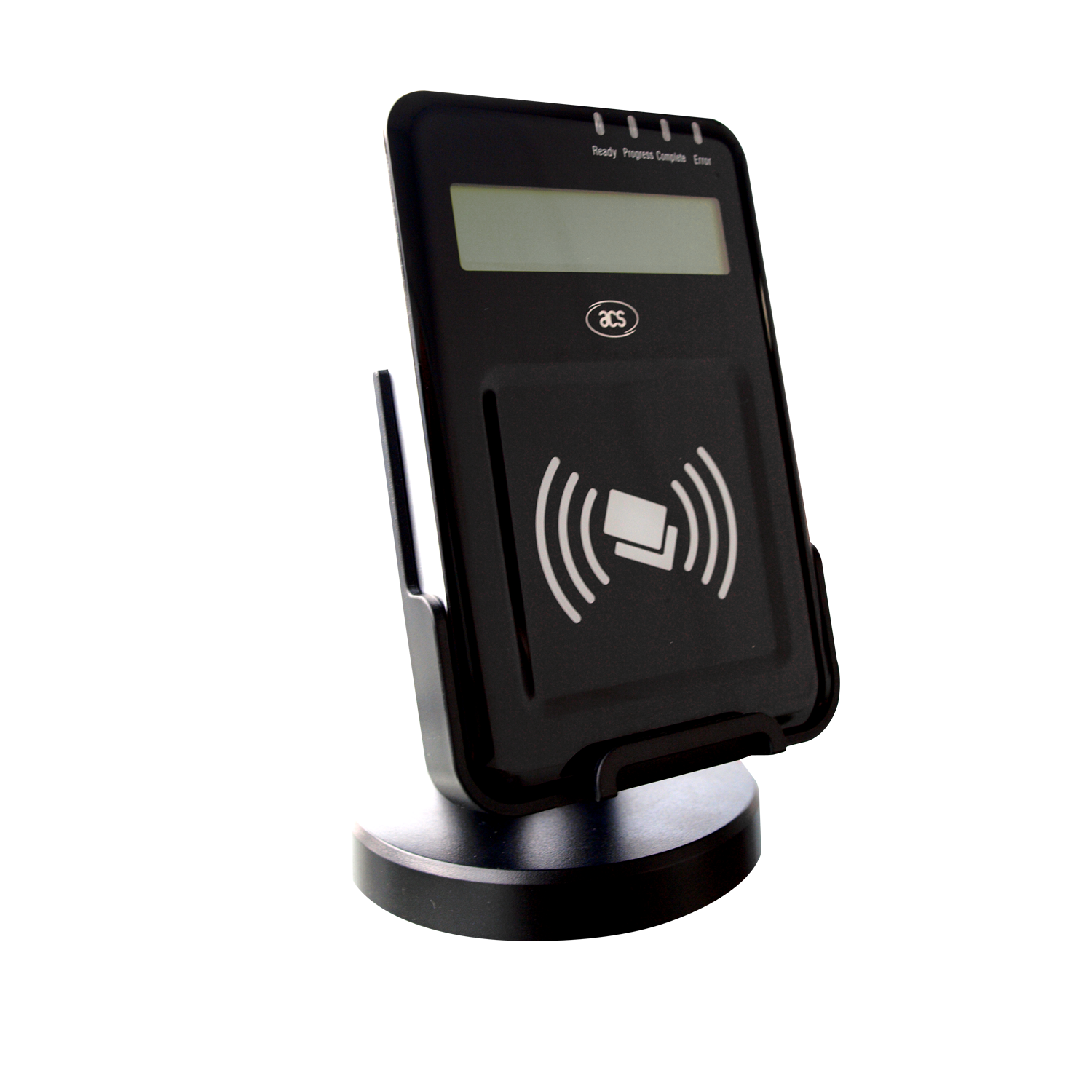
Two types of technology on your Android device are security risks: Bluetooth and NFC (near field communications). If you have these turned on, your phone can be hacked because you are basically walking around broadcasting a radio signal. People can even use these features to track you. Keep reading to learn more about the security threat that Bluetooth and NFC present and how to turn them off.
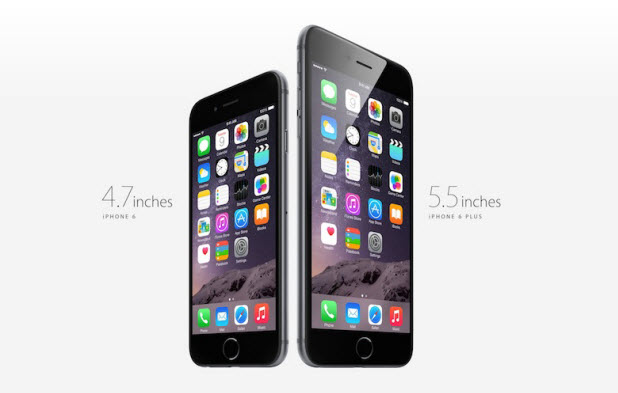
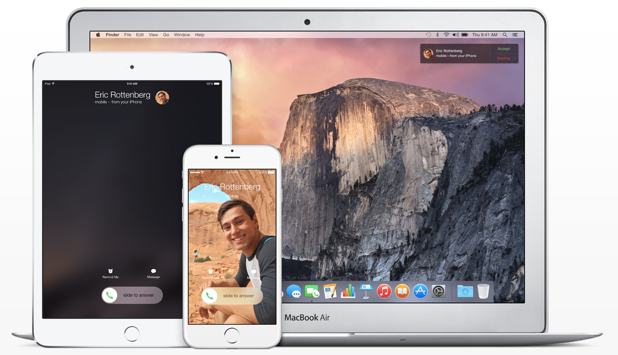
The Continuity feature on OS X Yosemite lets you send and receive normal text messages and even make calls from your iPhone on your Mac. Here is how to set it up.
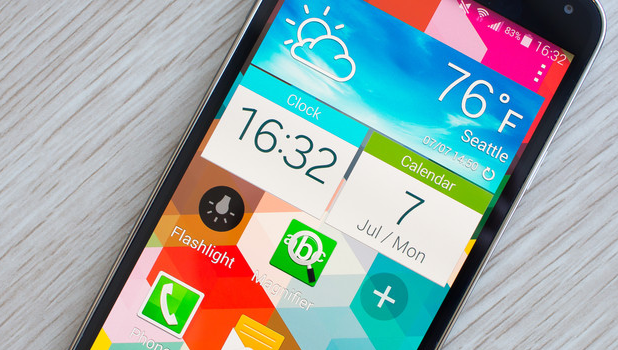
Smartphones can compete with computers when it comes to functionality. Whether you are using them for business or educational purposes or for personal use, smartphones such as the Samsung Galaxy line of phones are the mini-computers you bring along with you every day. For regular users, operating any Android device can be intuitive; one can easily figure out how to navigate through the whole interface. However, for first-time users, children, or the elderly, using a smartphone, an Android in particular, can be quite challenging. If you want to introduce someone to Samsung’s line of Galaxy phones and the world of Android smartphones in general, then you may want enable Easy Mode.
If you work in more than one language with Excel, then you know that there are often issues converting numbers from French, Spanish, or other Romance languages to American or British English. The reason for this is that the number $1,000.25 USD is written as $1.000,25 in Romance languages with the decimal and comma switched. Because of this issue, some interesting mistakes have been made in computer systems. One hapless retailer sold $5,000 cameras for $5 each. The consumer protection agency made him stick with that price when he tried to go after customers for the difference. One law firm billed clients for 40 hours in one day when the attorney had only worked 4. Needless to say, the client thought he had been cheated. Luckily, there is an easy fix for this confusion.
If you work in more than one language with Excel, then you probably have noticed that you have problems converting dates from the European format (dd/mm/yyyy) to the American English format (mm/dd/yyyy). In fact, in most countries outside the US, the date is written as dd/mm/yyyy. (i.e., The day is first, the month is next, and the year is at the end.) If you download a document from your bank or if someone sends you an email with a spreadsheet in TXT, HTML, or CVS format, the dates will be backwards when you import it into the English language of Excel. You would have the same problem going from US English to another Latin-based language. Fortunately, converting the date format dd/mm/yyyy to mm/dd/yyyy is simple. Read on to find out how.
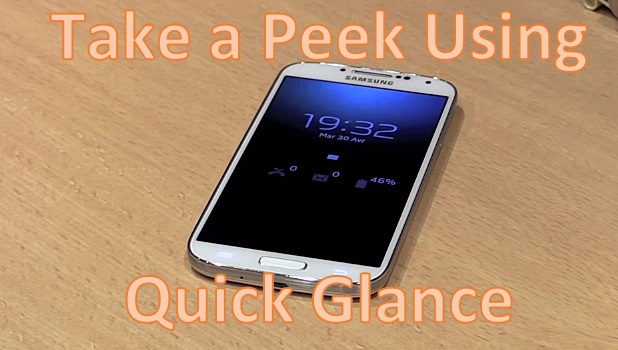
When you are busy with the daily grind, constantly pressing the Home or Power buttons to view notifications on your phone can be counter-productive. Aside from the effect on one’s focus and productivity, constantly pushing the main buttons of your Galaxy device can contribute to their wear and tear. Did you ever wish that there were a way for you to view important information on your phone without actually pressing any hard button? Whether you have a defective Home or Power button or simply want to minimize the use of these important keys, then this article is worth reading.
For many reasons, you might find you need to recover an older version of a Word document, spreadsheet, or document created online. If you find that a hacker has locked your file using a virus or if you have accidently deleted important sections of your document, knowing how to locate a previous version of a file can save you not only time but also money. Keep reading to find out how to retrieve a file using the Microsoft One Drive cloud system.
The error “This class is not key value coding-compliant for the key” is a common problem for iOS developers which causes an app to crash right at launch. Read on to find out the solution to the issue.
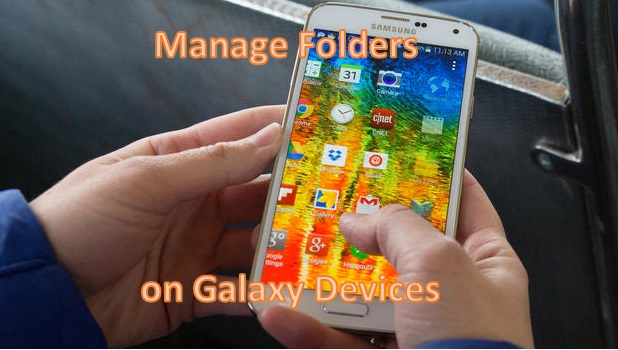
You can keep your applications and home screen organized by creating folders for similar applications. You can group game applications in one folder and store your productivity apps in another. You can rename a folder, and add applications or remove them. You can even customize the folder names and color schemes. All of these topics are covered here, from creating your first folder on your Samsung Galaxy phone to modifying its name and changing its color. To learn more, read on.
1...224225226...524Page 225 of 524 error: Content is protected !!