As the number of stored procedures increases in a database, the burden of managing those stored procedures increases, too. On a production database, thousands of procedures are executed daily, so you are required to know why a stored procedure failed at a certain time. This can be done by implementing error logging and reporting within each stored procedure.
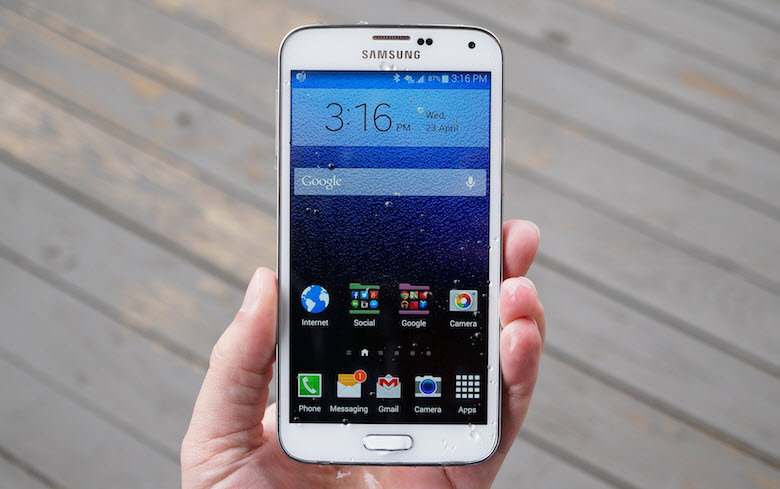
Today, smartphones are so big that they are hard to use with one hand, especially for people with small hands. I constantly struggle with one of the most common tasks: taking pictures. I find it very hard to reach the capture button since it is placed at the bottom of the screen. Luckily, there are other methods for taking pictures that do not require touching the screen at all. I will show you how to use them in this tutorial.
Not only does Facebook let you send lovely stickers to your friends through chat, it also lets you add those stickers to your photos. Here is how to do it on your iPhone or Android phone.
What do you do when someone sends you a PDF file? In the past, you typically read it or printed it. You could only edit PDF files if you bought an expensive copy of Adobe Pro. If you wanted to edit it without Adobe Pro, you had to ask the sender to resend it as a Word document. Now, starting with version 2013, Microsoft Word lets you edit PDF files directly, just like a normal document. This tutorial describes how this is done.
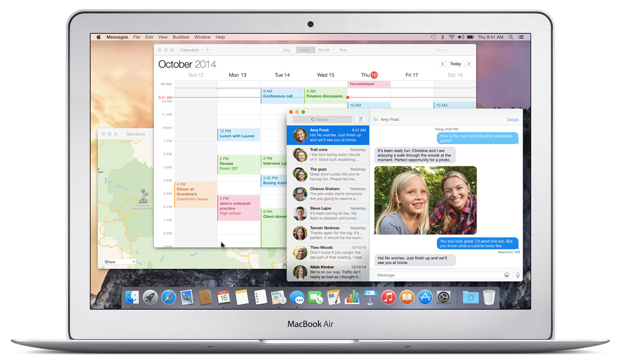
By default, the Mail app in OS X saves your email attachments to the Downloads folder, which means they will be stored along with other files downloaded from the internet (e.g., video files or archive files downloaded using Chrome or FireFox). In most cases, this is not a good idea because you may accidentally delete important email attachments when you clean up the hard drive. Furthermore, because the files are not organized, finding what you want will take longer. Luckily, you are not stuck with the default setting. Continue reading to find out how to change Mail’s default download folder so that you can better manage your files.
Today, most free games on the App Store have ads in them. Many of them contain video ads, which eat a lot of your 3G bandwidth. If you are not using an unlimited data plan, these video ads may cause your monthly bill to increase since they use more data than static-image ads. To avoid this situation without having to turn off the internet when you play games, you can block them from accessing the internet when you are on 3G. Here is how to do it on your iPhone without using any third-party software.
YouTube is a convenient platform for watching your favorite videos online. Whether you want to see your favorite artist’s latest music video or tutorials on cooking an egg omelette, YouTube has millions of videos waiting to be watched. YouTube has one requirement though: you need to be connected to the internet to watch the videos. That may not be a problem until you find yourself in a situation without Wi-Fi or cellular data available. Fortunately, if you have an iPhone, you can use it to play offline videos from YouTube.
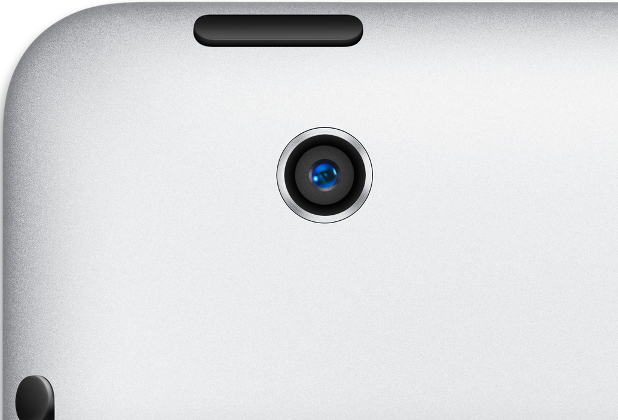
Not many people think of using the iPad to take pictures. Some users even prefer to install third-party cameras, but the camera app that Apple provides gets the job done. In fact, anyone can take good photos with iPad. This tutorial explains the basics of using the iPad’s exposure setting and resizing iPad photos.
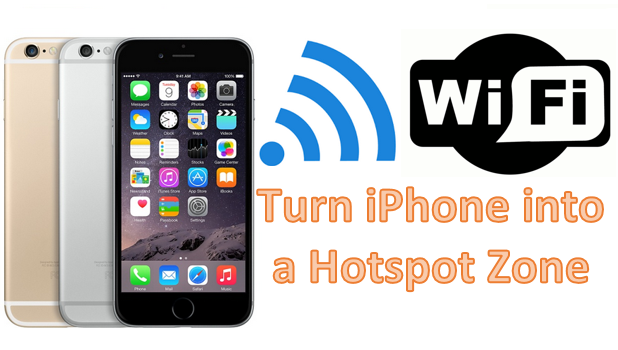
You can use your iPhone as a mobile Wi-Fi hotspot. By enabling your iPhone’s Personal Hotspot feature, you can share your device’s internet connection with other Wi-Fi enabled devices that are connected to it. This tutorial contains step-by-step instructions describing how to use your iPhone as a personal Wi-Fi hotspot.
If you are farsighted (hyperopic), chances are the default size of the cursor in OS X may be a little hard to see. Therefore, using the computer is not as easy as it should be. What you can do in this situation is increase the size of the cursor. A setting located in System Preferences lets you do just that. Read on to find out how.
When working with multiple applications in different languages, you may have to switch the keyboard’s input source many times. Even though there are keyboard shortcuts to make switching the input source quicker, constantly pressing the keys can still be a huge pain. Luckily, there is a way to force OS X to remember the input source for each app and switch to it automatically whenever you use the app. By default, this feature is disabled. Continue reading to find out how to enable it to increase your productivity.
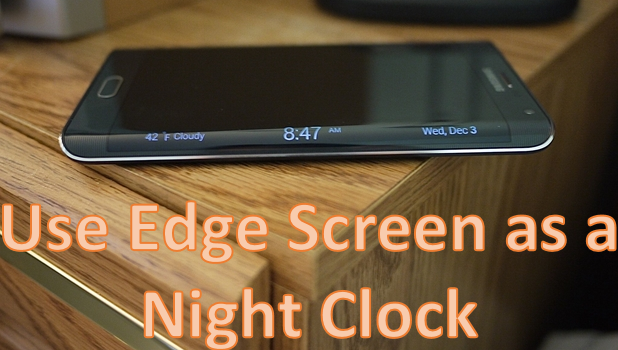
For those who use smartphones, one of the most common uses of these devices is to check the time, which is typically found in the upper-right part of the screen when the screen is turned on. When the phone’s screen is turned off, you need to wake it up to see the time. This can be inconvenient at night when you are awakened from sleep. The screen’s brightness may be too much for your sleepy eyes.
The Samsung Galaxy Note Edge can help you tell the time without the hassle of turning the screen on. You can use the side screen of your device as a night clock. When you enable the Night Clock feature, the date and time will be displayed on the Edge screen during the hours that you specify.
1...223224225...528Page 224 of 528
error: Content is protected !!