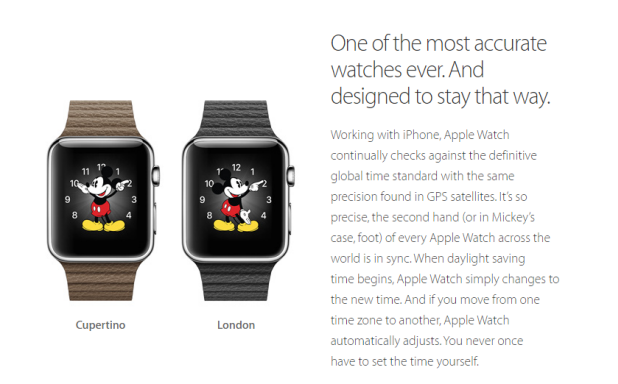
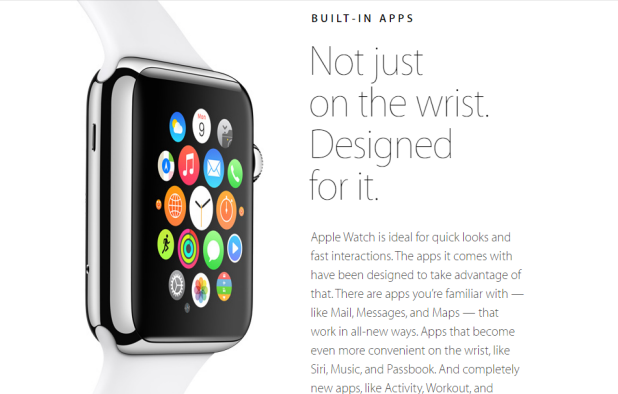
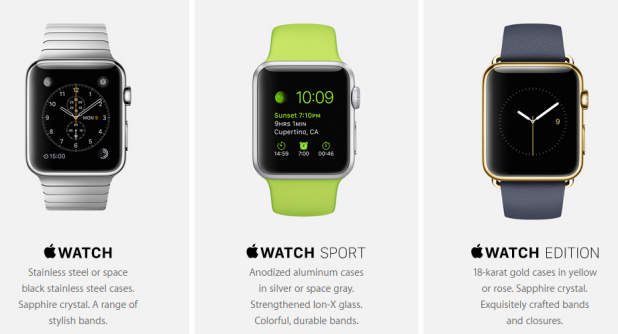
On the Apple Watch, Glances are like mini versions of full apps and provide summaries of key content from the apps you use most frequently. Glances can be accessed by swiping up from the watch face. Since a Glance takes up the whole screen, it may take several swipes to the left to access the Glance screen that you want. Luckily, you can always rearrange the order of your Glances, remove the ones you do not need, and add new ones if you want.
By default, all notifications that are shown on your iPhone can also be shown on your Apple Watch. Showing all your notifications on your Apple watch is not a good idea because the notifications that are useful on your iPhone may not be useful on the watch. For example, notifications coming from your favorite games may not be helpful at all. Too many notifications buzzing on your wrist can also be distracting. To deal with this problem, you should consider turning off unnecessary notifications and only keep the ones that matter most on your wrist. Here’s how to do it.
Since the Apple Watch’s screen is very small, navigating around and opening apps may be a troublesome task for people with big fingers. To make things easier, you can rearrange the app layout to place frequently-used apps around the center of the layout. At the center, the icons of the chosen apps are already at their largest size when you open the app screen.
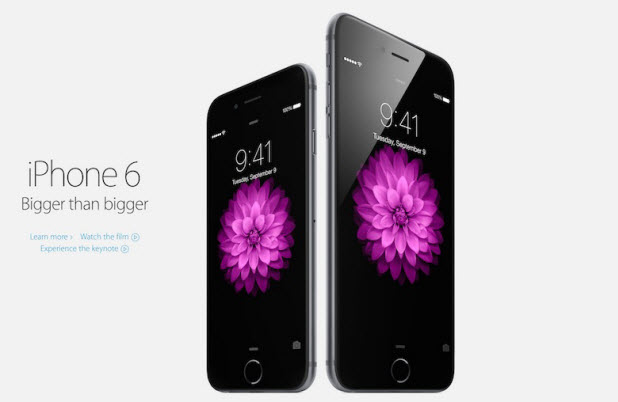
By default, the Notification Center and Today view on your iPhone can be accessed even when the phone is locked. While this feature is convenient, it may expose sensitive information to anyone holding your phone. Fortunately, you can block access to both if you want.
If you have always saved your accounts’ passwords when logging into websites using Safari on your iPhone, you can view the passwords in plain text whenever you want. This can be very helpful when you forget them.
Enabling two-factor authentication (also known as two-step verification) protects your Microsoft account from hackers. If your password is stolen, the hacker will not be able to log in to your account because Microsoft will require a code generated by your cell phone to log in. Read on to learn how to make your account more secure by enabling this feature.
By default, whenever you use Safari to download common files such as music, pictures, videos or PDF documents, the program will open them automatically for you after they have finished downloading. While this feature may be convenient in some cases, it could be a bother if you are downloading files in bulk. Fortunately, this feature can be disabled.
If your app uses iOS features such location, photo, microphone, etc., it is required that you implement methods to request for permission from the user before your app can actually work. Depending on how the user decides, your app will have to change accordingly. To ensure that the changes work properly, you will have to test your code several times. The problem is that iOS remembers your app’s permission setting even after you delete the app. This makes testing the app troublesome since the request permission window never appears again. Luckily, there is a way to reset this setting on the device you use for testing. Read on to find out how.
Microsoft OneDrive gives you 1 TB of storage free (i.e., 1,000 GB). That is 200 times what Apple iCloud (5 GB) and 65 times what Google Drive (15 GB) give you for free. After that, you have to pay for additional storage. To take advantage of OneDrive’s storage space, just create a free Microsoft account at https://onedrive.live.com/.
If you usually download study materials from the internet, you might occasionally come across a protected document which cannot be edited or copied. If you are lucky, the page hosting the document may contain the password which unlocks it. However, the chance of finding the correct password is rare since the person sharing the document may not be the original writer. Fortunately, it is still possible to copy the content of the document and edit it without even knowing the password. Here is how to do it using a built-in feature in Microsoft Word.
By default, SQL server has added some limitations. For instance, changing data types in design mode, adding a column in the middle of two existing columns, and changing the null-ability of an existing column are not permitted to change from design mode in SQL server management studio (SSMS) because they require a table to be dropped and created again. Here is a solution for the error these create.
SQL Server backup and restore operations are closely associated with recovery models. Recovery models are ways to manage how transactions are logged, whether or not the transaction log allows and requires backups, and what types of restore operations are possible. Recovery models helps us to bring back and preserve a database after any unexpected failure without any data loss.
1...219220221...528Page 220 of 528
error: Content is protected !!