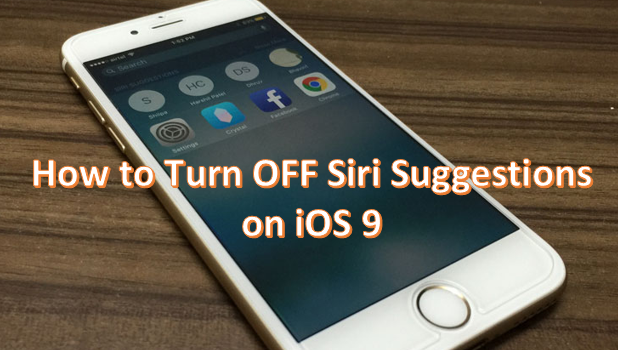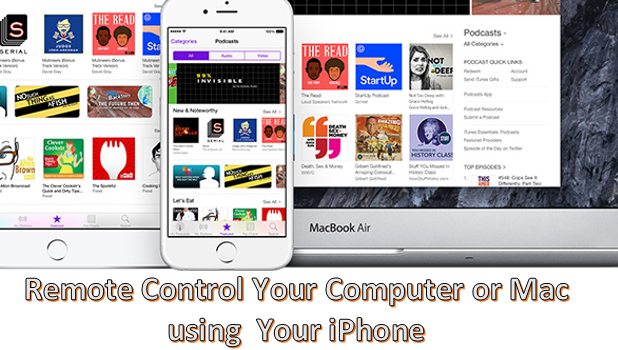
You can use your iPhone to control your laptop or computer remotely. By using third-party programs, you can easily take control of your computer even if you are away from it. This can be convenient when you want to check on your computer while on the go.
For this tutorial, we will make use of a third-party freeware called Teamviewer. You will need two versions: one for your computer and the other for your iPhone. You can download Teamviewer for iPhone from the App Store while the PC version of the program can be downloaded from Teamviewer’s official site.