Facebook now allows you to send encrypted messages to your contacts. An encrypted message is secure, and only the intended recipient can access it. Facebook cannot even access it. To ensure that your encrypted messages are protected, a device key for you and your contact is available for you both to verify. The encrypted message can be set to self-destruct after the recipient has read it. This tutorial will show you the steps you need to send secret messages on Facebook.
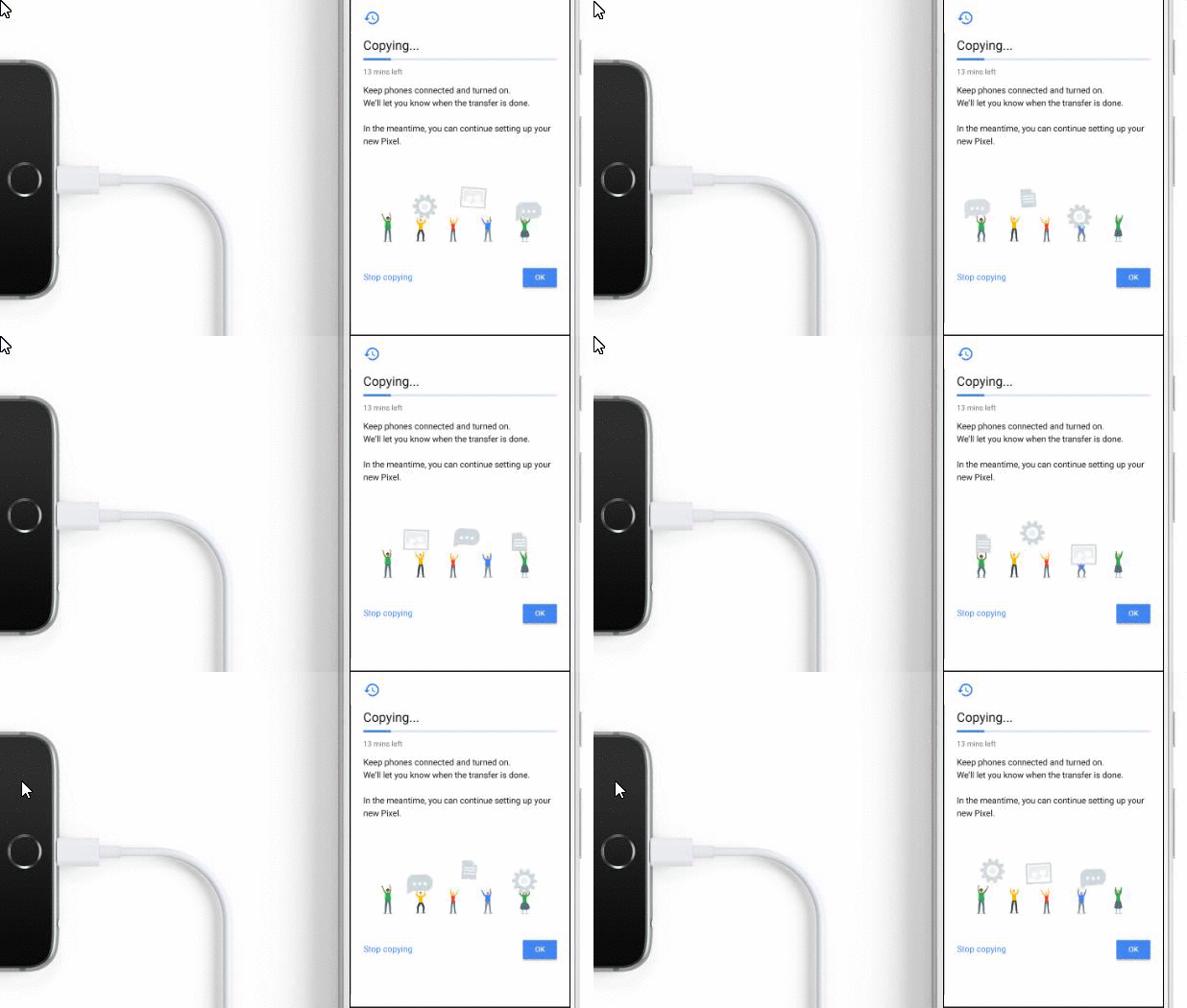
Google has entered the smartphone market with a bang. With the introduction of Pixel and Pixel XL, the tech giant joins HTC, Samsung, LG, and Apple in the battle for the top-selling smartphone. As an Android phone, Pixel’s greatest competition is the Apple iPhone. Convincing iPhone users to switch to the Pixel smartphone may not be an easy task. However, Google has offered an incentive by making it simple to move files such as contacts, photos, calendar events and iMessages from iPhone to Pixel. This tutorial explains the steps required to transfer files from iPhone to Google Pixel.
Widgets are mini-versions of your apps that quickly deliver information right to your iPhone’s Home screen, Notification Center, and Lock screen. You can manage your widgets to suit your needs and preferences. You can edit, add or remove, and rearrange widgets on your iPhone. This tutorial explains how to manage widgets on iPhone and iPad.
With the introduction of macOS Sierra, Apple has brought Siri to Macbook. Now Macbook users can use Siri on their laptops just like they do on their iPhones. Similar to the iPhone version, Siri on your Mac comes with the female voice by default, and the language is in sync with system defaults. The default settings are perfectly suitable for most users. However, if you want Siri to speak a different language or if you prefer a male voice, you need to configure the system manually. Fortunately, the steps to change Siri’s language or voice is rather easy. Follow the steps in this tutorial to find out how.
This recipe will explain how to install Windows Media Player 11 without having to Activate your windows copy / bypassing the WGA. This requires Winzip or any other .zip extracting program to be installed.
The Instagram Stories feature, which is similar to Snapchat stories, lets you share a slideshow of photos and videos that will disappear in 24 hours. These stories appear on top of your followers’ feeds, so they will probably attract more attention and get more views. While the stories will all disappear in 24 hours, you could have some stories that you do not want all of your followers to see. You can hide stories from specific followers using an option inside the app. Let’s find out how.
The Instagram comment field is a magnet for spam and annoying advertisements from all sorts of accounts. While users can report these comments to the service so that spam accounts get blocked, it is a time-consuming task, and the accounts still keep coming back with different names. Luckily, Instagram has introduced a feature for blocking comments based on keywords. This feature will stop unwanted comments from appearing under your photos, making the comment section cleaner and better organized. If you are an active Instagram user, make sure to turn it on for your account.
You have probably already heard that Yahoo was hacked. In a blog notice posted on Tumbler, the tech giant’s microblogging and social networking website, Yahoo has confirmed that at least 500 million user accounts were compromised, exposing personal data such as names, email addresses, phone numbers, birthdays, hashed passwords, and security questions and answers. Yahoo has a good reason to think that the hacking incident was the work of a “state-sponsored actor.” The company has made substantial efforts to make sure that their users’ accounts are safe. Even if you are not a victim of the attack, the best move right now is to secure your Yahoo account. This tutorial contains the steps you need to take to keep your account safe.
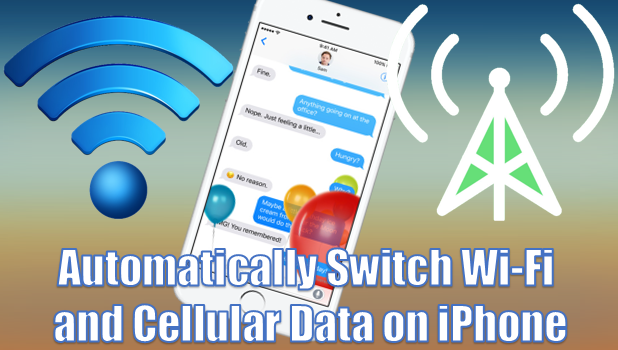
For those who have an internet connection for both Wi-Fi and cellular data, manually switching between the two may not be an issue. For those who do not, problems arise when you are surfing the internet with your Wi-Fi connection, and then the Wi-Fi’s connectivity suddenly slows down. You either have to sit and wait for the page to load or turn off Wi-Fi and enable your cellular data. Enabling Wi-Fi Assist will address this issue. Wi-Fi assist allows you to switch between Wi-Fi and cellular data automatically on iPhone without pressing a button. Whenever your iPhone detects that your Wi-Fi connection is running slow, the device will switch to your cellular connection as long as your mobile connection is enabled. This tutorial explains what you need to know about Wi-Fi Assist.
Creating a drop down list in Google Sheets using data validation is pretty simple. When a cell has data validation applied to it, people who use your spreadsheet will be able to select a value for the cell based on a list that you create. You can refer to the content selected in other cells, which gives you a lot of freedom for dynamic spreadsheets.
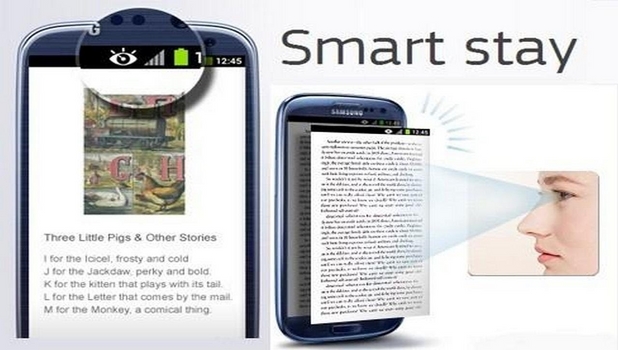
You might notice that while reading an article on your Samsung Galaxy Note 4, the screen turns off after seconds of inactivity. This is due to the default power-saving feature of the device that automatically turns off the screen when no inputs are detected on the phone. Though this power-saving feature is helpful, it can be quite a nuisance to touch on your phone’s screen constantly just to keep it on. It’s a good thing that Samsung has introduced the Smart Stay feature on the Galaxy Note 4. Smart Stay uses the front camera of your device to detect your face and keeps the screen on as long as you are looking at your device’s front screen. Learn how to do that here.
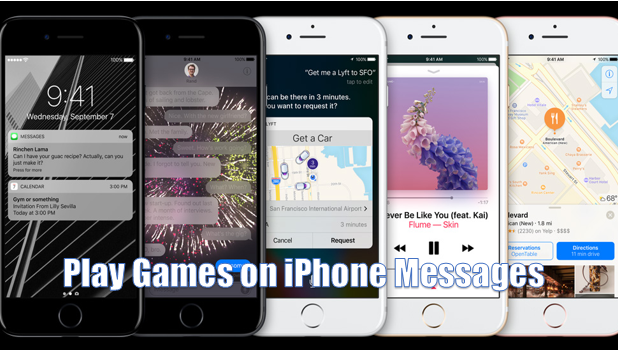
Apple’s iOS has taken messaging to a whole new level. Aside from being able to send messages with effects, you can now play games on Messages for iPhone iOS 10. Battle against your friends to find out who is master of the mini-games. This tutorial explains how to use the App Store for Messages to download and install the games.
1...191192193...528Page 192 of 528
error: Content is protected !!