Using a Facebook page is one of the best ways to communicate your brand, community, cause, or business. With more than 1.8 billion users per month and a year-over-year increase of 17%, creating a Facebook page is a solid way to let other people know about your products and services. Aside from consulting sites such as https://www.magenet.com/how-promote-blog that teach you how to promote your blog through backlinks, channeling through Facebook is an equally important way to gain viewers, especially now that we are in the social media age. Aside from clear, user-friendly content, your Facebook page should have a memorable name to get the best traffic. Changing your Facebook page name to one that is search engine friendly and utilizes the right keywords, you can maximize organic visitors to your blog, website, or Facebook page. Learn how to change a Facebook page name here.
If the battery on your Android phone is not lasting as long as you would like, there is a good chance that some of your apps are draining your battery power. Luckily, Android has a feature that monitors what is eating your phone’s battery. If you find yourself always running low on battery juice, then it may be advisable to check the battery usage feature on your Android device. This tutorial provides you with the step-by-step procedure on how to check battery usage on Android.
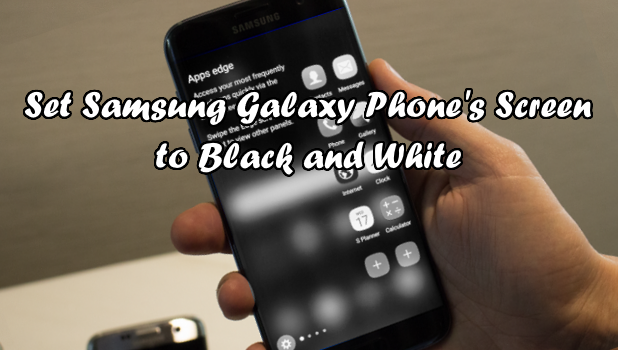
Switching your Samsung Galaxy’s screen to grayscale is beneficial for several reasons. For one, it will require the screen to use less power than when you are in a full-color mode. Using your phone in grayscale mode also might have a positive effect on your productivity. Apps such as Facebook and Instagram will appear dull, convincing you subtly to use them less frequently. The less time you spend on these social apps, the more time you will spend on things that matter. Also, not all phones have the ability to switch to grayscale, so switching your screen to grayscale makes your phone unique. If you want to learn how to turn your Samsung Galaxy’s screen to grayscale, then read on.
You are in a dilemma with some photos that you need to resize. You only have a little time to do the resizing, and you do not have permission to install any programs on the computer you are using. You have no internet connection either, so you cannot resize the photos using online resizing tools. Don’t worry. Windows has a relatively quick and easy way to resize multiple images without extra software. You do not need to download anything to resize photos in batches. All you need to have is your Windows PC running on Windows 7 or more recent versions. This tutorial will guide you through the steps you need to resize multiple images in Windows without downloading any special software.
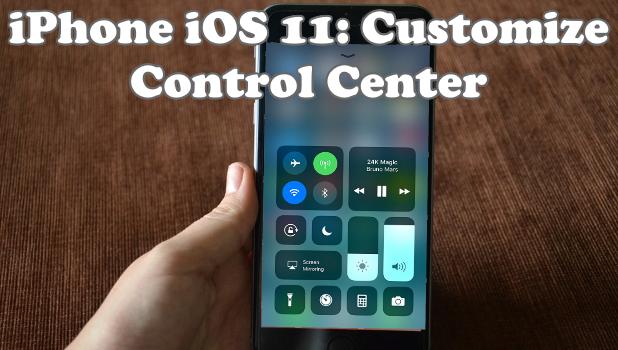
Optimize your iPhone usage and productivity by personalizing the iPhone Control Center. Get access to the controls and settings that you use the most. Learn how to customize Control Center on iPhone iOS 11.
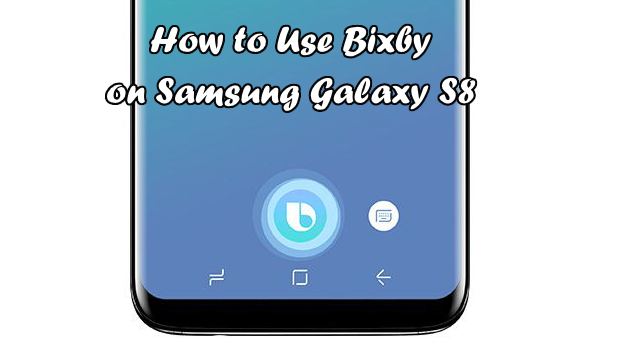
Samsung has once again delivered a beautiful phone for 2017. Like its predecessors, Galaxy S7 and S7 Edge, Samsung Galaxy S8 has awed the tech world with its stunning design, powerful processor, and exciting features. One of the most talked-about feature of the Samsung Galaxy S8 is Bixby. Samsung decided to cut its ties with Google Assistant and proceeded to make their powerful assistant. Samsung boasts that Bixby will perform better than Google Assistant and Siri. Bixby is expected to interact with users. The OS assistant talks, understands, texts, and learns with you. This tutorial will familiarize you with Bixby on Samsung Galaxy S8.
A conference call allows you to communicate with more than one person at a time using your iPhone. Depending on your network service provider, a conference call can connect up to five people at the same time. A conference call merges two or more communication lines; therefore, billing is usually on a per-line basis. However, if you are on an unlimited call service, then you do not need to worry about extra charges. This tutorial explains how to make a conference call on iPhone.
These days, people have the ability to stay in constant contact with others. The fastest and most convenient way to get connected with anyone is through a mobile phone call or text message. By simply dialing a number on your phone, you are instantly connected to your desired contact. However, there may be a problem with this method. Cellular data is dependent on network towers. The farther you are from a cellular network tower, the lower your signal reception is. Those who live in the rural areas are familiar with this issue. Thankfully, Wi-Fi calling is now available for the latest Android devices. This tutorial will show you how to enable and use Wi-Fi calling on Android phones.
There is a little-known feature for Gmail that allows you to share access to your email account without sharing your password. Google terms this feature “mail delegation.” A person called a delegate can help you manage your email messages. Delegates can reply to an email message, read and delete messages, and manage contacts on your Google account. This tutorial will teach you how to give access to Gmail without sharing the password.
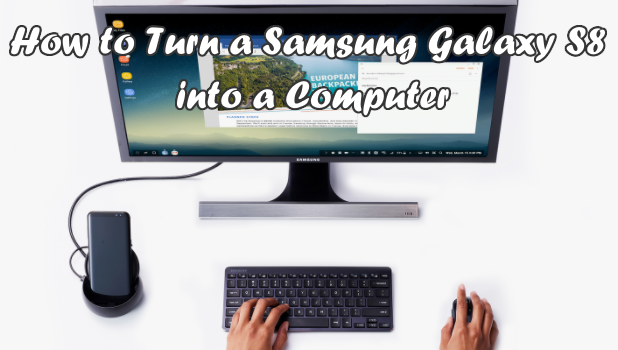
The Samsung Galaxy S8 is Samsung’s first phone to support a monitor, mouse, and keyboard. Basically, your Galaxy S8 acts as a central processing unit (CPU) that accepts input from a mouse and keyboard and projects the output onto a screen through a monitor. Think of the Galaxy S8 as the combination of a phone and Chromebook. This tutorial will explain how to transform your phone from a handheld device to a desktop using a mouse and keyboard and a larger display screen.
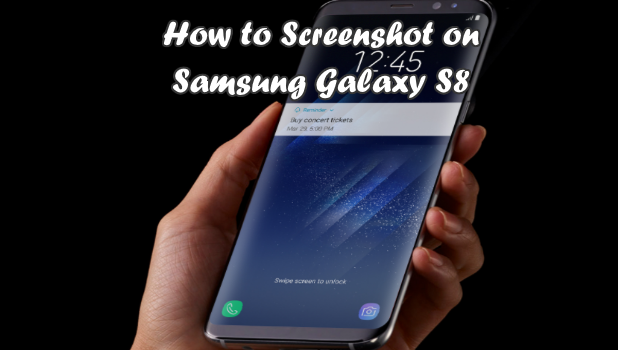
The Galaxy S8 is Samsung’s most anticipated phone for 2017. S8 is the first Samsung Galaxy phone not to have a physical Home button, creating an almost bezel-to-bezel display. The larger, sexier screen makes the phone eye candy – a gorgeous device that had everyone talking at its launch. However, for those who regularly use the screenshot feature on their phones, there may be one concern: How does one take screenshots on Samsung Galaxy S8? This tutorial answers that question.
By default, Google uses the time zone of your current location. All Google services will be using the same time zone including Gmail. The time zone of your account can be changed to your preference. The changing of time zone can be handy if you want to organize events and meetings This article will discuss how to change the time zone in your Gmail account.
1...185186187...528Page 186 of 528
error: Content is protected !!