How to Use Do Not Disturb While Driving on iPhone iOS 11
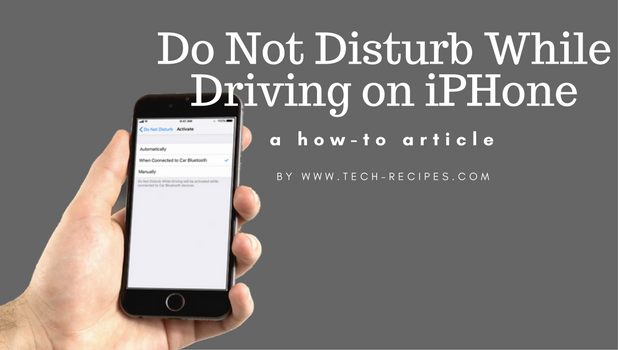
iOS 11 has a new safety feature that allows the iPhone to sense and know that the user is driving. When enabled, the feature will block notifications and calls to ensure a safe and distraction-free driving. This article will teach you how to use Do Not Disturb While Driving on iPhone running iOS 11.
How To Delete History From Google Chrome
Google Chrome saves your browsing history, this browsing history can be saved for as long as possible and could sometimes be the cause of a laggy system. If your system has become laggy it may be time to delete history from Google Chrome, and if you want to hide your browsing history from prying eyes, this post will teach you how to.
How to Use the Flashlight on iPhone
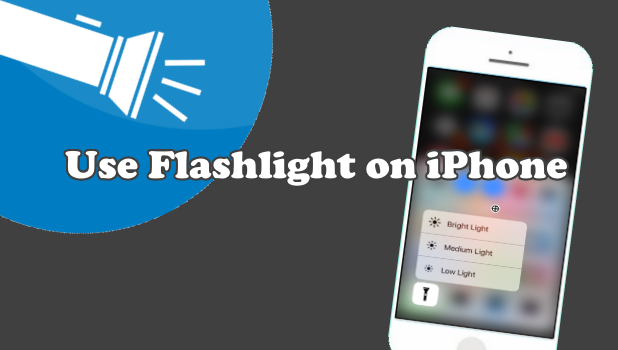
The iPhone’s LED flash can be used as a flashlight. With your iPhone in your pocket, you do not need to get an extra device whenever you need to have a light source. This article will discuss how to use the flashlight on iPhone.
Restrict Changes to Do Not Disturb While Driving on iPhone
If you are a parent and want to keep your young driver focus on the road, you can set your child’s iPhone to be on Do Not Disturb While Driving mode whenever the phone senses that it is in a moving vehicle. By restricting changes to the feature, you can help ensure that your child is driving without the risk of being distracted by notifications. This article will discuss how to restrict changes to Do Not Disturb While Driving on iPhone.
Edit Screenshots on iPhone iOS 11 Using Instant Markup
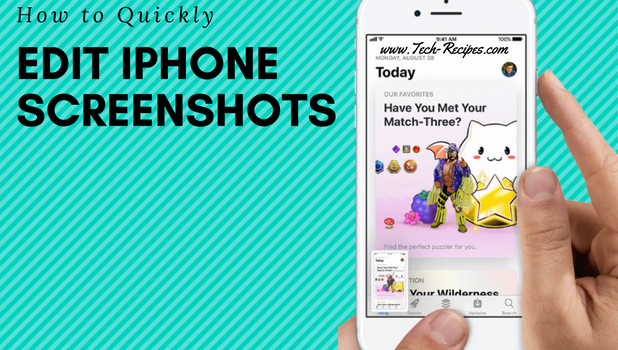
Apple’s iOS 11 has packed a whole lot of new features. One of the noticeable features of iOS 11 is the Instant Markup. Instant Markup allows users to quickly edit screenshots on iPhone iOS 11 right after taking them. This article will guide you how to save and share an edited screenshot on your Apple device running iOS 11.
How To Access Instagram On PC | Instagram On The Web
Did you know that you could access Instagram from your PC? it’s simple really, all it takes is a few easy steps and you will be on your way to using Instagram on PC.
Performance Tip: Avoid Using the SP_ Prefix in Stored Procedures

Database developers often name stored procedures with the SP_ prefix in SQL Server. The SP_ prefix helps other developers quickly identify an object as a stored procedure. Although there have been many debates over whether or not user created objects should be named with the sp_ prefix following the naming convention standards, we should not name our stored procedures in SQL Server with the SP_ prefix. This Tech-Recipes tutorial explains why we should avoid using the SP_ prefix in stored procedures in SQL Server.
How To Comment With GIF on Facebook

Want to know how to send cool GIF images as comments on Facebook? Here is an article dedicated to teaching you how to comment with a GIF on Facebook.
How To Delete Extensions on Google Chrome
Is your Google Chrome browser becoming laggy? Well, that might be an indication that you need to do away with some extensions. This article is dedicated to showing you basic steps to delete extensions on Google Chrome. The steps to achieve this are actually very simple to follow.
How to add plugins to Google Chrome | Easy Steps
Hey there! This comprehensive tutorial is aimed at bringing the very best out of your Google Chrome browser. Doesn’t that sound interesting? After reading this you are guaranteed to know how to add plugins to Google Chrome.
Creating an Index with DROP_EXISTING = ON in SQL Server