
How to Follow Posts on Facebook the Right Way

How do you follow a post on Facebook? Many of the users of the most famous social media on earth use the comment box to subscribe to a particular post and typing in anything just to follow the post. Do you know that Facebook now has the feature wherein you can follow a post without even leaving a comment? This article will teach you how to follow posts on Facebook the right way.
How to Turn Off Facebook Page Notifications
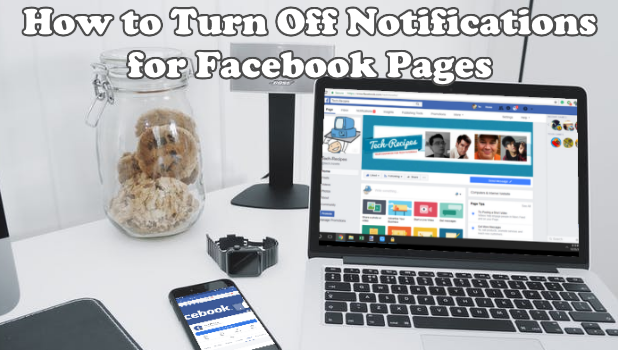
Facebook Notifications are great and all but receiving hundreds of notifications for an hour can be annoying. There is a high chance that you might miss a few critical information due to the constant bombardments of notifications. This article will help you turn off Facebook page notifications for a clutter-free Facebook experience.
How To Browse InPrivate in Microsoft Edge

Hey there! Have you ever been thinking of browsing InPrivate in Microsoft Edge? I mean, making your browsing private in such a way that nobody else can see what page(s) you’ve visited?. One of the helpful instrument a web program could offer is private browsing. This component has an alternate name. It is called Incognito on Google Chrome, It’s also available in Internet Explorer and Microsoft Edge and also Firefox browser.
In this article, I will demonstrate to you how to browse InPrivate in Microsoft Edge.
How to Connect Bluetooth Devices to iPhone
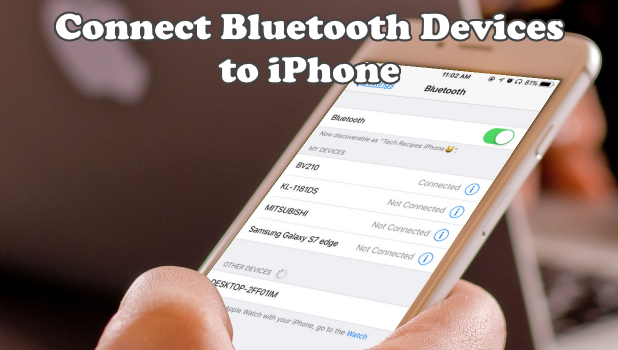
Connect any Bluetooth accessory to iPhone and enjoy the wireless connection. If you have a Bluetooth speaker or headset that you want to connect to your device, then this article is for you.
How to Save Facebook Posts
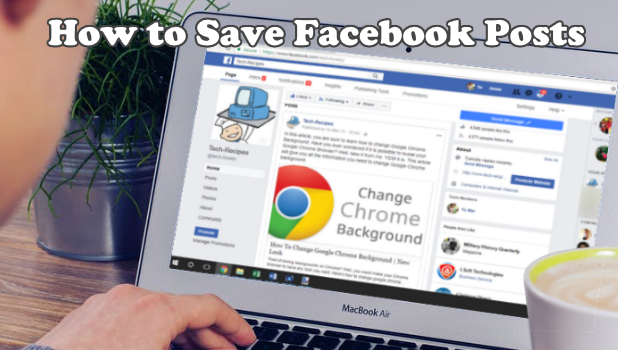
While in the course of browsing your Facebook feed, you may find an interesting post that may peak your interest. A click on the post allows you to view more details of it. However, you may not have the time to click on each interesting post. It’s good to know that there is a way to save posts on Facebook so you can check on them at a later date. This article will guide you on the steps.
How to Set an Alphanumeric Passcode on iPhone
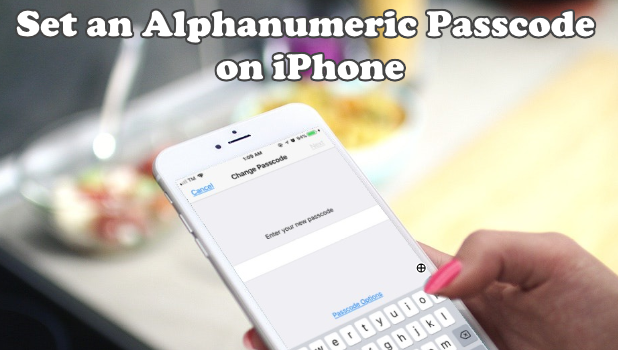
Every smartphone requires a password or passcode for security purposes. It is recommended to use an alphanumeric passcode as it is more secure than the usual 4-digit passcode. An alphanumeric passcode is consist of mixed numbers, letters, and sometimes punctuation making it a strong passcode.
How to Customize Notifications for Each Contact on iPhone
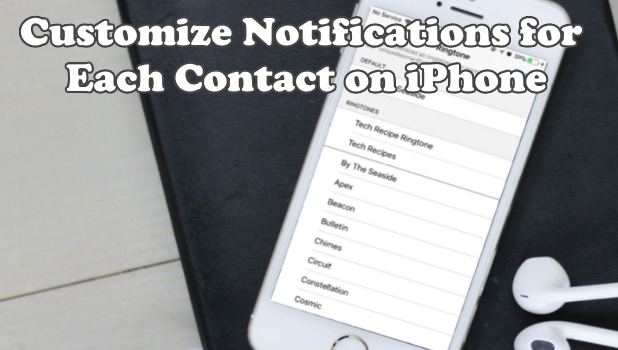
Are you too busy accommodating all your incoming calls and answer all text messages? Would you like to customize notifications for each contact on iPhone for each contact so you can only respond from the preferred contacts on your phone? You can do that even without taking a look at your phone’s screen by checking out the steps in this article.
How To Lock Google Chrome With Password
Today I am going to show you how to lock Google Chrome with password. Locking Google Chrome will stop any individual who doesn’t have your Google account password from having the capacity to use your Google Chrome browser. Wanna know how this is done? Just click on the read more button.
How to Add Another Email Account to Gmail App
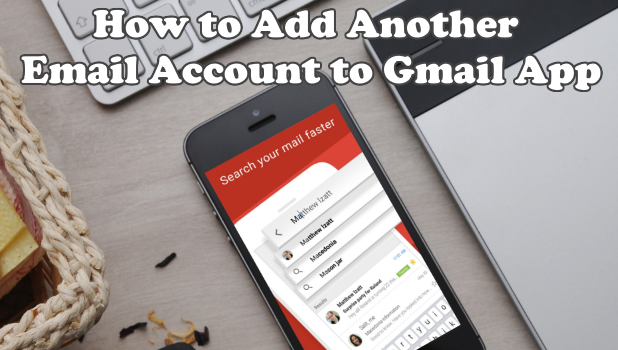
The Gmail app in itself is already one powerful and useful tool. What most users do not know is that the Gmail app also works as a mail client. To top it off, Gmail app supports other email accounts aside from those that are from Google. Yahoo!, and other personal and corporate mail accounts can are accessible through the Gmail app. This article will guide you how to add another email account to Gmail app.
How to Access AirDrop on iOS 11
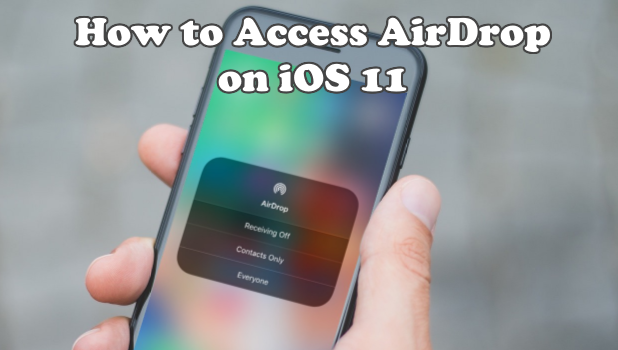
For those iPhone users that recently updated their IOS version into IOS 11, are you wondering where did the Airdrop go? In the older version, the AirDrop feature is readily available in the Control Center but with the recent update in the operating system, the Airdrop was removed from the main interface of the said menu. This article will discuss how to access AirDrop on iOS 11.
How To Set Firefox As Default Browser | Windows 10

Hello everyone! Thanks for always stopping by our blog. In this article, tech-recipe is going to show you yet another recipe on how to set Firefox as your default browser.



