

Many developers prefer a dark theme in their programming environment. It looks cool and softens to eyes. In my personal opinion, a dark theme helps me to focus and soothes my eyes from white brightness. Additionally, some studies suggest a dark environment saves more power. SQL Server developers, a delightful thing to know that we can use the Dark theme in SQL Server. SQL Server 2017 management studio (SSMS) included an option, although hidden trick to use a classy dark theme.
How to Use Turn-By-Turn Direction on iPhone Using Maps

You can use the Maps app on your iPhone to use turn-by-turn direction to get to your target destination the fastest and easiest way. If your iPhone is connected to the Internet and your Location Services function is turned on, then you can use turn-by-turn direction on iPhone using the Maps apps. This article will guide you on the step-by-step procedure.

How to Block Someone on Tik Tok [Easy Steps with Pictures]
TikTok, unlike other social platforms, is relatively safe. People haven’t reported as many incidences of bullying, hate speech, or spamming. However, no one is safe from some kind of backlash, not even on Tiktok. And sometimes, the only choice you have left to get rid of some stalker, or blackmailing cheapshot, is to block them from your tik tok profile.
How To Use SET IDENTITY_INSERT In SQL Server

SQL Server includes IDENTITY property to generate auto-increment numbers. IDENTITY generates incrementing numbers when a record is inserted into a table. Often referred to as a surrogate key, and commonly used as a primary key to have unique incrementing values in a column. While inserting a record in a table, we do not have to specify identity value explicitly, as by default it takes the next value.
How to Adjust Brightness on iPhone

Is your iPhone screen brightness very low? Or do you have problems with your battery because of your too high screen brightness? This article will guide you on how to adjust brightness on iPhone.
How to Download Tik Tok Videos for Offline Viewing
Do you know what I love about Tik Tok? A lot of things! I’m a fanatic of the app. I have never understood why other apps like Facebook, Instagram, and Twitter haven’t taken its lead. Why do they have so many security cordons? Why do they make it so difficult to download and save videos? Because if like Tiktok, they make it easy, their users would be over-the-moon. Even in this Wifi and 4g data-driven age, not everyone has access to the Internet all the time. So, it’s only wiser to let users videos they like offline, and increase their convenience. TikTok agrees with me and lets you download videos from its platform with ease.
How to Reverse your Tik Tok Videos In Simple Steps (2019 Updated)
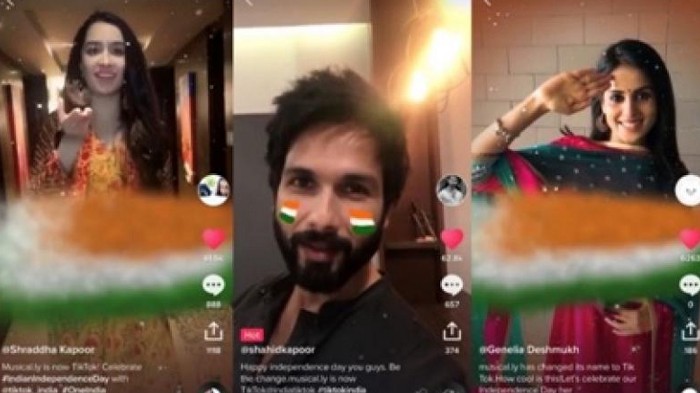
The Tik Tok reverse video feature is quite similar to Instagram’s boomerang. The only difference is that Boomerang puts your short clips in an endless loop. Tik Tok’s reverse, on the other hand, simply plays your videos in reverse.
How to Gain Control of Your Apple ID
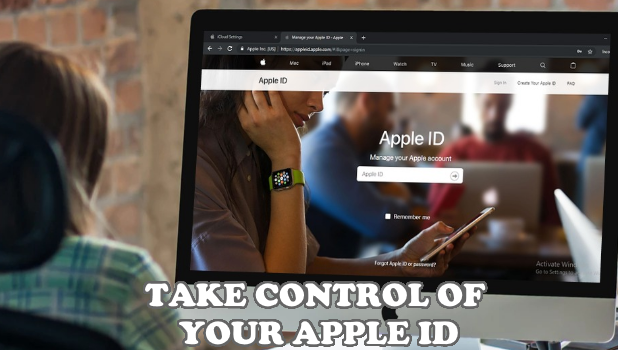
Know the things that you need to do to gain control of your Apple ID in cases where an unauthorized person have access to it.
How to Delete Your Tik Tok Account (2019 Updated Tutorial)
The Tik Tok storm swept the world away. It amassed millions of users from all over the world in a matter of months. And it has continued its forward stride with an even greater ferocity since then. However, it has cost people, like any other social media website, their productivity, social drive and increased their capacity to procrastinate. Yes, Tik Tok addiction is real, and if you’re a victim of this drug abuse, I know exactly why you’re here. To learn how to delete your Tik Tok account and put an end to the madness that has pervaded the many important aspects of your life.



