

This tech-recipe will explain how to reset and wipe your Tmobile HD7 / Windows Phone 7 device back to factory settings and applications. This process will wipe your data from the device.
1. Go to Settings (by swiping to the left and scrolling down to Settings)
2. Go to About
3. Then tap on the “reset your phone” button
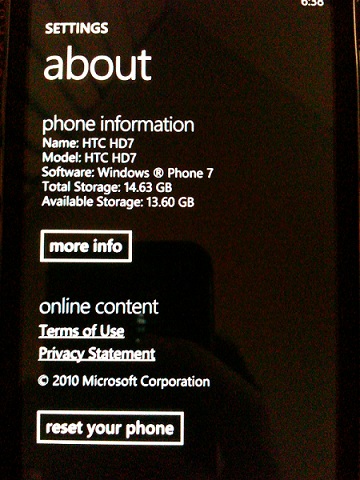
This will wipe and reset your Windows Phone 7 device back to the factory settings and state.




