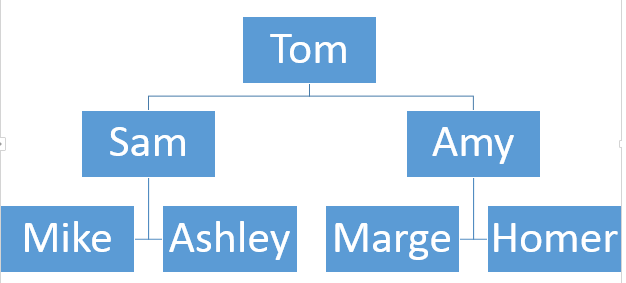
When demonstrating family relationships within a presentation or document, creating a pedigree chart is extremely effective.
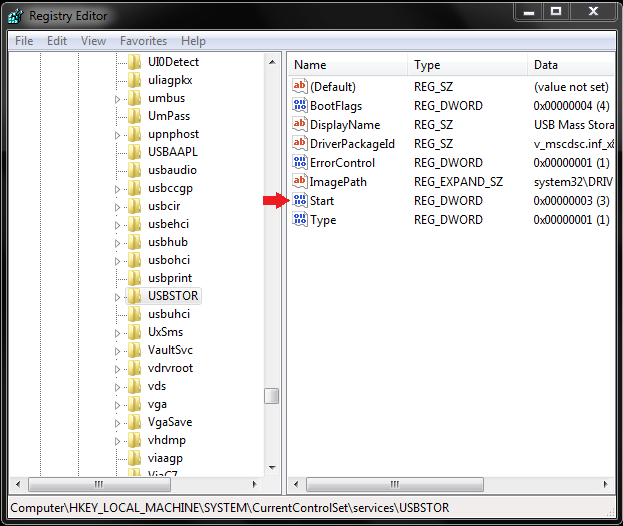
USB hardware access is one of the most forgotten security vulnerabilities. Locking out USB is an essential security measure in many circumstances.
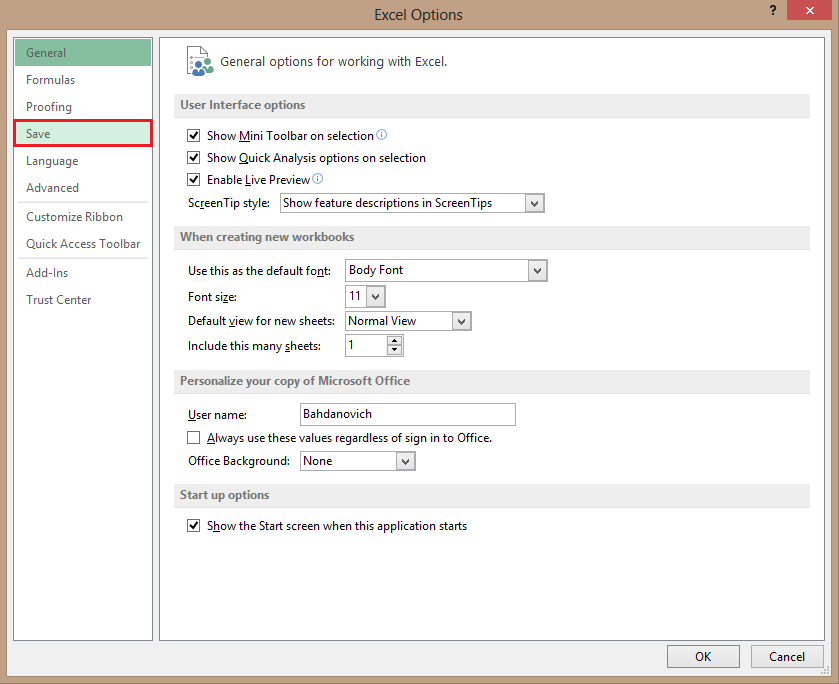
Sometimes, when you send a document, presentation, or spreadsheet, users with prior Office versions can often have problems opening and viewing it. These issues can be resolved by saving the file in an older format.
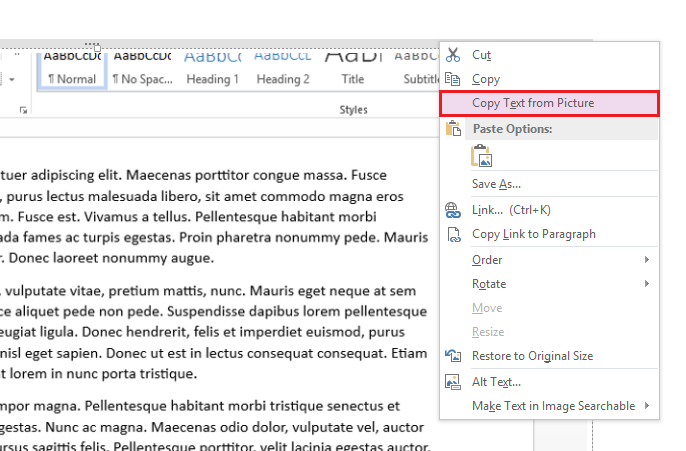
OneNote has the ability to extract text from an image.
In the latest version of iOS, users are able to rotate, remove red-eye, crop, and perform one-click auto enhance of their pictures.
Many users wish that Apple would granted them the ability to hide stock applications without the need to jailbreak. By visiting a special website, this is possible.
Do you constantly find yourself forgetting an appointment or important meeting? Using Window’s Task Scheduler, you can create an alarm for yourself without having to download any extra software.
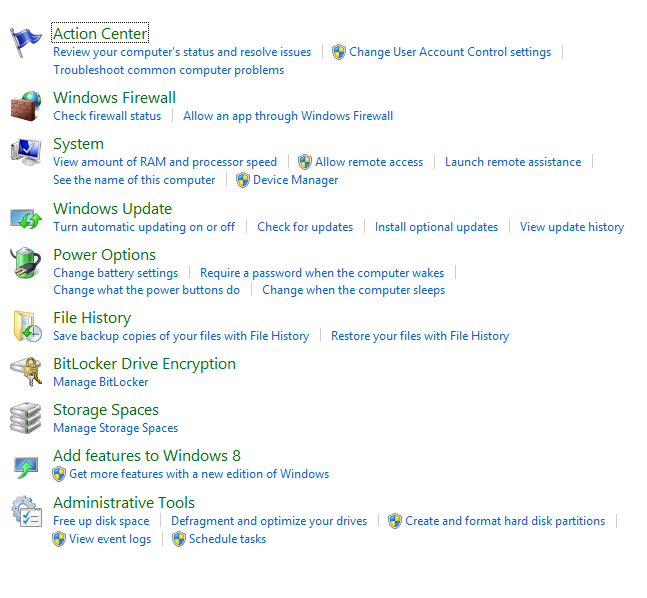
The Control Panel is a useful tool. From here, you can modify a number of settings. However, sometimes you will encounter useless settings that cannot be configured. It makes sense to remove these items.
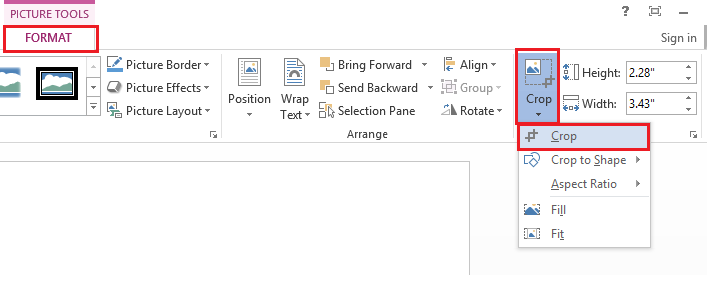
Cropping photos in Word is useful if you want to remove unwanted areas from your image.
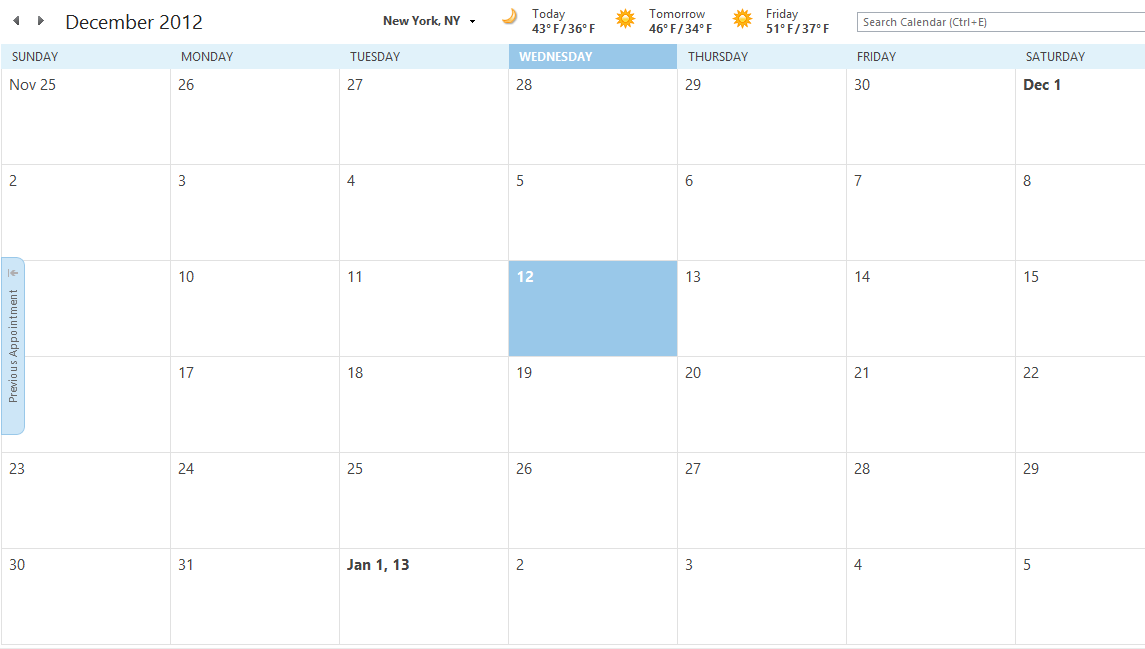
Having a physical calendar that shows all of your upcoming appointments and meetings can be more useful to some people than an electronic one. In this tutorial, I will show you how you can print a variety of calendar views in Outlook, including daily, weekly, and monthly.
Have you recently created a document with a unique look? You should consider embedding whichever fonts you have used. This especially applies when you have not used a common or default font.
Creating a virtual hard drive (VHD) is useful if you need an extra place to lock down your files.
1...300301302...525Page 301 of 525 error: Content is protected !!