
PowerPoint: Copy and Paste the Style of an Object
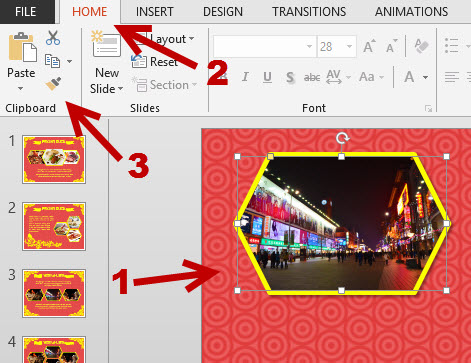
If you have many objects in your PowerPoint presentation that you want to have the same format, manually editing each one of them can take a lot of time. Alternatively, you can edit one object and copy the style to others in just a few clicks.
iOS: Add Website Shortcut to Home Screen

If you frequently visit a website during the day using Safari, you can create a shortcut that redirects you to the site right on your phone’s home screen.
Facebook Group: Create a Custom Address

By default, every Facebook group has an address, but the long number at the end makes it difficult to remember. Luckily, it is possible to set your own group’s address so that everyone can access it easily.
Ubuntu: Stop Online Results from Showing Up in Dash
Since Ubuntu 13.10, online results are now included when you search for something in Dash. While the ability to get results from numerous big websites is great, too many results can make the Dash feature look quite messy and make it harder for you to find what you need. Luckily, it is possible to hide individual content providers or even hide all online results from your Dash.
How to Create the Backwards E or the Existential Quantifier (∃) Symbol
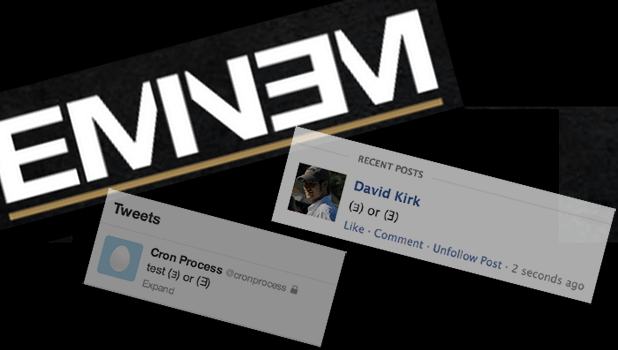
Originally used in propositional logic and recently made famous by rap artist Eminem, the backwards E symbol is easy to create from your computer.
Adobe Lightroom: How to Quickly Review, Select, and Email Your Photos
Owning a digital camera can allow anyone to take great photos. However, one of the cons of using a digital camera is that we can easily forget how many clicks we have made on a single photo shoot. Using the following techniques in Lightroom, we can pick out and share only our best photographs.
Disable Mavericks Spelling Autocorrection
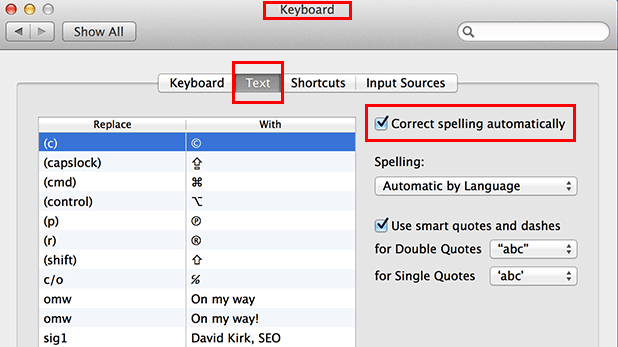
When I am editing Tech-Recipes, I get frustrated when OS X 10.9 attempts to autocorrect the multiple technology words that it doesn’t recognize. You should be able to disable the autocorrection feature either globally or on a per application basis.
Windows Phone 8: Set Custom Tones for Calls, Text Messages, Voicemail, Email, and Reminders
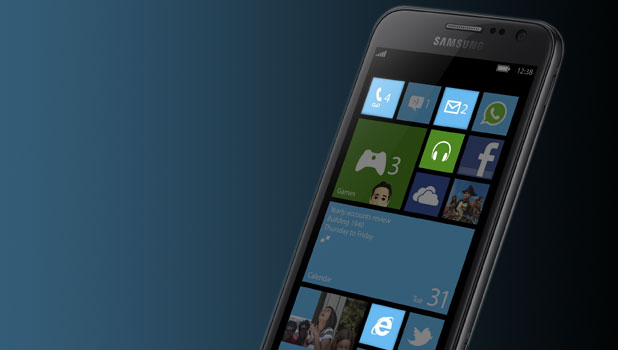
Although Windows Phone offers a wide range of tones, you will still want to express yourself through custom tones. This tutorial will show you how to set custom tones for every type of notification.
Microsoft Word: Change the Font Face and Size in Comments

When editing documents for others, the Comments feature of Word can be useful. However, the small black-on-red text is difficult to read. The instructions in this tutorial can be used to change the appearance of the comments.
BattleField 4 Mission 3: Dog Tags and Weapons Locations in South China Sea

This walk-through will lead you to all the collectible items in Mission 3–South China Sea.
BattleField 4 Mission 6: Dog Tags and Weapons Location in Tashgar