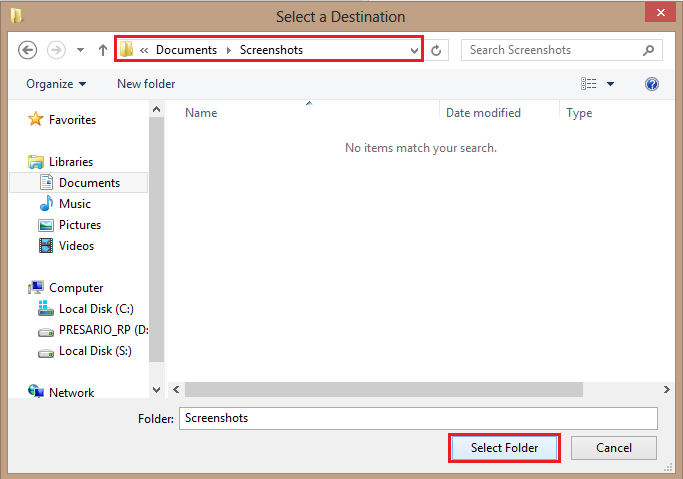
When you first install your operating system, the default screenshot folder location is in the Pictures/Screenshots folder structure. If you use screenshots frequently, changing where these images are saved helps to keep everything organized.
Outlook 2013: Create and Add Signature To Email

Including a signature in your emails is a great way to share essential information such as your phone number, address, and social network information.
Windows 8: Check How Much Space an Individual Application Uses
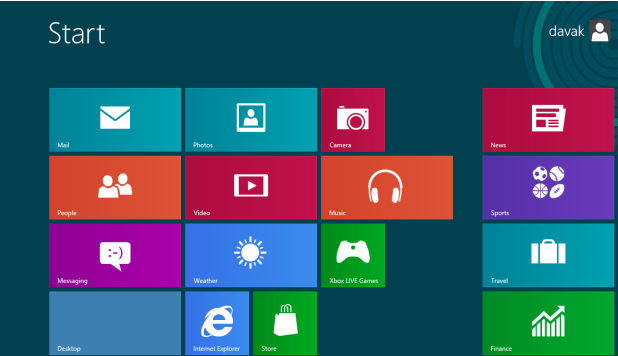
Depending on the size of your hard drive, knowing how much space each application utilizes may be helpful.
Excel 2013: Change Gridline Colors
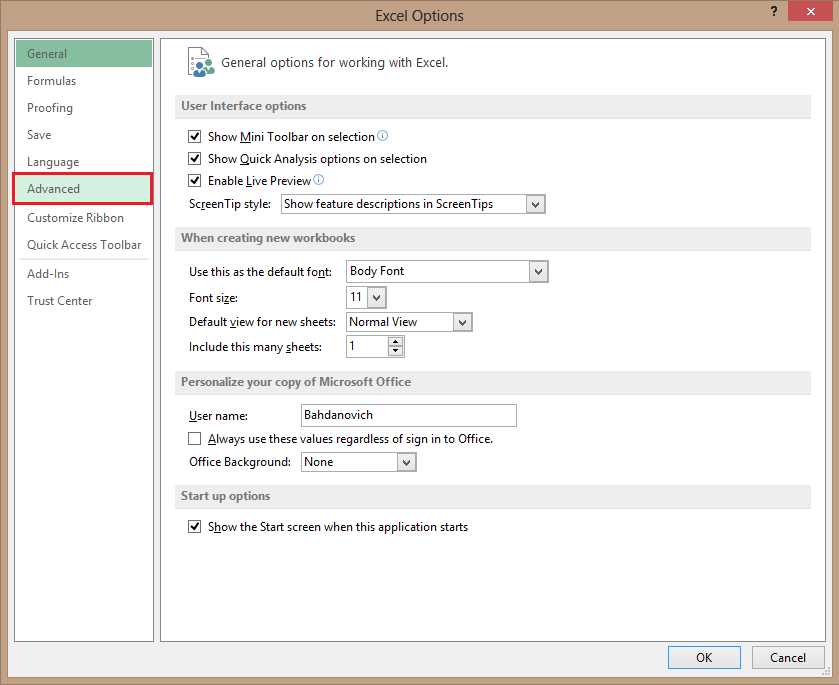
You may be bored with the default gridline colors, or you may simply need to better outline your data. Follow these steps to customize the gridline color to whatever you want in Excel 2013.
Windows 8: Backing Up Your Files with File History
To most Windows users, making sure that you never lose any of your files or documents is essential. This is now possible with the File History feature in Windows 8.
Word 2013: Numbering Lines in Margins

Having numbered lines in your document is useful if you quickly need to reference a part of your document.
Windows 8: Disable the AutoRun Feature
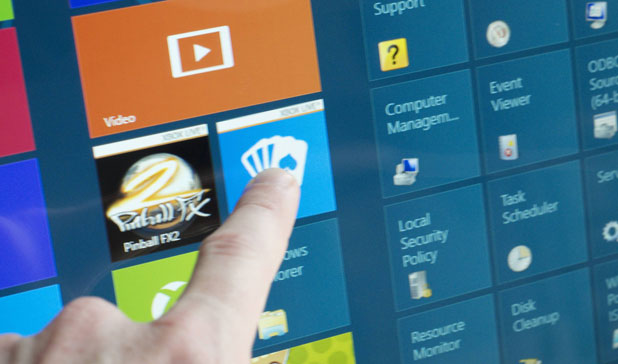
The AutoRun feature has been a polarizing issue for Microsoft Windows users through many versions now. It is back in Windows 8. Luckily, it can still be disabled.
Excel 2013: Copy a Selection of Cells as an Image
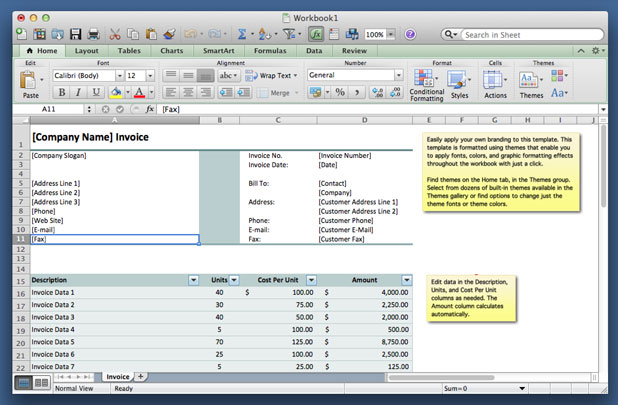
Copying a part of your Excel file as an image can be very useful when you want to include a little snapshot of your spread sheet in an email or within a presentation.
Copy Contacts from SIM Card to iPhone

Apple’s iCloud services allow you to back up your phone’s settings and restore them with each phone wipe. However, if you share the same SIM card between multiple devices, it makes sense to keep a copy of your contacts on your SIM card. These steps are also required if you are moving your contacts from a different smartphone to the iPhone.
Facebook: Change Group Icon
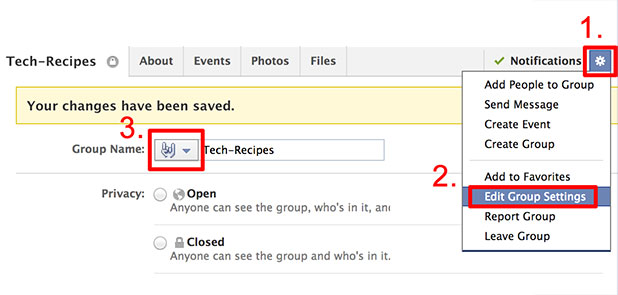
The default icon for a Facebook group is boring and blends in with icons of the other groups. By customizing the icon, you can make your Facebook group standout in your user’s left sidebar.
How Do I Cancel a Skype Subscription?