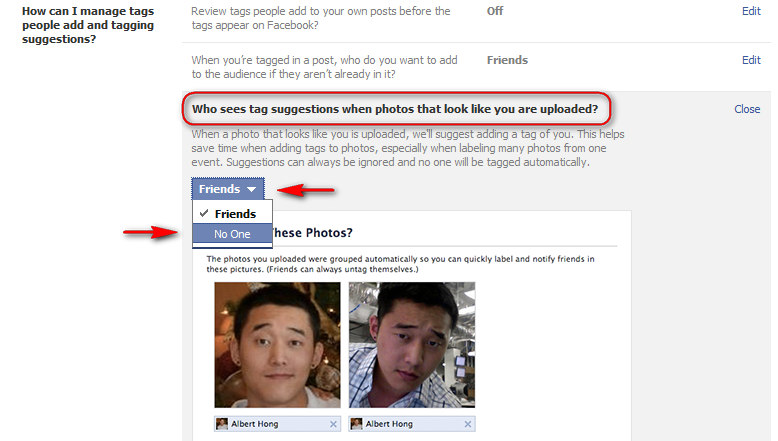
Facebook has introduced (actually reintroduced) a new feature which suggests a photo tag based on facial recognition. From your previous uploaded photos, it recognizes your identity and suggests a tag when you or your friends upload a photo of you onto Facebook. If this bothers your sense of privacy, you can disable this feature through the following steps.
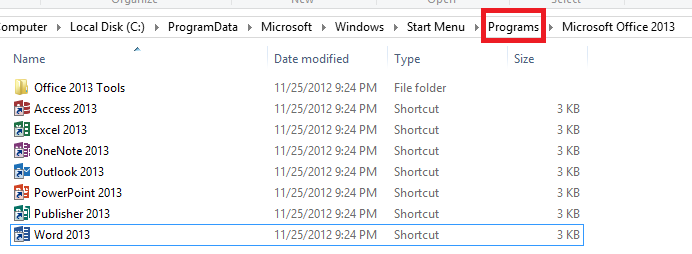
Create a custom folder with an unique icon that contains all of your go-to applications. In my example below, we will create a custom folder on your Start screen that contains a list of all your installed Office applications. However, you can use these same steps to group any number of applications to a single pinned folder. Continue
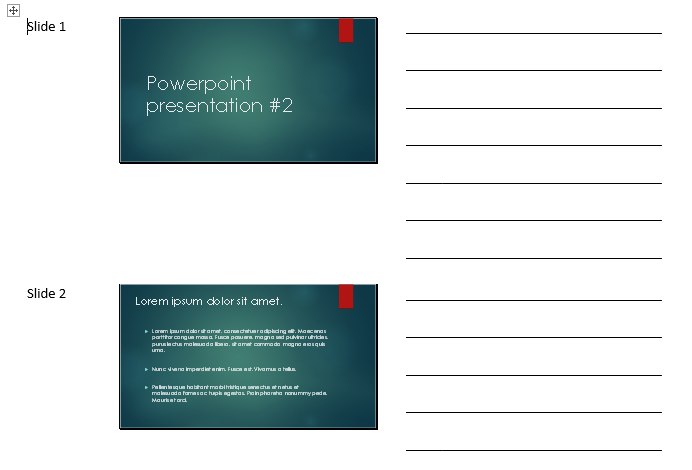
Handout are a great visual aid for your audience. Creating handouts of your presentation can really help your audience stay on track and follow along. By converting your PowerPoint presentation to a Microsoft Word document, you can easily edit, print, and distribute your information.
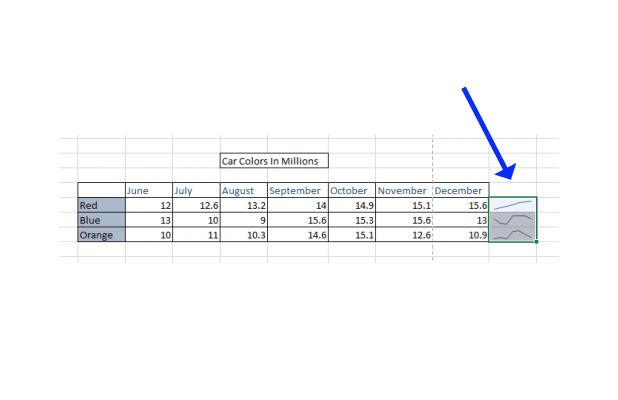
Inserting sparklines next to your data set provides a simple way of viewing a trend for a set of data points. Sparklines are tiny, free-flowing graphs with no axis or labels.
SQL Server 2012 introduced the powerful new CHOOSE() function. This tech-recipe will explore its use and common mistakes through some simple examples.
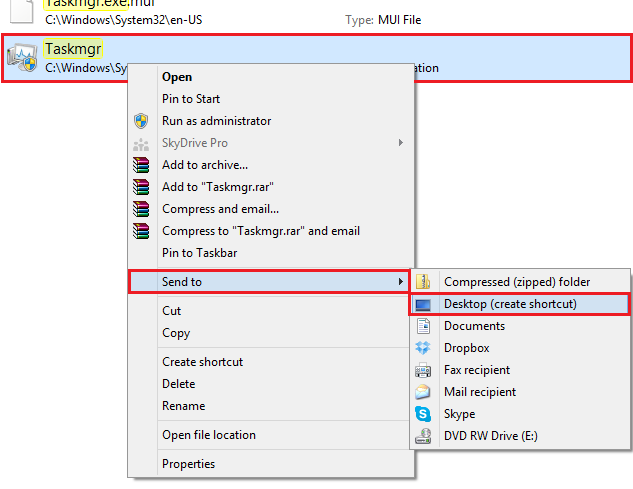
As you may have noticed, the new Task Manager is quite different from the older version. The most straight forward functions have remained the same but may be difficult to access for new users because of the completely redesigned UI.
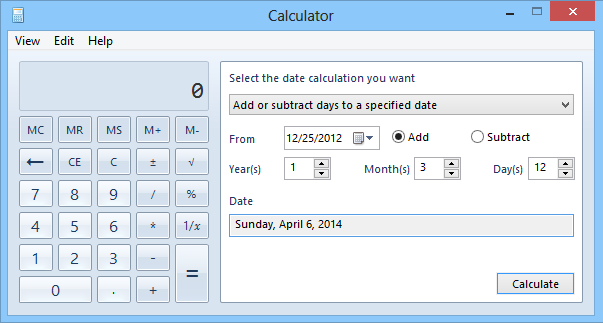
Are you counting down the days until that concert you have been dying to see? Do you want to know how many days you have been alive? Whatever your motives are, the Windows 8 calculator application comes with a built-in date calculator.
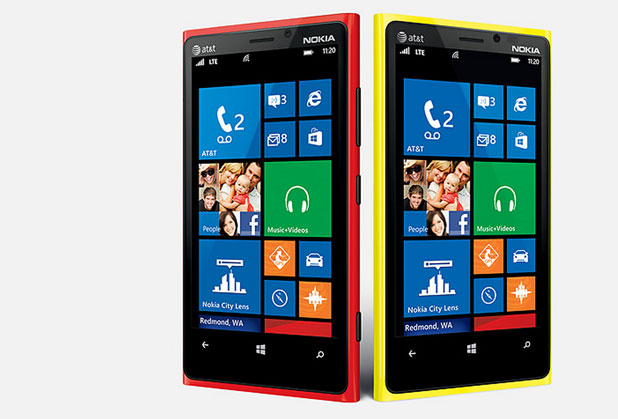
By default, the search engine in Internet Explorer for Windows Phone 8 is set to Bing. All the search results will be provided by Bing if you try to search from the address bar. Follow these directions to change your search engine to Google instead.
Android 4.2 through the Quick Settings panel introduces a new way to centralize all your frequent places and settings. By default, it displays many tasks that are common to most users. However, if you want to rearrange the order of the items and swap the tiles for other settings, this tech-recipes tutorial will be helpful for you.
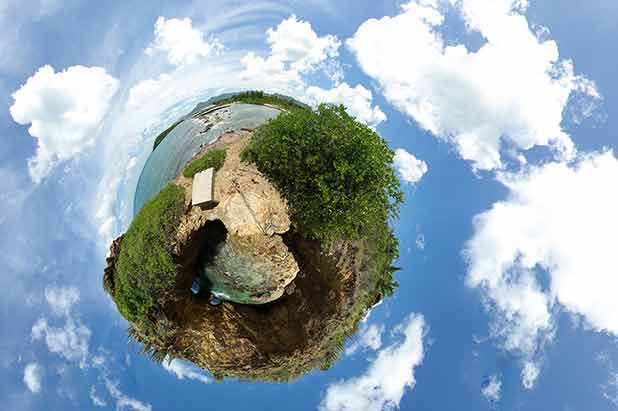
Panoramic pictures are already pretty cool. With the ability to take panoramas from almost any smartphone, they are also becoming more popular. To make these pictures even more unique, follow these steps to create a miniature planet using the scenery of your photo.
If you are left-handed, using a mouse that is configured for right-handed users will be uncomfortable for you. Keep reading to find out how to change the mouse settings to left-handed mode.
It is inevitable that any electronic devices will eventually freak out. If you iPhone ever does, and I’m not saying it will, you may not be able to get it to respond to normal inputs. Pressing this combination of buttons will let you reset the iPhone.
1...296297298...525Page 297 of 525 error: Content is protected !!