Since the release of Xcode 6.2, the Is Initial View Controller has been removed from the Utilities panel. Here is the new way to set the initial view manually in Xcode.
You depend on your email for your social life and work, so it is quite annoying when someone sends you junk mail. Your phone beeps that you have mail, but the message is nothing important that you need to read. Fortunately, you can deal with junk email messages when you use Gmail with filters. Here is now to create filters for Gmail to stop those irritating messages that clutter your inbox.
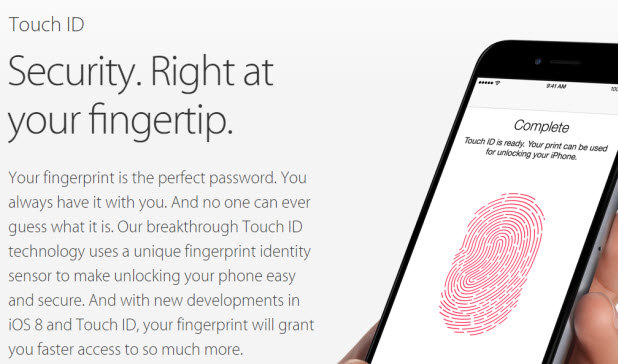
When you use the Touch ID feature on the iPhone to add your fingerprint as a method of unlocking the device, it only asks you to provide one fingerprint, which means you can unlock the phone with that finger only. Luckily, it is possible to register more fingerprints to the system so that you can unlock your phone with Touch ID with either hand. Continue reading to find out how.
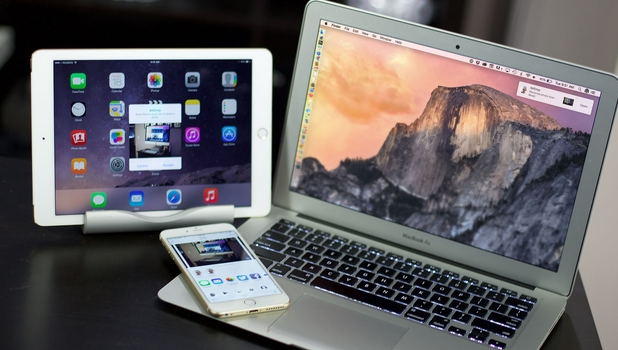
Sending files from your Mac to other nearby Mac and iOS devices is easier with AirDrop. Originally a feature for Mac, AirDrop comes with the update from OS X Yosemite and now supports the transferring of files to iOS devices. Learn how you can share files between your Mac and iOS devices here.
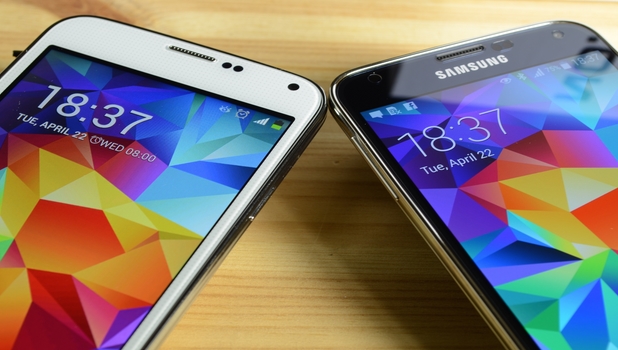
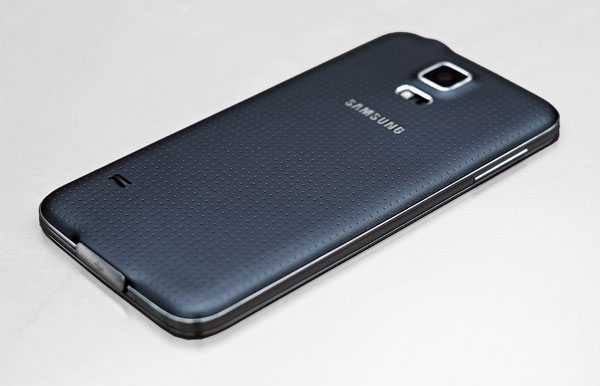
Samsung’s line of Galaxy phones runs on Android. Since Android is an open source operating system, the source code of the OS is open to all interested parties under open source licenses. Some phone manufacturers take advantage of this by creating knock-offs of more popular devices. These companies have done quite a good job to lure consumers into buying their fake phones at a very low price. Here is a list of ways to identify a fake or cloned Samsung Galaxy device.
When you click on your Android phone in Windows, you can either import photos from your cell phone or just copy them with the Windows File Explorer. Copying the photos is easier and faster than using the Import option as importing scans folders other than your camera folder under certain circumstances. Here is how to use File Explorer to copy photos from your Android phone.
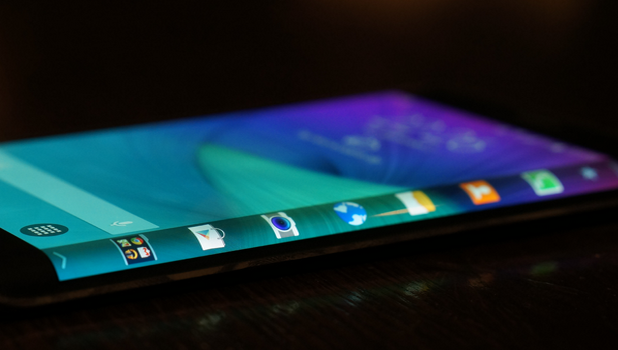
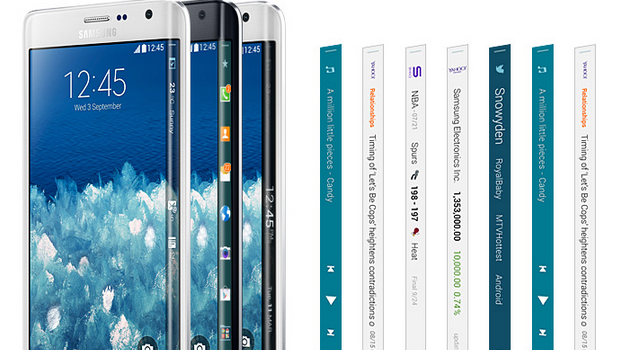
You can express yourself by customizing the Edge screen of your Samsung Galaxy Note Edge. When your Galaxy Note Edge is not in use, the Express Me screen will show on the Edge screen. Using the Express Me feature of your device, you can choose from the pre-loaded Edge screen wallpaper or create your own using images and pictures on your device. Follow the instructions below to change your Edge screen to reflect your individual style and preferences.
In addition to the Unfollow feature, which lets users stop receiving their friends’ updates without unfriending them, Facebook offers another feature to reduce the number of updates posted by a particular user on your news feed. This option can be very useful if some of your friends post too many updates on Facebook. You may still want to see them, but you do not want your feed filled with their posts. Continue reading to find out how to use this feature.
Whenever you open a link from your Facebook app, the app will try to load the webpage using its built-in browser, not the one that you set as the default on your phone (e.g., Chrome). This behavior could cause a lot of frustration because the Facebook app’s built-in browser lacks a lot of important features. For instance, it sometimes fails to load the webpage or renders the page incorrectly. Luckily, there is a way to force the Facebook app to forward the link to your favorite browser so that you can view the webpage without any problems.
Voice over LTE (VoLTE) is a feature on the iPhone 6 and iPhone 6 Plus that allows you to make high-quality phone calls over an LTE connection. The recipient also must be using a phone that supports VoLTE and should be connected to an LTE connection for the call to go through. We will show you what you need to make that crystal clear phone call using your iPhone 6 and iPhone 6 Plus.
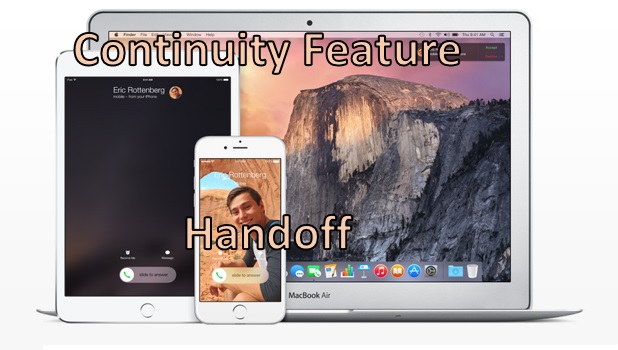
One of the most beautiful features of Apple devices is that they seem to work seamlessly with each other. You can update the music files on your PC or Mac, and the changes will be implemented on your iPhone or iPod, too. Now, Apple has gone a step further by allowing you to work between devices. Using a new feature called Handoff, you can start a task from your iPhone (e.g., compose an email message), continue the task on your iPad, and finish it off on your Mac. Is that not beautiful? Just imagine how Handoff can positively affect your productivity! Do you want to learn more about it? Keep reading to get started.
Samsung Galaxy Note Edge gives you an additional, curved side screen where you can put icons for your favorite applications and widgets into an assortment of customizable panels. You can arrange the Edge screen panels so that sets of them are displayed based on your preferences. Read on to find out how to manage the panels of Samsung’s most advanced phone yet.
1...225226227...524Page 226 of 524 error: Content is protected !!