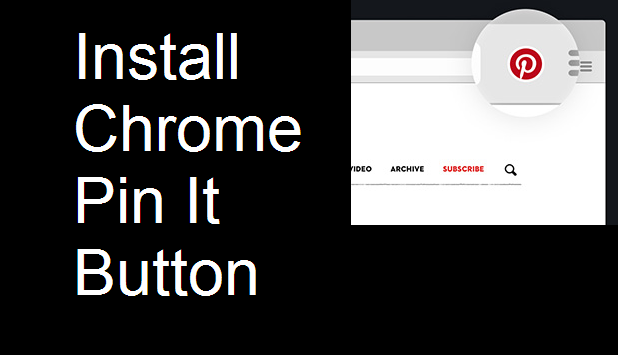
Pinterest is a favorite website for users who enjoy organizing ideas, recipes, vacation spots, articles, and more. The basic idea is that you pin a website represented by an image from the webpage to a board dedicated to that topic. You then get a visual feed of all the items you have pinned so that you can refer back to them later.
If you are a frequent Pinterest user, I highly recommend downloading a web extension to let you pin items to your boards from anywhere without having to open Pinterest in your browser. These extensions are available in most browsers, including Firefox, Internet Explorer, Safari, Microsoft Edge, and Chrome. This tutorial will walk you through how to set up the Pin It Button for Chrome.