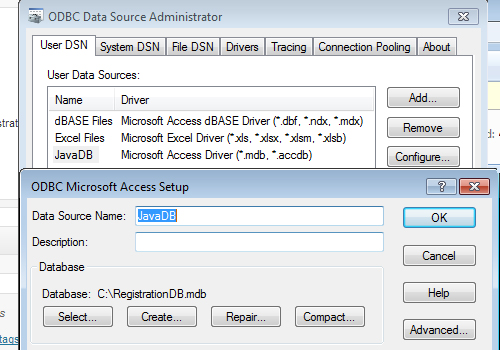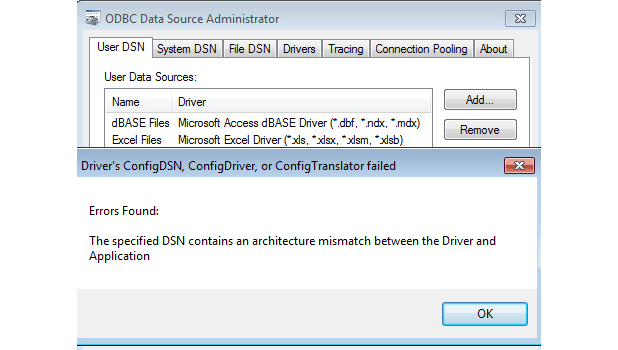
This will fix a common error trying to add or configure a database source in Windows 7.
When attempting to add a new data source on my Windows 7 64-bit machine, I ran into this frustrating error. I needed to create a data source with a Microsoft Access Driver and experienced the following error:
Driver’s ConfigDSN, ConfigDriver, or ConfigTranslator failed
Errors Found:
The specified DSN contains an architecture mismatch between the Driver and Application
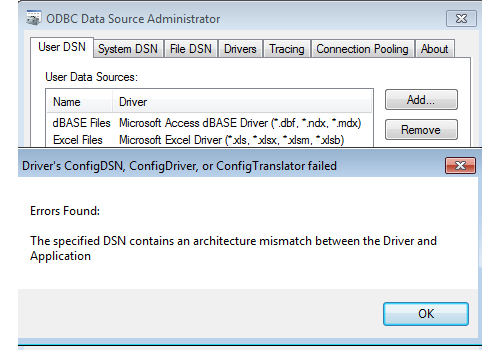
This is due to the fact that Microsoft Access is a 32-bit program with 32-bit drivers which is causing the compatibility issues.
Windows 7 64-bit has two different versions of the ODBC Data Source Administrator. The ODBC Data Source Administrator that is reached through the Control Panel is the 64-bit version. What we need to do is use the 32-bit version of the ODBC Data Source Administrator instead.
1 Navigate to c:\Windows\sysWOW64\odbcad32.exe You can use the search feature as there are a lot of files in this folder if needed.
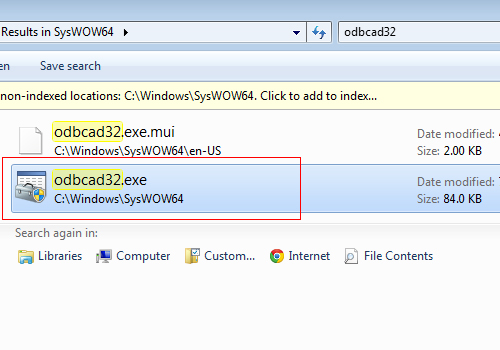
2 Double click to start the executable. You should have no problems adding the 32-bit based driver to your 64-bit machine.