
Android ICS: How to Screen Capture
Posted by Jimmy Selix in Android
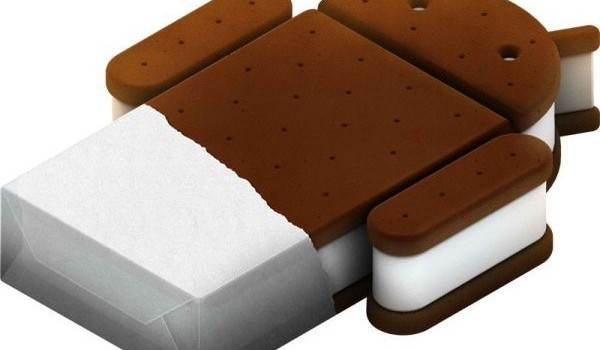
With Android 4.0 or Ice Cream Sandwich (ICS), Google has brought back native screen capture abilities. This allows users to take a screen capture of any screen on their Android 4.0/ICS device.
Here at Tech-Recipes we require screen captures for tutorials all the time. And who hasn’t wanted to capture a crazy txt message conversation as an image to keep for all eternity–or at least to post to Facebook. Previously, taking screen captures required painful tethering of the device back to an Android development install on a computer. With the release of ICS, screen shots are finally coming to the Android masses.
Like all Android installations, vendors do have the option to block this feature. However, for most ICS devices, this should work.
1. On your Android 4.0 / ICS phone, go to the screen you want to capture.
2. Then press and hold the Volume Down and Power buttons for 2-3 seconds.
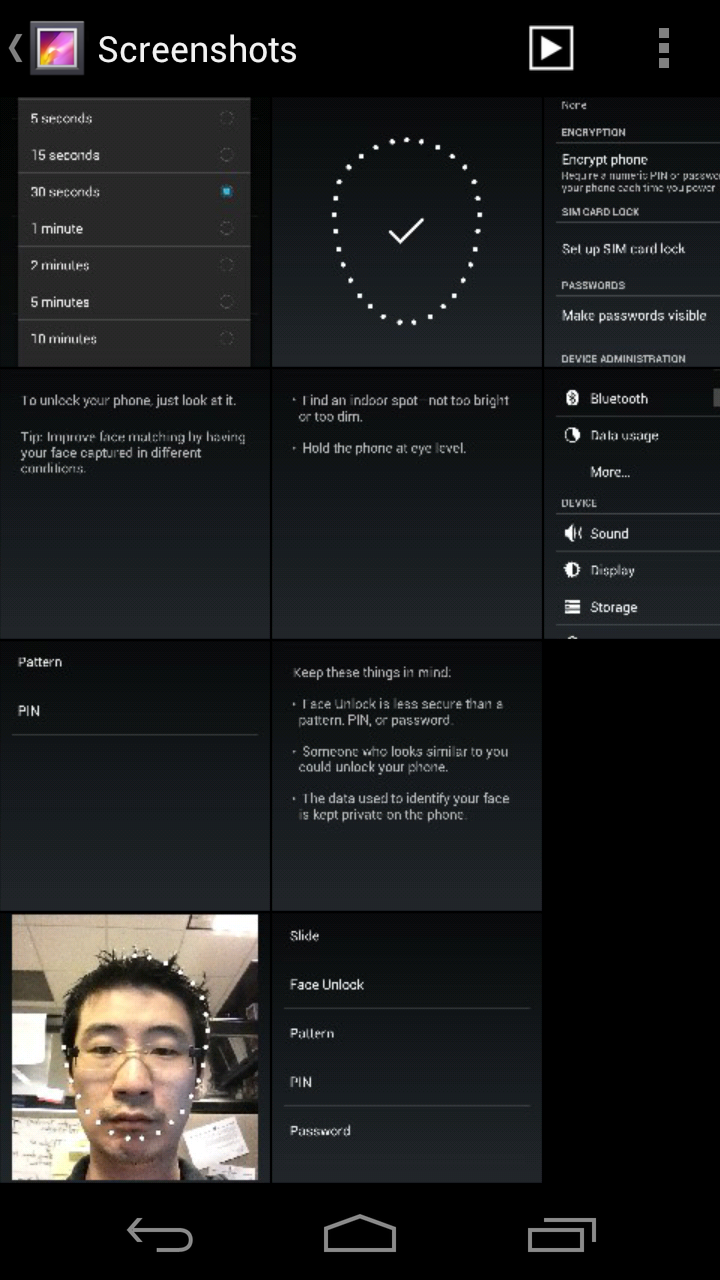
3. This will capture the screen and save it into your Gallery > Screenshots. On your phone’s memory card or memory, it will save these photos into the Pictures/Screenshots folder.
About Jimmy Selix
View more articles by Jimmy Selix
The Conversation
Follow the reactions below and share your own thoughts.

May 01, 2012 at 2:50 am, Lê Hoàng said:
Wow, I didn’t know about this. Thank you, Jimmy!
May 01, 2012 at 2:50 am, Lê Hoàng said:
Wow, I didn’t know about this. Thank you, Jimmy!
June 04, 2012 at 1:13 am, Renan said:
Thanks man! It worked for me!
July 19, 2012 at 7:19 pm, CrowdedCranium said:
Hmm, that worked on the Samsung SGH-i727 with 2.3.6, but with last weeks Samsung OEM ICS4.0.4 this does not work. You get volume down and power off menu. Perhaps Samsung has some insight into what they have done to it.
August 24, 2012 at 3:59 pm, rocketero said:
does not work in my tablet, 9.8 inches running android ics 4.0.4
September 20, 2012 at 5:47 pm, FreeTibet said:
It’s different for the Samsung Galaxy S II Skyrocket. If you have a Skyrocket, it’s almost exactly like you used to do it pre-ICS. You still use the power & home buttons (NOT volume down), but you have to do 2 things to get it right: you have to press power a split second before home, and you have to hold them both down for about 2 seconds. Personally, I prefer it this way. If power & volume down take a screen shot, I’d be constantly taking accidental shots whenever I’m running with it in my armband.
October 03, 2012 at 7:22 am, Sunny said:
This is still not good. Why not provide a soft button/hotkey as well to capture the screen?
October 12, 2012 at 5:34 am, Glauco said:
With my HTC One X it also works by holding the power button and then pressing home.