You have probably seen a photo so magnificent that it was hard to believe its authenticity. Your instincts may have been right. Photographers often combine their photos to better their outcome. Replacing an overexposed, blown-out sky with perfect, cloud-filled blue one is a common Photoshop manipulation. The following background changing technique can be used with Photoshop CS4, CS5, or CS6.
If you have had your WiFi password set for a long time, you may not remember it. This can be a problem, especially when you try to connect a device to the network. The following tutorial will show you how to retrieve the password using an Android phone that has previously been connected to the network.
After using your Mac for a long time, the “Open With” menu will become populated with duplicates and nonexistent applications. Through a simple command these can be removed.
Typically, when you browse the Internet, your browser keeps a history of all the web pages you visit. Private browsing disables your history, cookies and other private data.
Since the iphone 3GS, several nice, little features have been included in iOS. One of my favorites is the ability to show a percentage of the battery life in the upper right hand corner instead of just the battery graphic. These settings can be found on any modern iOS device including iPhones, iPads, and iPod Touch devices.
Exporting and important content between WordPress installations is a common occurrence. Many people use complicated plugins for this task; however, by using the WordPress Export menu, most exporting tasks can be easily accomplished.
When you upload a new video to your YouTube channel, you have to configure several settings manually. If all of your videos share the same properties, you may find configuring those settings again and again to be a tedious process. Fortunately, you can tell YouTube to set those for you to save time.
Unlike previous versions of Outlook, which display items in compact mode, Outlook 2013 displays menu choices in text. This change makes the program interface well-suited to the overall Windows 8 environment. However, many users may wish to switch back to the old compact mode with icons to save space. By following this tutorial, you can customize the navigation pane the way you want.
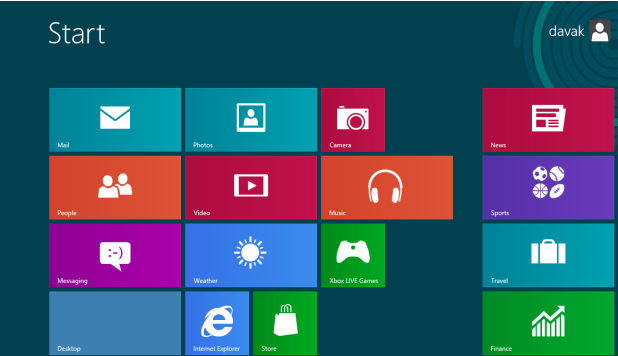
If you use the default Mail client for Windows 8 to access your email, you probably have noticed that photos attached to messages are downloaded and displayed automatically. Unfortunately, this may waste your Internet bandwidth. Also, privacy is compromised since the images you receive might not be appropriate to view at work. To be safe, you can disable this feature and force the application to display text only.
Either you use tabs or you do not. If you prefer to use tabs when you browse the Internet, you will naturally want all your new windows and pop-ups to open in tabs. Right? Read on to find out how this can be done.
“How do I reboot or reset my BlackBerry?” is one of the first questions that new BlackBerry owners ask me. This tutorial documents how to do both the soft and hard resets.
Several people have reported this error when trying to update software in OS X over the last few days.
1...313314315...525Page 314 of 525 error: Content is protected !!