Stop the annoying warnings when running 16-bit and supposed incompatible applications on XP. This tutorial describes the steps necessary to achieve this.
The following tutorial is for both general use and network administrators. This script will disable the Task Manager on Windows XP.
Whether you are switching web servers or something went wrong with your website and you need to restore your old one, this tutorial will show you how to restore your old WordPress website from a backup. In order to restore your WordPress website, you must have your files (especially your database) already backed up, an FTP client, and your web host login information.
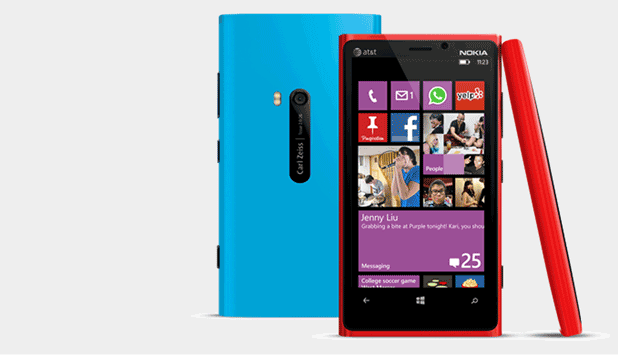
Nokia’s high-end Windows Phone 8 devices, like Lumia 920 and 820, allow users to interact with the screens even when they are wearing gloves. The feature, however, is disabled by default. This tutorial will show you how to enable and use it.
One of our visitors dropped me an email asking an interesting question. While out running and wearing gloves, she noticed that her iPhone would not respond to her touches but her exercise touchscreen watch had no difficulties. As touchscreens become commonplace on our devices, understanding how they work will save you a lot of aggravation.
If you have been using your computer for a few years and constantly saving all of your bookmarks on Firefox, then you probably want to move them when you upgrade. This exporting and importing process works even from a different computer or another user’s account.
You can change the appearance of Internet Explorer and Outlook Express to suit your tastes and needs. Read on to find out how.
Imagine creating text that appears to be cut out of blocks of sod. With Photoshop anything is possible.
Microsoft’s Windows and Apple’s OS X store configuration files in very different methods. By comparing and contrasting these mechanisms, the advantages and disadvantages become rapidly apparent.
This tech-recipe will explain how to securely remote desktop into a computer or server using Copssh / SSH and Putty (free, open source) to Remote Desktop. Remote desktop (aka Terminal Services in the corp landscape) by default is not necessarily the most service to have running on your Windows machine due to the number of exploits available that use the RDP port (port 3389) or you may have a business need to secure such a connection between two offices or sites.
Installing the open source php framework Symfony into an OS X box can be a challenge. By using MAMP and these directions, you will be up and running in no time.
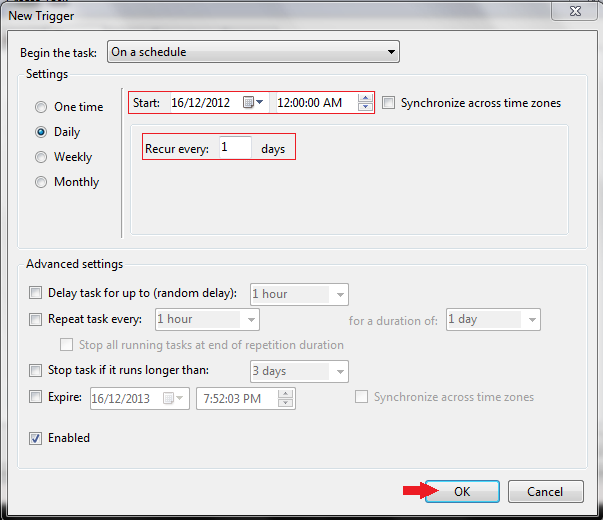
By using Window 8’s Task Manager you can easily schedule your computer to turn itself off at night when not in use.
1...285286287...524Page 286 of 524 error: Content is protected !!