How to Manually Install Tomcat on Windows 7
Apache Tomcat is an open source web server and servlet container created by the Apache Software Foundation. It’s used to execute to Java servlets and also render web pages that include JSP (Java Server Page) code. This tech-recipes walks through the process of installing Tomcat manually on a Windows 7 OS.
Photoshop CS6: How to Record and Save Actions

If you need to perform repetitive tasks, you can save yourself a lot time by saving these actions. By recording and reusing these actions, you can reproduce previous results with one simple click.
PowerPoint 2013: Mouse-Hover to Start a Program Directly from Your Presentation
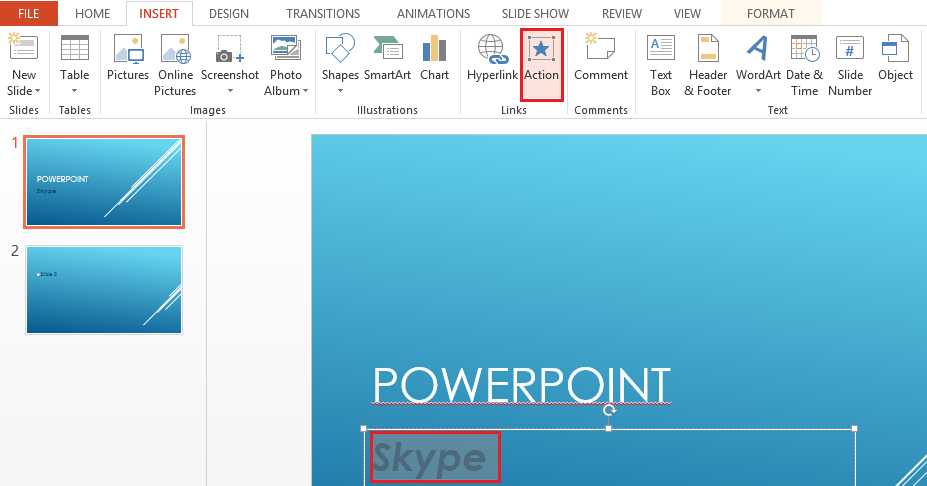
A simple mouse-hover can be used as an effective way to launch an external application from within a PowerPoint presentation.
Windows Phone 8: Increase the Text Size on Screen
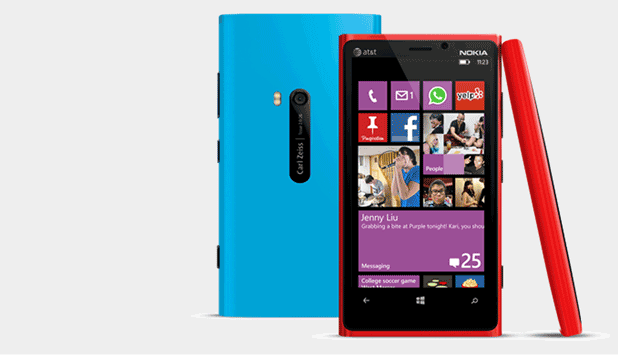
The default size of on-screen text elements of Windows Phone devices is usually acceptable. However, if you find them too small to read, follow the steps in this tutorial to increase the size.
Photoshop CS6: Create a Simple Grunge Text Effect

Rough, beat-up appearing text is a frequently used style in design. Through these Photoshop steps, you will be able to create grunge appearing text without difficulty.
Share or Restrict Files Using Google Docs
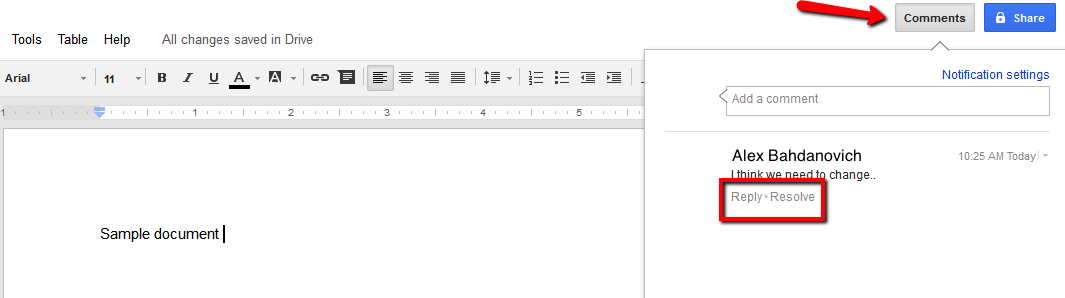
The ability to share files has become crucial to our daily activities. Google Docs service provides methods for sharing (and restricting) documents created within their service.
In Windows how do I check my hard drive for errors?
Hard drives are one of the most common computer components to develop errors. Microsoft Windows contains actions that will scan your drives for errors. Often these errors can fixed to prevent lost of data.
Windows 8: Prevent Hot Corners Switching through Recent Applications
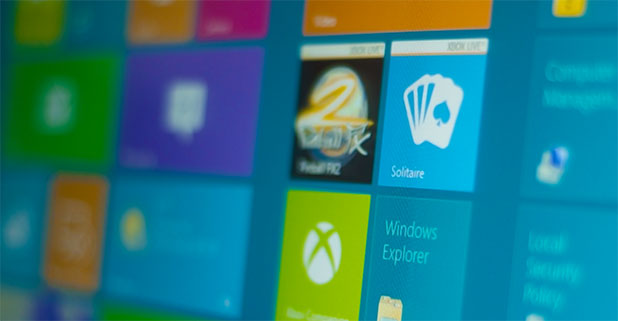
The application switcher on Windows 8 is a useful tool for people who need a fast way to switch between apps. However, through its upper left-hand corner trigger, it is often brought up by mistake.
Oracle: Using the AFTER INSERT and AFTER UPDATE triggers
A database trigger is a stored procedure that automatically executes whenever an event occurs. The event may be insert-delete-update operations.
Oracle initiates an ‘AFTER INSERT’ trigger after an insert event has been occurred and an ‘AFTER UPDATE’ trigger after an update event has been occurred.
Windows Phone 8: Prevent Kids from Buying Apps or Games