OS X: How To Securely Empty Trash

When you normally empty trash, the files deleted are not actually removed from the computer. Instead, their space is just made available for other files to occupy. This means that certain applications such as data recovery tools can give someone complete access to these files. Using this method to securely empty the trash will overwrite the deleted files and make sure that the file cannot be recovered or accessed.
Photo Booth: Create and Use Backdrops
Just like the new ability to use backdrops in iChat, Leopard also introduced the backdrop feature into Photo Booth. In this example, I will show how to drop a picture into a backdrop. I will use a screenshot, but any image can be used with this method.
iChat: Use Video Special Effects and Backdrops
Since the 4.0 version of iChat that shipped with Leopard OS X, users have had the ability to do real time special effects while participating in a video chat. This tech-recipes tutorial will walk you through how to use these new video effects and backgrounds.
Android ICS: Inverted Mode
Android Ice Cream Sandwich contains the ability to switch the screen to an inverted mode where colors are displayed as their opposite. Thus, a typical webpage that is displayed as black text on a white background will be displayed as white text on a black background instead. This tutorial describes how to use inverted mode and the potential benefits.
PowerPoint: Create a Photo Album

You can use PowerPoint to create a photo album to display your photographs and pictures. PowerPoint makes it easy for you to insert pictures and customize them by applying themes and using special layout options. You can also change the appearance of a picture in the photo album by adjusting rotation, contrast, and brightness.
As powerful as PowerPoint is, many people do not realize what a great tool it is for creating photo albums. These step-by-step directions walks through the creation process. These directions have been tested in PowerPoint 2007 and 2010.
Understanding Solaris Runtime Control Scripts
Runtime control scripts are responsible for starting and stopping services when the system changes run levels such as during boot and shutdown. These scripts reside in the rc#.d directories where the # sign is replaced by the run level, such as rc2.d, rc3.d, and rc0.d.
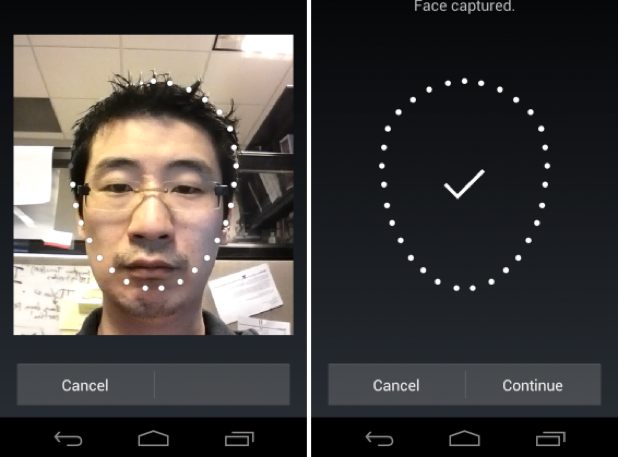
Android ICS: How to Setup Face Unlock