Although the Metro view in IE 10 looks slick, several common browser features are only available by using the Desktop view instead.
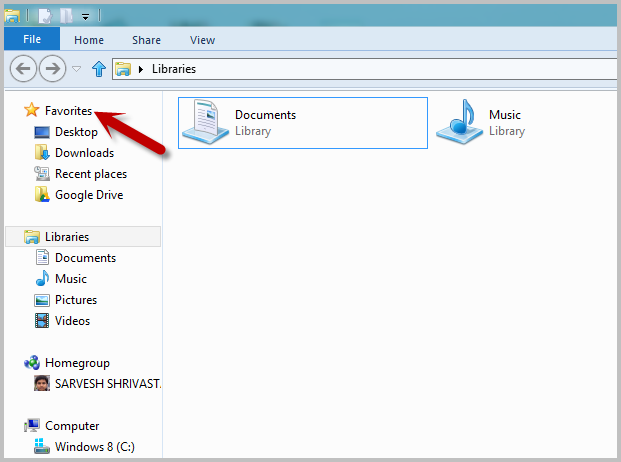
Microsoft’s Favorites folder allows the user to collect frequently used folder locations for easier access. By pinning the Favorites folder to the Windows 8 Start screen, you maximize its usefulness.
Office 2013 has a Touch mode incorporated into it. By adding a little more space around the buttons and icons, a user on a touch interface can select these options more easily.
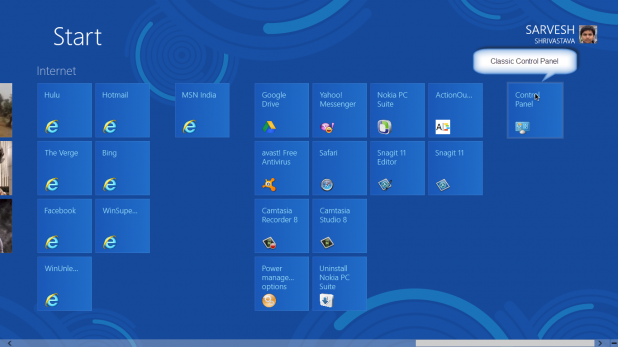
Windows 8 comes with the new Metro-styled Control Panel. However, the classic Control Panel that we all know and love is still there. Here are four methods for accessing it.
The Favorites folder found in Windows 7 and Windows 8 provides the user an easy way to organize and launch the folders that they use often.
Windows 8 has been designed in such a way that the user should never need to close a Metro application. However, at times restarting or closing a misbehaving Metro app will be necessary. Here are the three ways to do it.
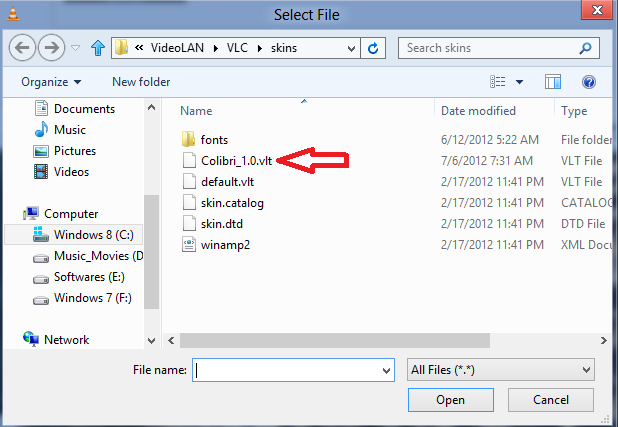
Customizing the amazing VLC media player can be accomplished through the use of skins. This tech-recipe describes to how to install and use them.
User Account Control (or UAC) adds an extra layer of security to your system by protecting Windows against unauthorized and malicious access. Many users dislike the prompting for permission and want to disable this security mechanism.
Hibernation saves your current session to hard drive and powers down the computer. If hibernation does not appear in your Windows 8 installation, you can enable it so it will appear as an option.
The Metro interface with its new Metro-styled Control Panel is part of the major redesign for Windows 8. However, the dependable old classic Control Panel that you know and love is still there for your use. Here is how to make our old friend appear on the new Metro Start screen. Continue
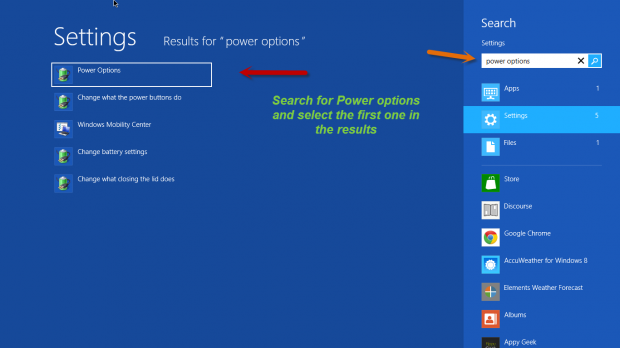
Windows 8 features a fast startup option. Instead of completely shutting down the PC, Windows completely saves the current state to disk so that the system can resume quickly. However, some hardware combinations will not work well under the fast startup configuration and adjusting it through these methods will help.
Unlike the previous versions of Windows which only allows changing the text size of all elements on the screen, Windows 8 let you adjust this setting for individual window elements.
1...321322323...525Page 322 of 525 error: Content is protected !!