Frequently, errors and crashes with Firefox can be attributed to corrupted profile files. Resetting your profile can eliminate these issues while saving the majority of your information.
The Gmail Labs service contain features that users can enable to customize their Gmail experience. Often this allows users to increase the functionality and usefulness of the service. This tech-recipes tutorial explores several of the most useful Labs options.
Mozilla’s Firefox browser has tremendous flexibility to customize internal settings to make it faster, better, and more productive. However, the plaque of malware has forced Mozilla to add a delay when attempting to install new extensions. Power-users frequently will want to disable this delay.
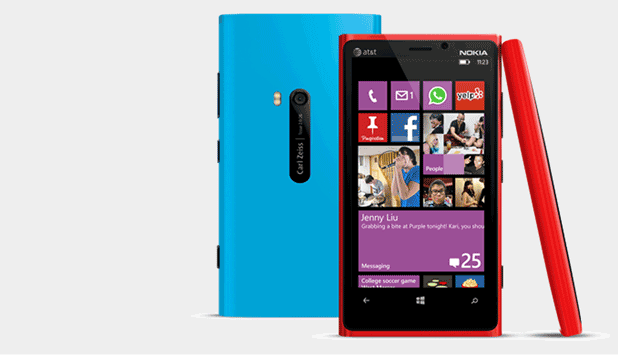
If you have just switched from a Windows Phone to another, you may want to find and download all the apps or games that you like. Finding them again in the Store is a hard task, and you may not even remember the names anymore. In this case, you can access the purchase history of your Windows account and install the apps in bulk from there.
Spotify is a very useful service that allows you to stream an unlimited amount of music to your computer. In order to reduce their network bandwidth, Spotify creates a cache folder on your hard drive to store temporary song files and fragments. This folder is set by default to use up to ten percent of your free hard disk space. This guide will show you how to easily lower that amount in order to free up additional space on your hard drive.
Dropbox has recently introduced a great feature that allows you to automatically synchronize photos and videos that you take on your cell phone or portable device with your Dropbox account. This steps will ensure that your files are both backed up and available for use on your computer immediately.
Since the iPod tends to have excessive space in most cases, why not use a tiny bit of that space to rip more music? Here is how this is done.
To prevent changes from being made to the taskbar in Windows XP Home, use the steps in the following tutorial. This will disable the option to unlock the taskbar.
You can modify the permissions of your users to keep them from putting folders and other files on the desktop. This tutorial will guide you through all the necessary steps.
You may want to restrict your users’ access to the File menu. Here is how it is done.
If you want to get rid of the clock in your taskbar, this tutorial explains all the necessary steps on each system or through the Group Policy Editor.
Using this tech recipe, you can prevent users from modifying the look of your folders or changing your folder settings. Keep reading to find out how this is done.
1...280281282...524Page 281 of 524 error: Content is protected !!