

If you are running out of room, you may want to clean all the media off your device. This will erase your music, videos, photos and other assorted media. Applications and personal information will not be removed.
1. Connect to your device via Windows Phone 7 Connector
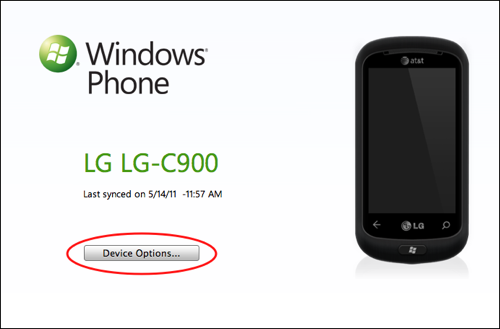
2. Press the Device Options button
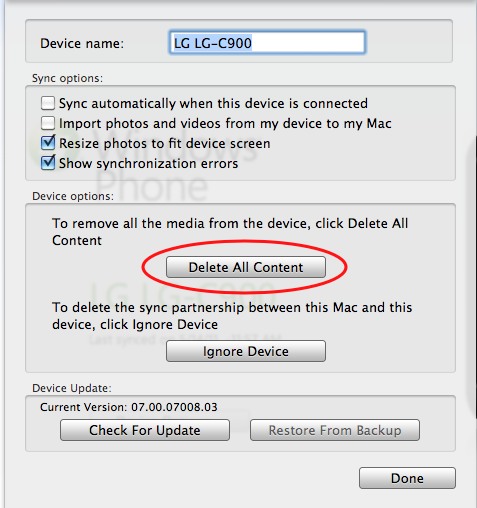
3. Press the Delete All Content button
4. Confirm the Delete Content option
This is not the same as completely wiping and resetting your device.




