I cannot believe that I have to manage another calendar source. Between parties and meetups, my Facebook events calendar is becoming more and more complicated. At least by using this technique, I can plug my Facebook events into my calendar program of choice.
A few days ago, I missed an event because it was not in iCal. I realized that I had to figure out how to drop my Facebook events into my schedule workflow. Luckily, it’s pretty easy.
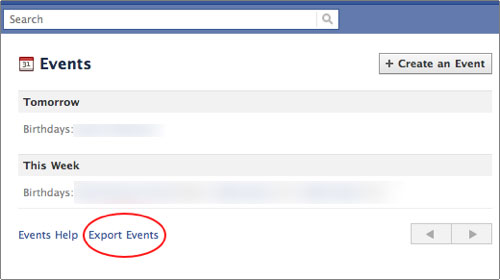
1. Go to Facebook Events
2. Click the Export Events link
3. Click the unique export link that appears
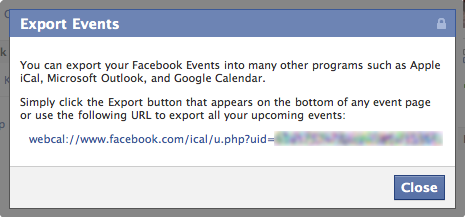
4. Clicking the link will open your default Calendar application such as iCal or Outlook.
Google Calendar requires a few extra steps…
5. To import into Google Calendar, copy the link and log into Google Calendar.
6. Under the other calendars section, click the Add link in the left column and select Add by URL
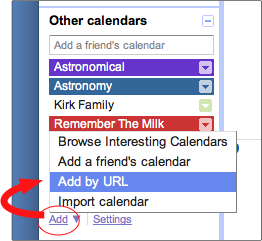
7. Paste the URL and click the Add Calendar button