

This recipe explains how to easily add custom news results to your nexus one’s homescreen News Widget and News reader application.
The news widget will parse news results from Google News.
You can easily add your own news results to the widget.
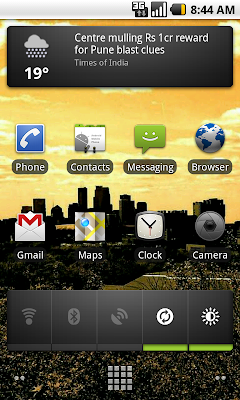
On your Nexus One:
Go into the News application from your homescreen or Application list.
Hit the Menu button and Settings
Go to News Settings.
Then hit Select News Topics and you will get a list of News and Custom Topics


Hit the Custom Topic button and then enter in your custom google news search. For example, i created one for ps3 and consoles. 🙂
These results will now post to your news widget and will also add a column in the news reader application.





