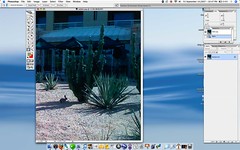
Photoshop is a beautiful tool. I love this little tip. You are one mouse click (or key shortcut) away from resizing your image to fit your working area. Here is how to do it.
Fit on Screen makes your current image fill as much of the screen as possible. This is frequently the optimal way to view a picture during editing. Bouncing to this view quickly is essential.
Keyboard Shortcut: CMD+0
Mouse Shortcut: Double click the Hand Tool
Before…
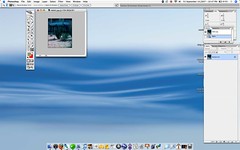
Double-clicking the hand tool…

Fit to Screen…