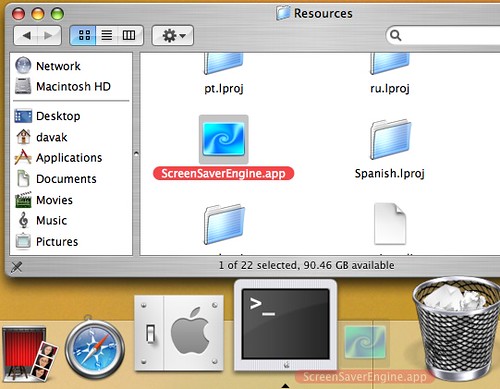
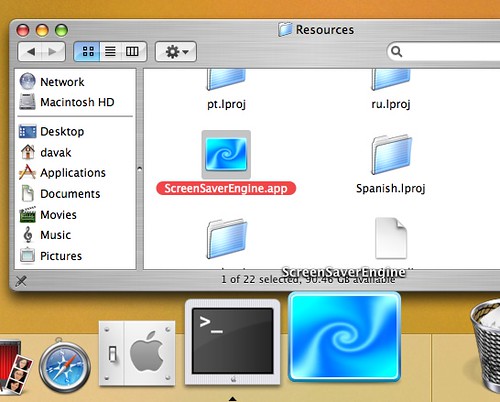
As I cannot get used to the active screen corners, this tip will show how to activate the screensaver from an icon either in your dock or your desktop.
OS X is well known for screensaver eye candy. Although many people use active screen corners to start their screensaver, I would just rather click an icon and go.
Here is how to start the screensaver from an icon:
1. Open a Finder Window
2. Navigate to the following area:
/System/Library/Frameworks/ScreenSaver.framework/Versions/A/Resources/
3. Drag ScreenSaverEngine.app to the dock or desktop
4. Click the created icon to start the screensaver
Here are a couple of flickr screenshots showing dragging the icon into the dock.