

By using your email client to update your Facebook status, you are less likely to be distracted by what others are doing so you can get back to your project or studies while keeping your friends informed.
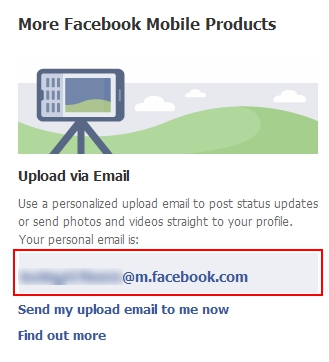
You will need to get the upload email address for your account from Facebook. To do this go to Facebook and login to your account. Then go to http://www.facebook.com/mobile/.
Go to the upload section and copy the address for your personalized upload email.
Open your email client (Outlook, Thunderbird, Gmail, etc.) and create a new contact for this email address.
To schedule a Facebook update:
1. Open a new email message.
2. Address the email to the contact you created for the personalized Facebook email address.
3. Place the staus update in the Subject line.
4. You can also attach a photo or video, if you do so then the Subject line should be used for the caption.




