

By default, Windows 8 displays the User Tile for the account being used in the far right portion of the taskbar. If you are a user that heavily uses the Taskbar, then you can recapture that screen real estate by disabling the User Tile.
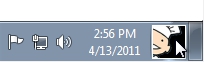
1. Right-click the User Tile that is on the taskbar.
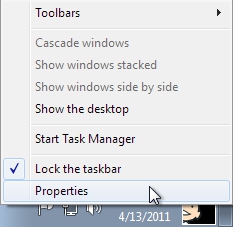
2. Select Properties.
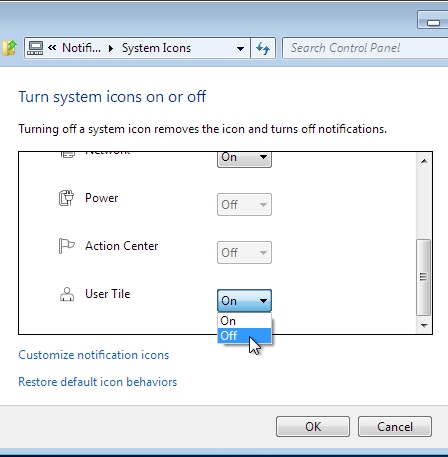
3. Scroll down the list of available system icons until you find User Tile.
4. Click the corresponding On button and select Off from the dropdown.
5. Click the OK button.




