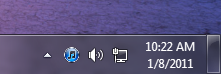
By default, when you minimize iTunes window in Windows, it will stay in your taskbar. To save taskbar space for other applications, follow this guide to minimize iTunes to the system tray instead.
1. Launch iTunes.
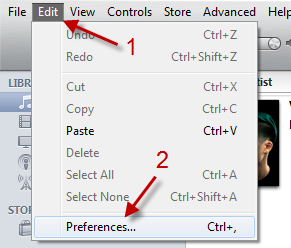
2. Go to Edit->Preferences…
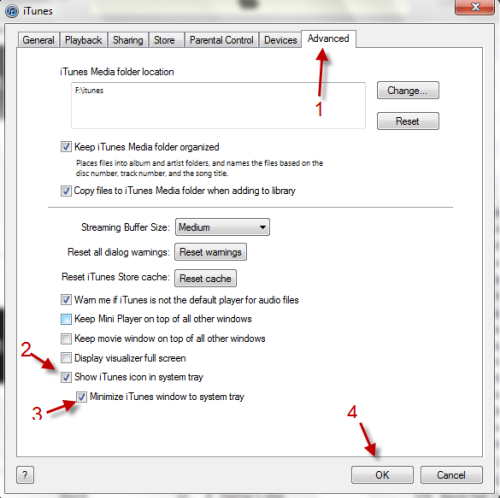
3. In Preferences window, switch to Advanced tab, place a check next to Show iTunes icon in system tray and then check Minize iTunes window to system tray.
4. When you click the Minimize button, iTunes will automatically minimize to system tray.