Microsoft Outlook tutorials

Outlook 2010: Disable Auto-Complete Feature

contributed by Lê Hoàng on May 8, 2011 under Microsoft Outlook

In Outlook, the Auto-Complete feature will display suggestions for names and emails as you begin to type in either the To, Cc or Bcc line. If you find this feature annoying, you can follow this tutorial to completely disable it.


Office 365: Configure Outlook Web App to Automatically Spell Check All Email Before Sending

contributed by Rob Rogers on May 5, 2011 under Microsoft Office, Microsoft Outlook

Office 365’s mail client, the Outlook Web App, can be set to check all your email messages for spelling errors prior to sending them. This can prevent some embarassing moments when you rushed to get an email message out.


Outlook for Mac 2011: How to Change the Subject Line of Received Emails

contributed by Rob Rogers on May 4, 2011 under Apple Mac, Microsoft Outlook

Have you ever received an email containing information that is valuable to you but the subject line in no way reflects the contents of the message? It makes going back and looking for that email a major pain. By changing the subject line of the received email, you can have it better reflect the information contained within.


Outlook for Mac 2011: Configure How Messages Are Marked as Read When Viewed in Reading Pane

contributed by Rob Rogers on April 27, 2011 under Apple Mac, Microsoft Outlook

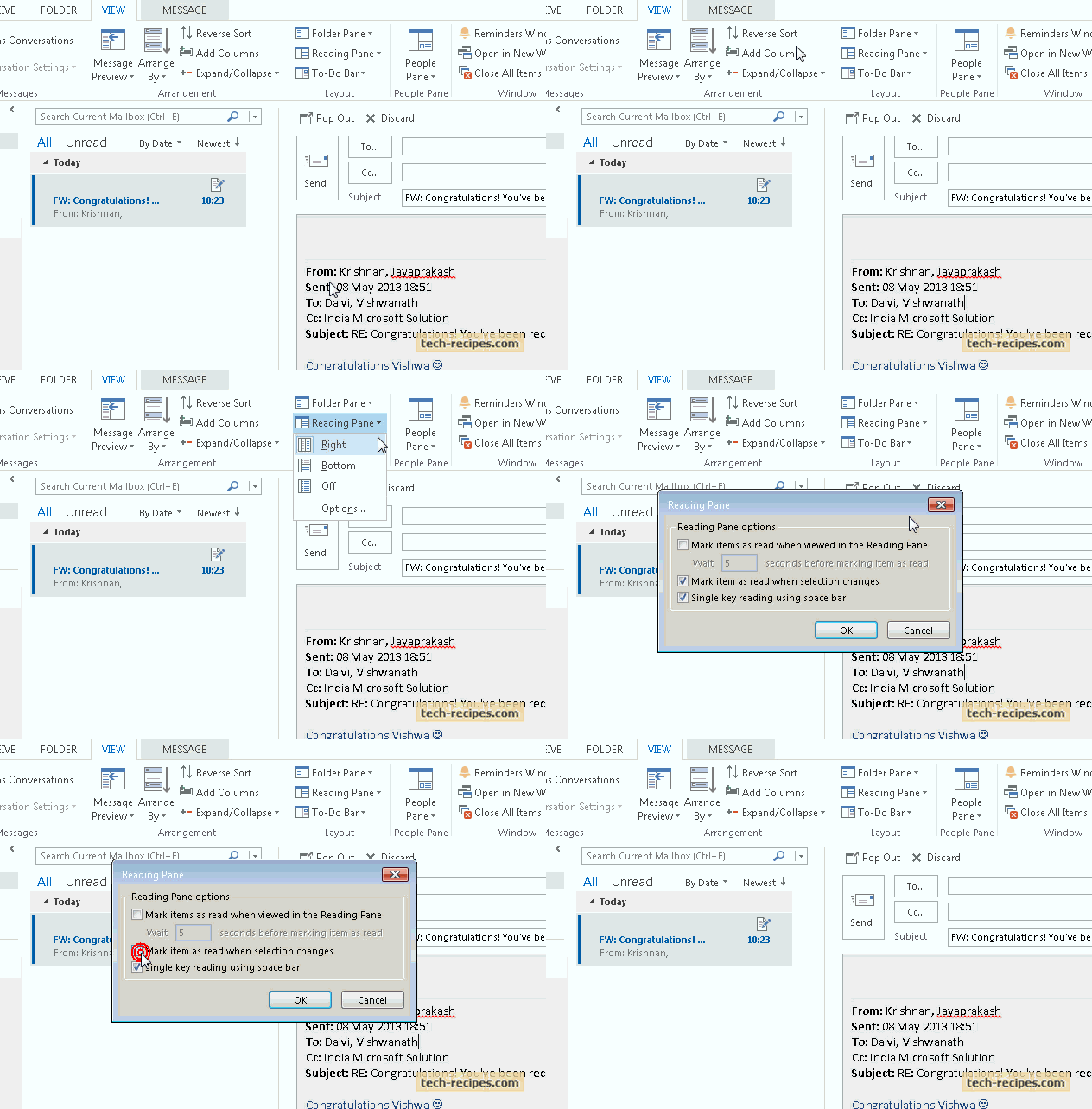
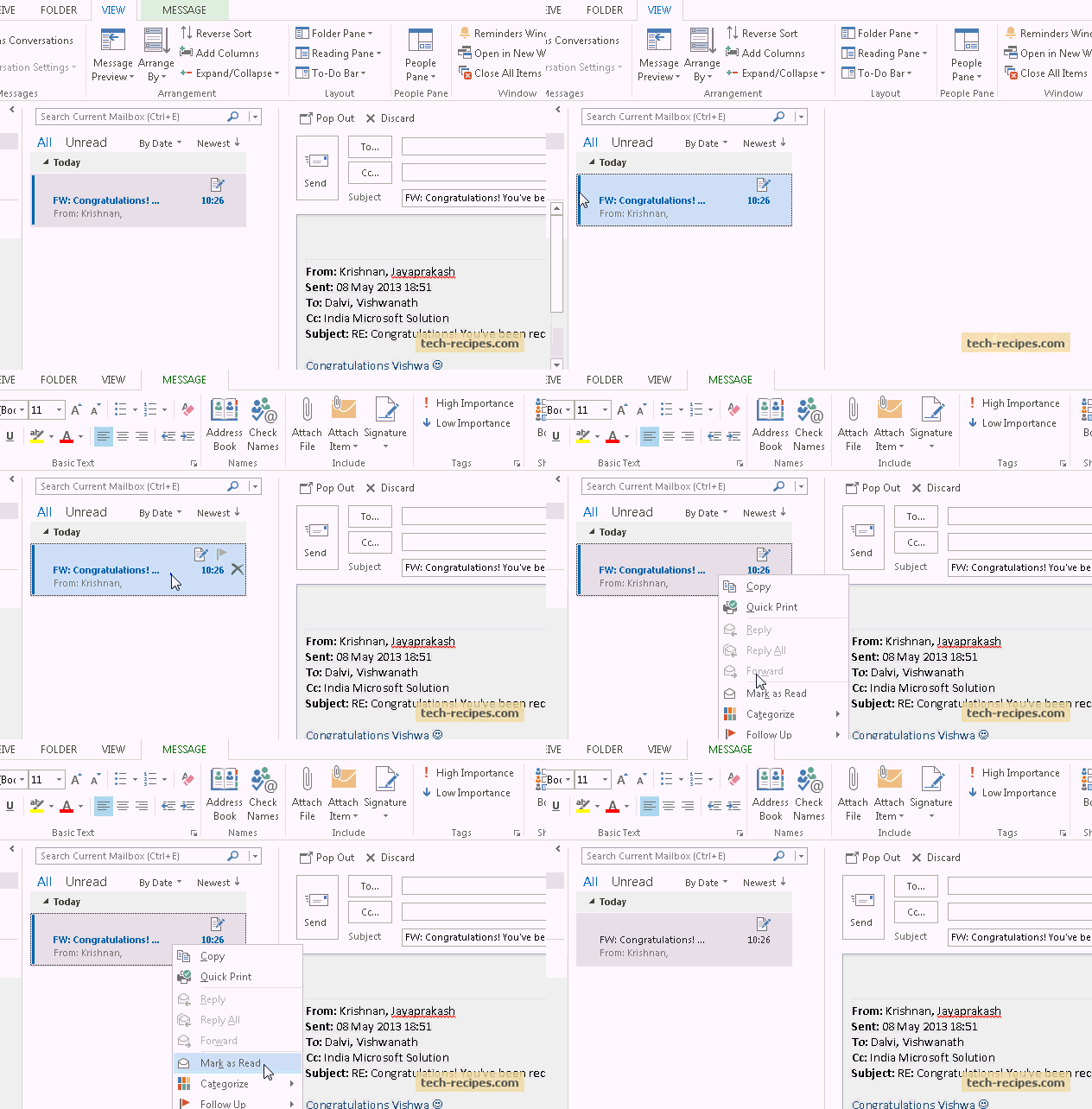
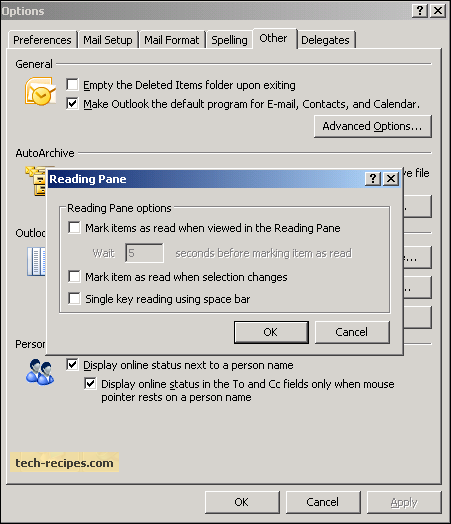
By default, Outlook 201 marks items as read when viewed in the Reading Pane whenever the selection changes. You can turn this functionality off, or have Outlook wait a certain amount of time before marking the item as read.


Outlook for Mac 2011: How to Resend a Message

contributed by Rob Rogers on April 25, 2011 under Apple Mac, Microsoft Outlook

Initially, the Mac version of Outlook didn’t have the ability to resend a message that a recipient didn’t receive or accidentally deleted. Thankfully, SP1 for Office 2011 includes this functionality.


Use Outlook to Schedule Facebook Status Updates

contributed by Rob Rogers on March 19, 2011 under Microsoft Outlook

If you want to keep connected with your friends but don’t want to stay stuck at the computer all day, you can use Outlook to schedule your Facebook status updates. This way your Facebook activity stays up while you are out having fun.


Backup Gmail Offline to Mac Mail or Windows Outlook

contributed by Jimmy Selix on March 1, 2011 under Apple Mac, Google, Microsoft Outlook

This guide is an alternative, offline method of backing up your Gmail emails.  I will explain how to setup your Gmail account to use POP and in turn use Microsoft Outlook Mail or Apple Mail to download your entire gmail account to save offline.  You can archive the messages in Apple Mail or save as a PST file in Outlook. Keep reading for the details.


Outlook for Mac 2011: How to Import a PST (Outlook Data File)

contributed by Rob Rogers on January 7, 2011 under Apple Mac, Microsoft Outlook

If you are switching from Outlook to Windows to Outlook for Mac, you will want to import an Outlook Data File (PST) containing contacts, email, appointments, etc.